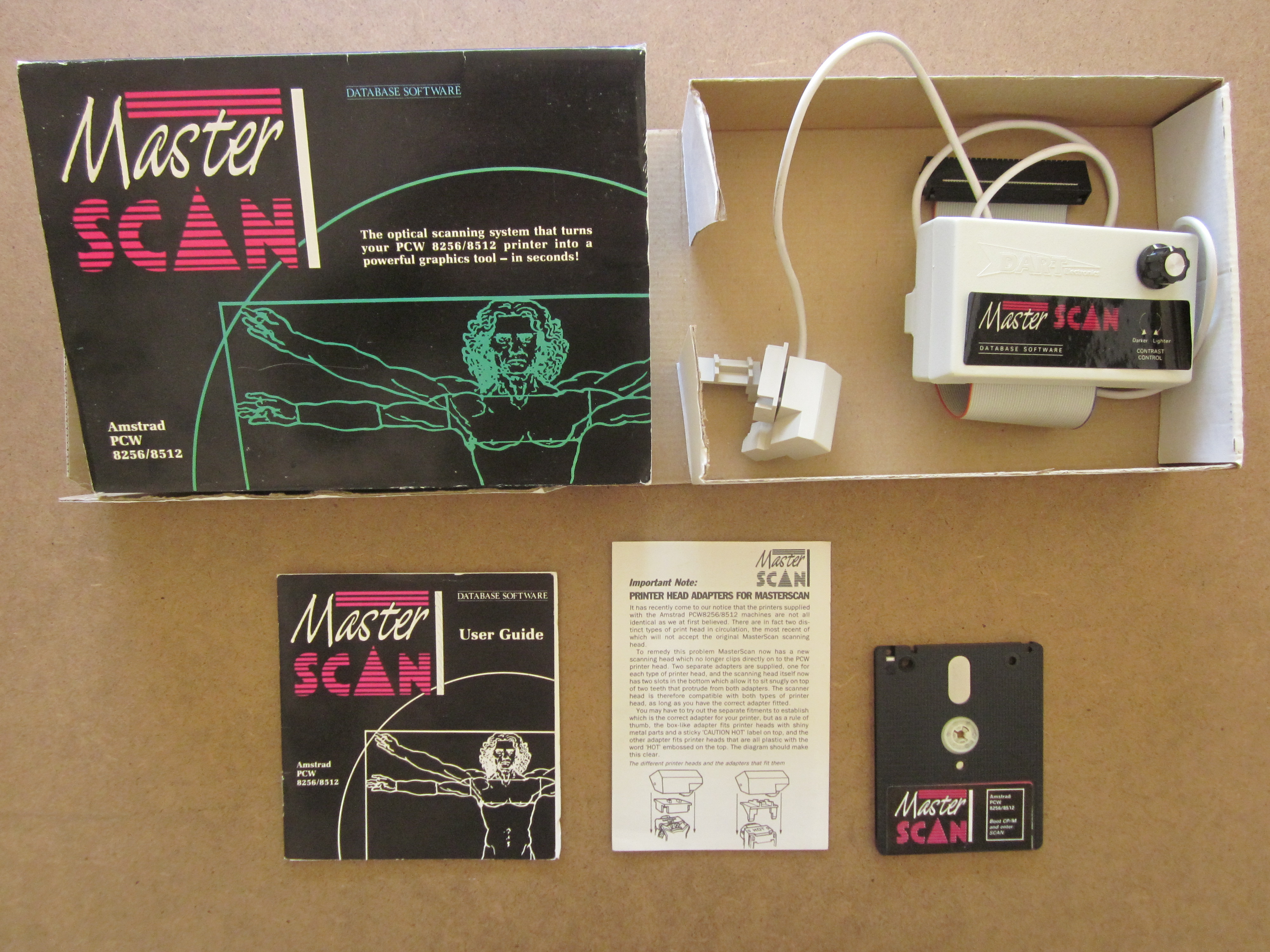
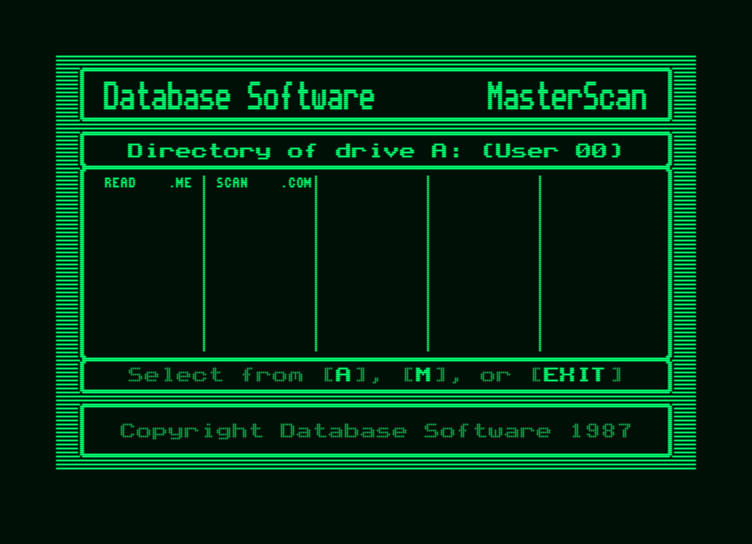
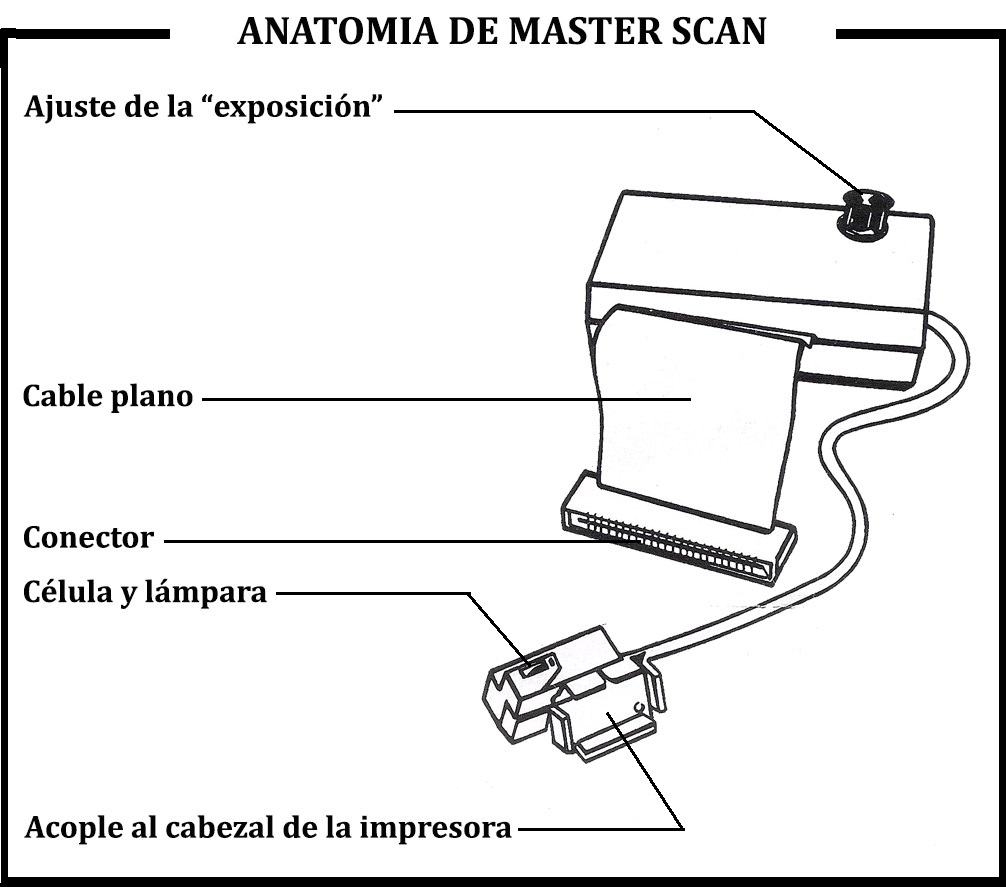
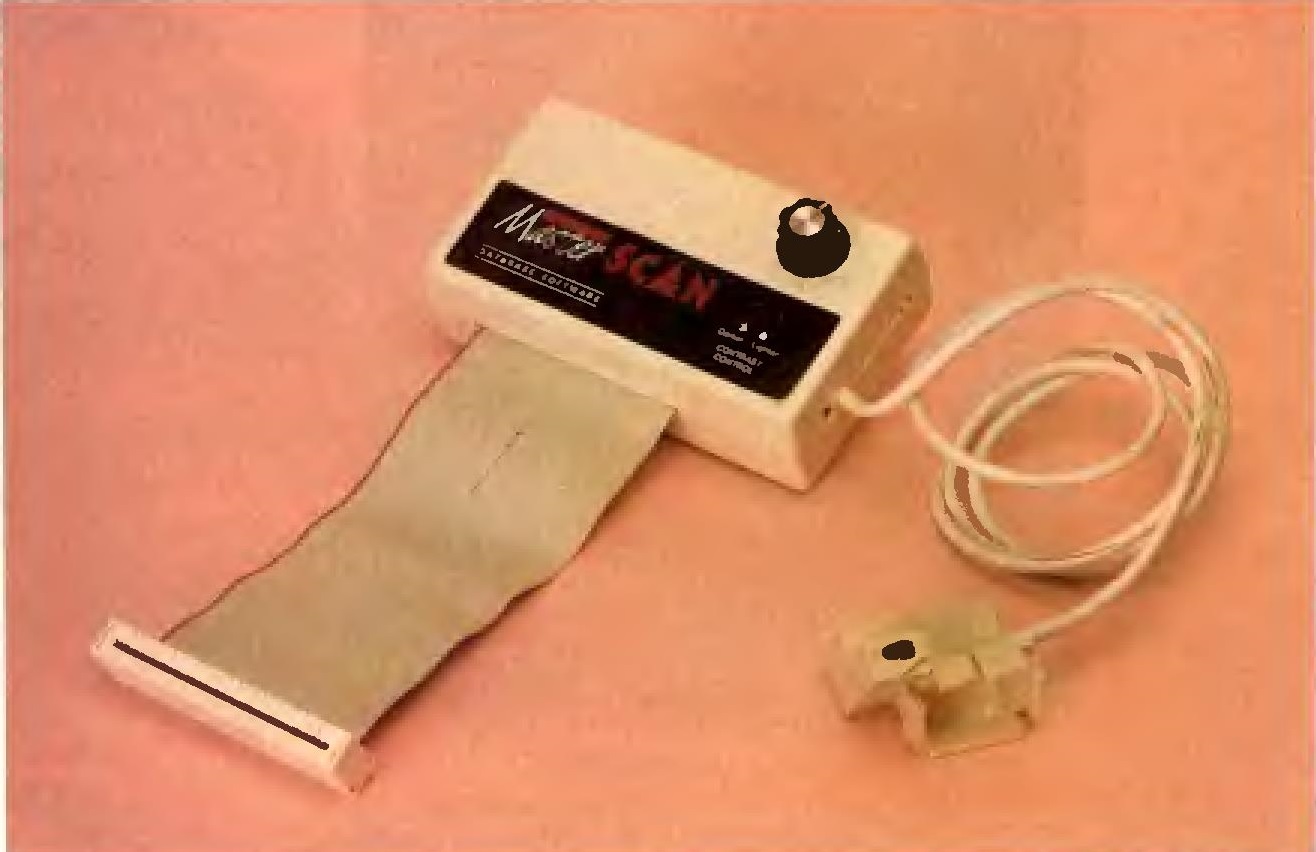
The Master-Scan is the ideal complement for digitizing images. It consists of an optical sensor and an interface that connects to the expansion port of the PCW, located at the back of the computer. The interface must be connected while the computer is turned off.
The digitized images are compatible with the desktop publishing programs Desktop Publisher, Fleet Street Editor Plus, and Newsdesk International.
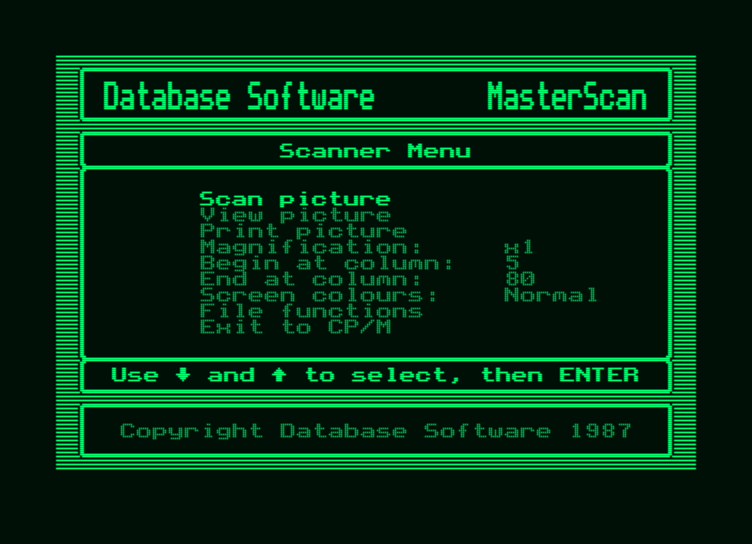
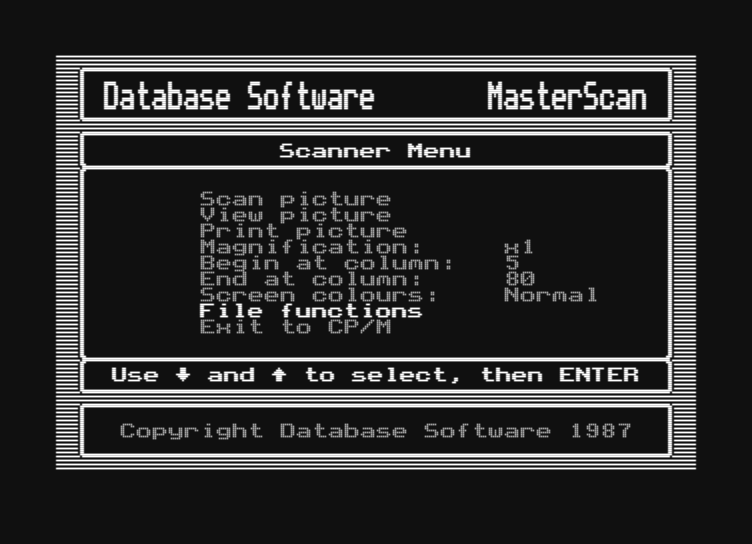
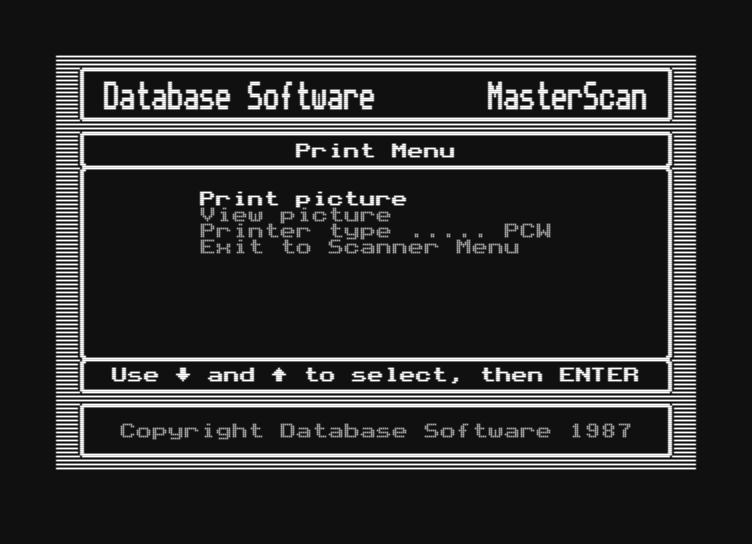
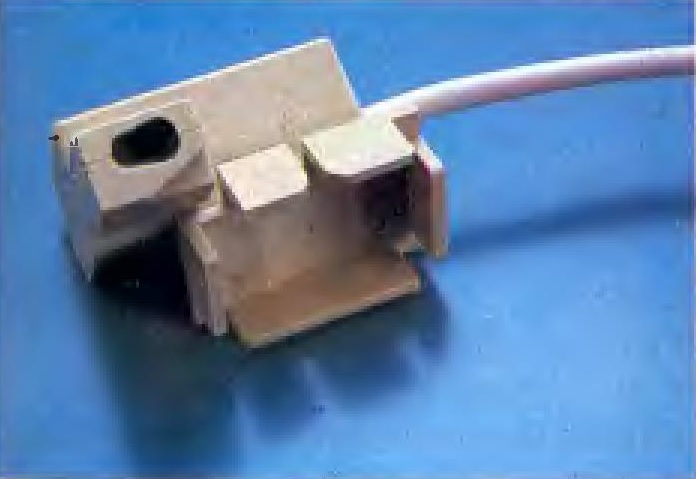
To use this digitizer, you must prepare the PCW printer by removing both covers and the ribbon cartridge. The drawing you want to digitize is placed on the printer roller, and the paper loading lever is pressed, which automatically loads the drawing into the printer. Next, place the sensor on the printer head, and the scanner is ready to operate. Insert the CP/M+ operating system disk, and while it is loading, insert the disk containing the scanner program, then type "SCAN" and press the "Intro" or "Return" key. After a short while, a menu will appear with the following options.
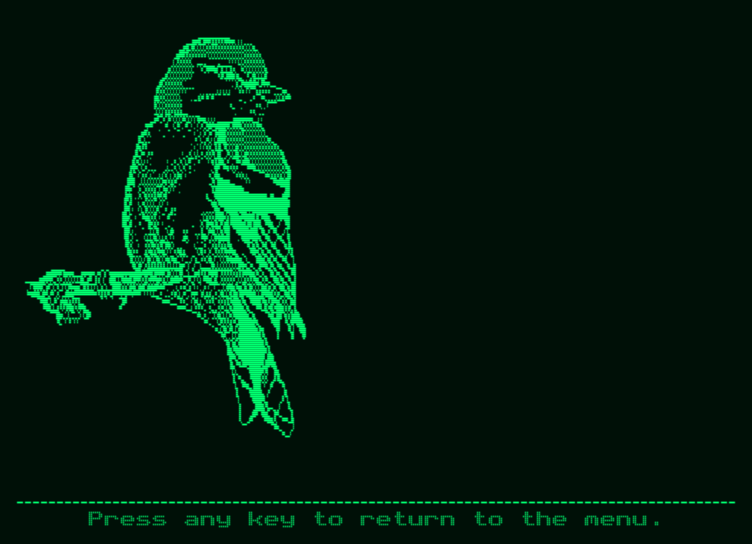
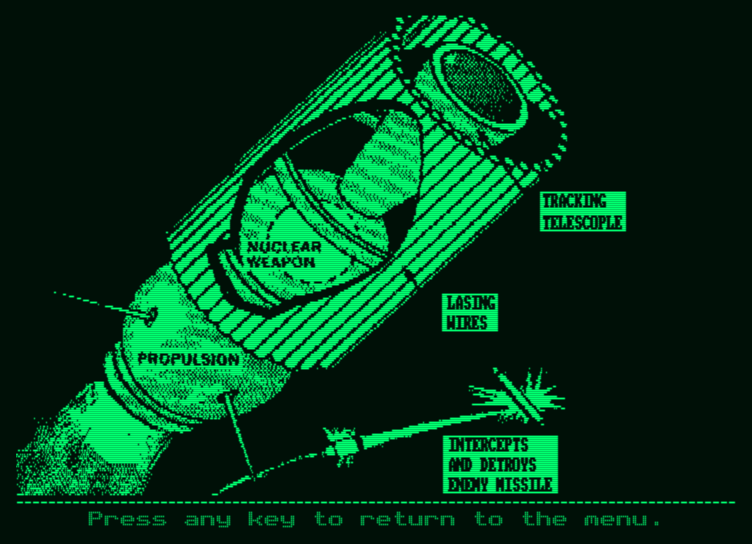
- SCAN PICTURE, with this function, the scanner will begin reading the drawing.
- VIEW PICTURE (View picture). Choosing this option allows you to see the drawing currently in the computer's memory.
- MAGNIFICATION. This activates the ZOOM feature, allowing you to choose from several different image magnification levels.
- BEGIN AT COLUMN AND END AT COLUMN. These two options are used to choose the start and end columns for the scanner to read.
- SCREEN COLOURS. This function allows you to choose whether you want the screen to operate in normal or inverse mode.
- FILE FUNCTIONS. This option selects the disk utilities.
- EXIT TO CP/M. This option is used to exit the program and return to the operating system.
When the scanner is working, we can stop it by pressing the "STOP" key. This gives us the option to keep or scrap the drawing; to keep it, press the "K" (KEEP) key, and to delete it, press the "S" (SCRAP) key.
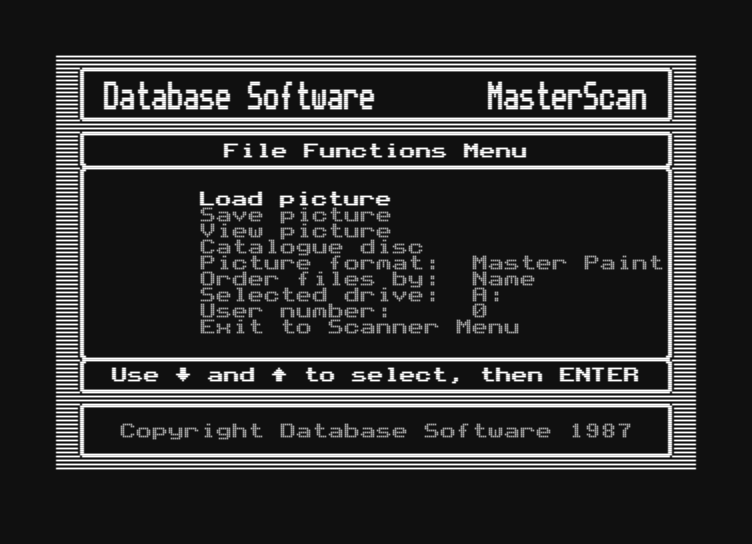
If we choose the disk functions section, another menu will appear on the screen with the following options:
- LOAD PICTURE (Read drawing).
- SAVE PICTURE (Save drawing).
- VIEW PICTURE (View drawing).
- CATALOGUE DISC (Directory of disk A, B, or M).
- PICTURE FORMAT (Drawing format). Used to choose the drawing format type for use with the aforementioned desktop publishing programs.
- ORDER FILES BY: This is where the program name is placed.
- SELECT DRIVE. With this option, you select which disk drive you want to work with (A, B, or M).
- USER NUMBER. User number. You can choose a number between 0 and 15, which are the ones accepted by CP/M.
- EXIT TO SCANNER MENU. This option returns to the main menu.
As mentioned previously, the files (drawings) read by the scanner can be used with several types of desktop publishing programs. The file name extensions are as follows:
- With Desktop Publisher, it is .GRF.
- With Fleet Street Editor Plus, it is .G.
- With Newsdesk International, there is no extension.
- If you want to use it with the drawing program Master Paint, the extension .PCP is used.
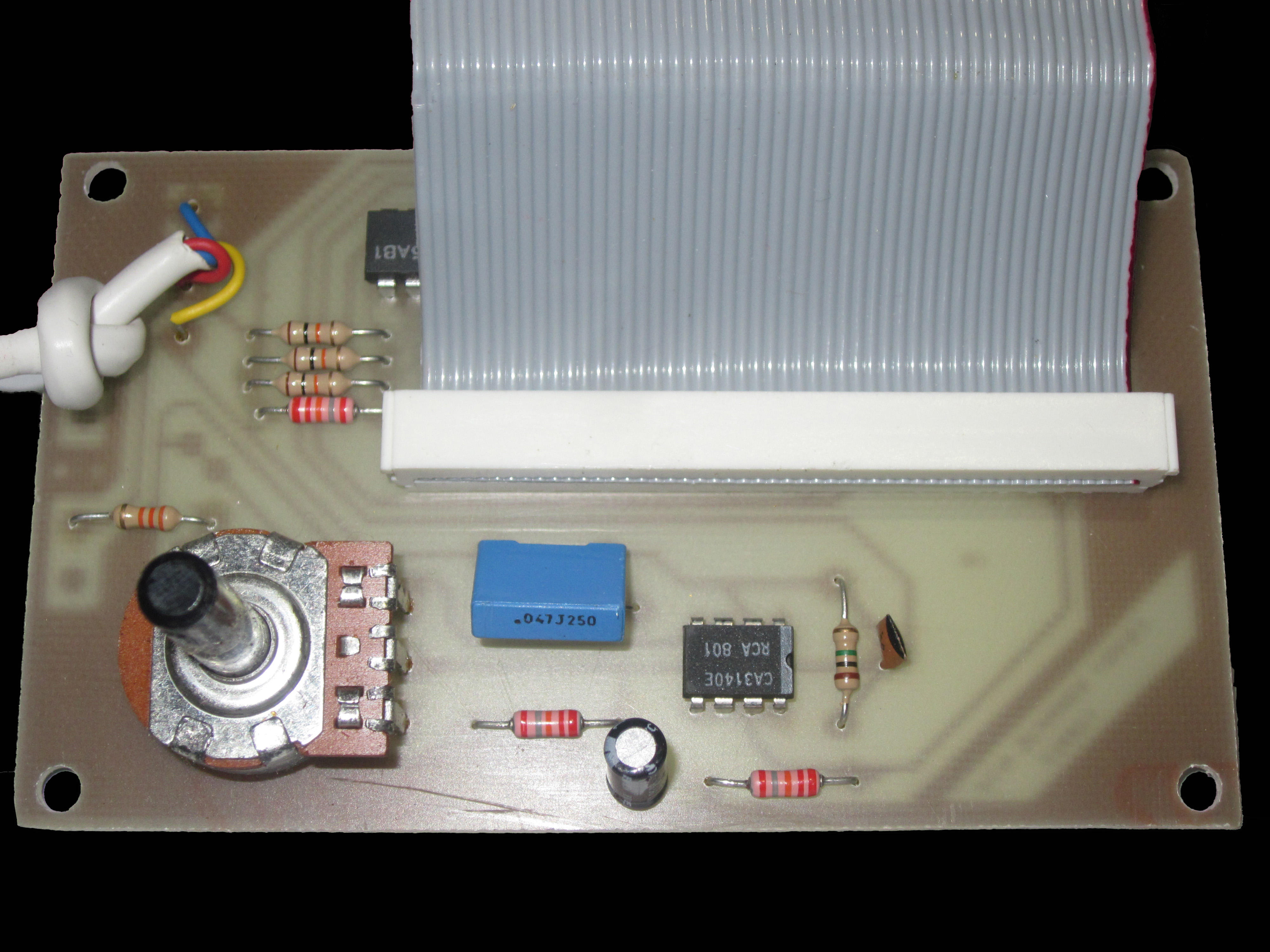
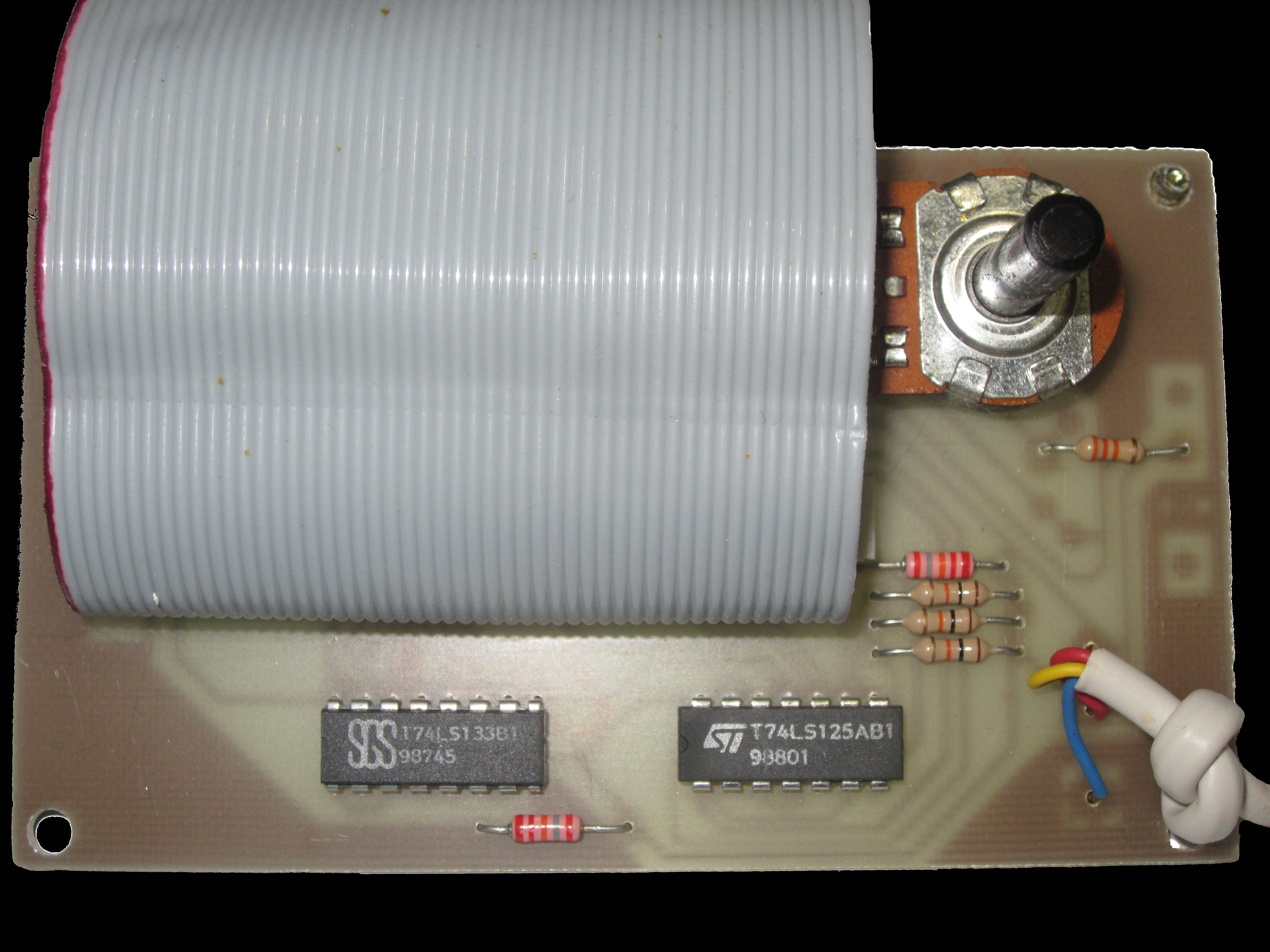
NOTE: The knob located on the interface is the sensitivity regulator for the optical sensor. This knob is adjusted while the scanner is running.
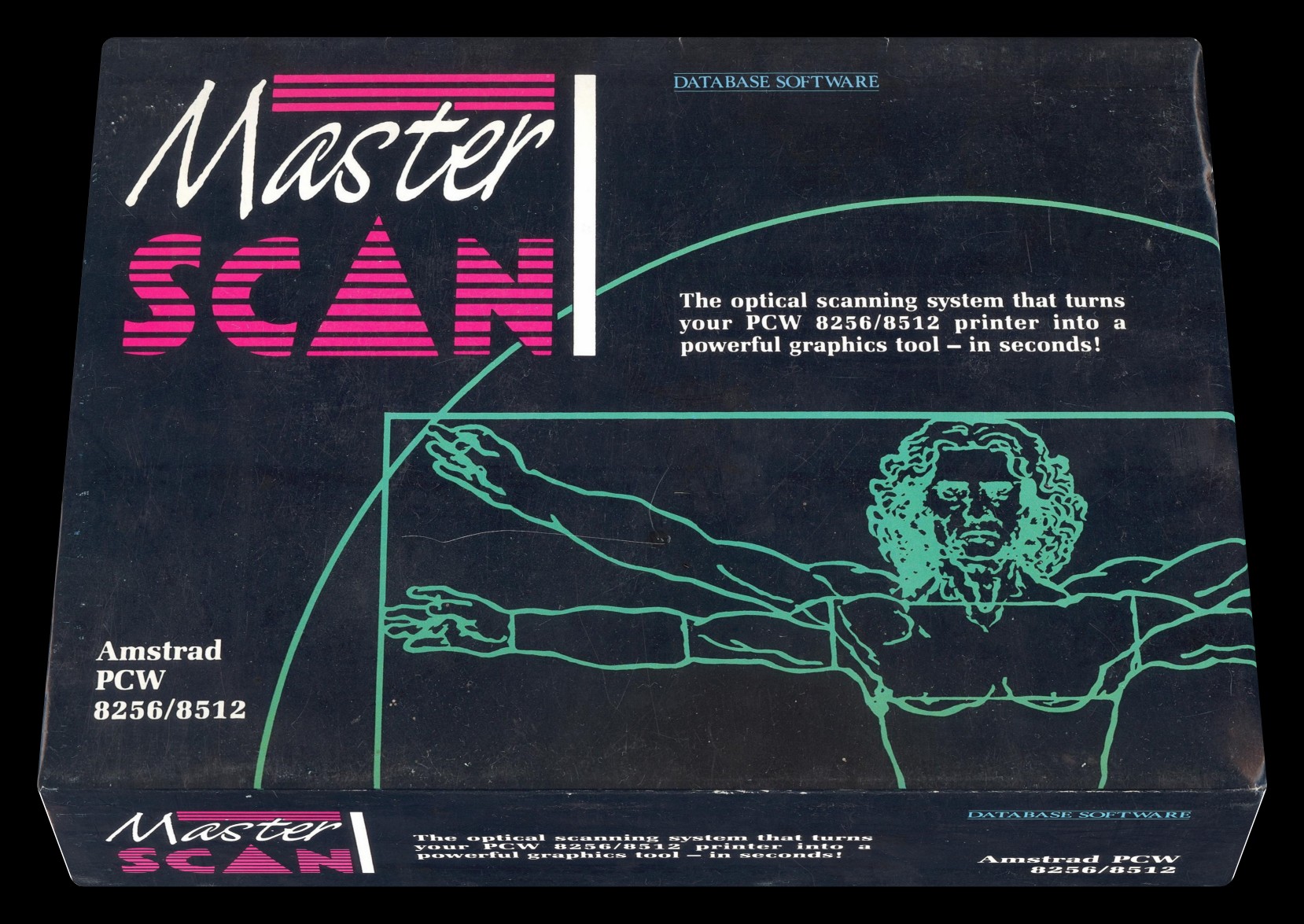
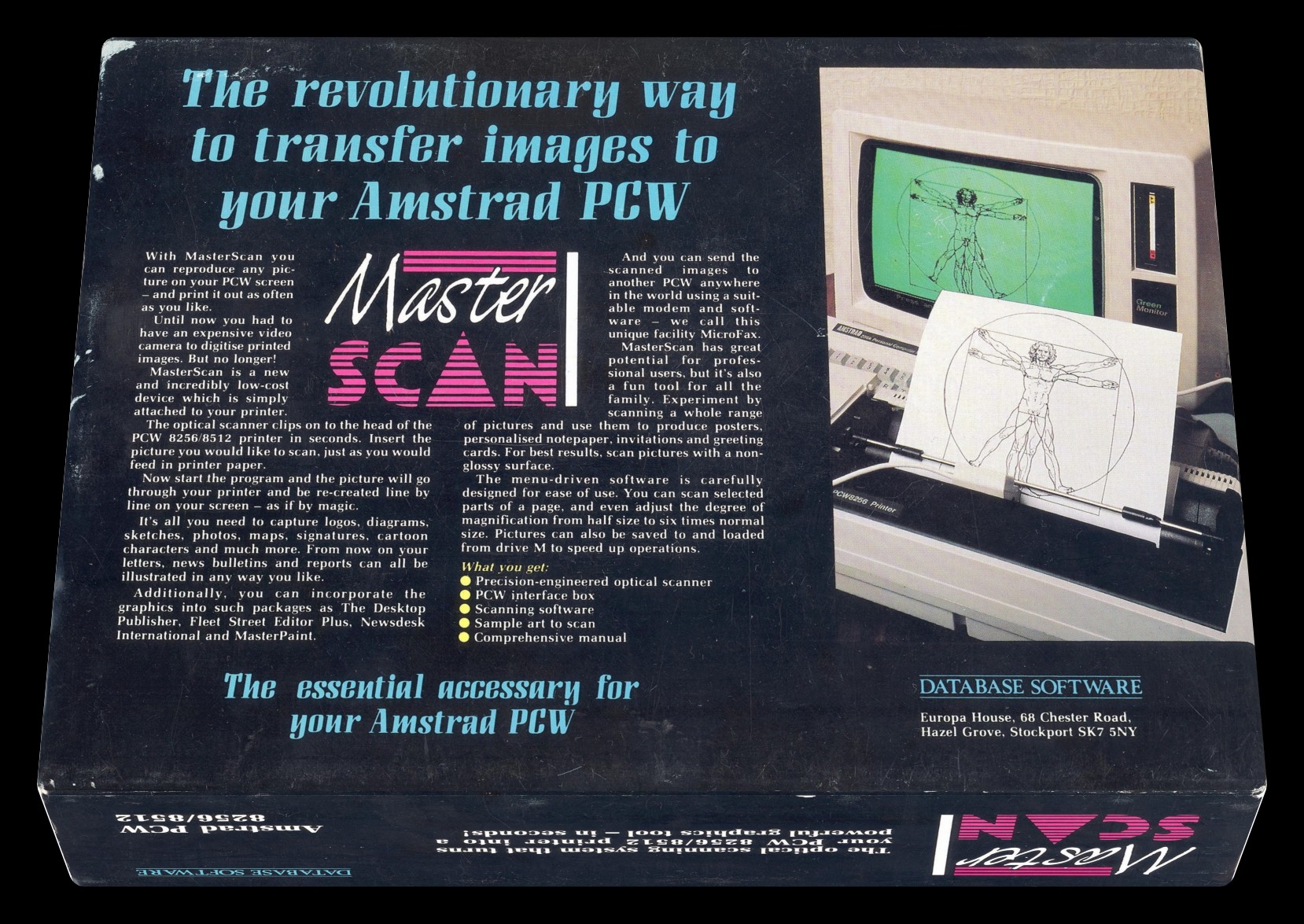
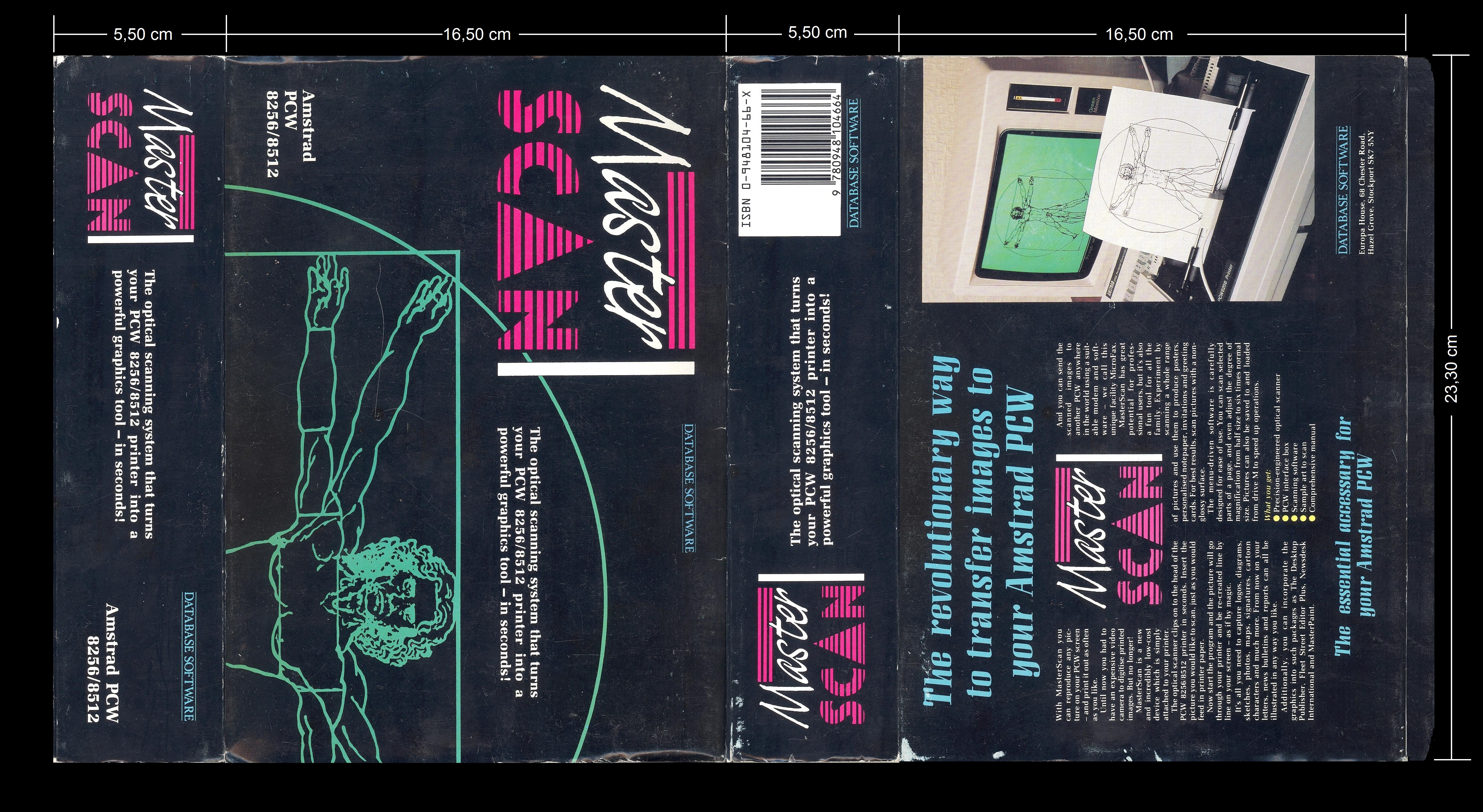
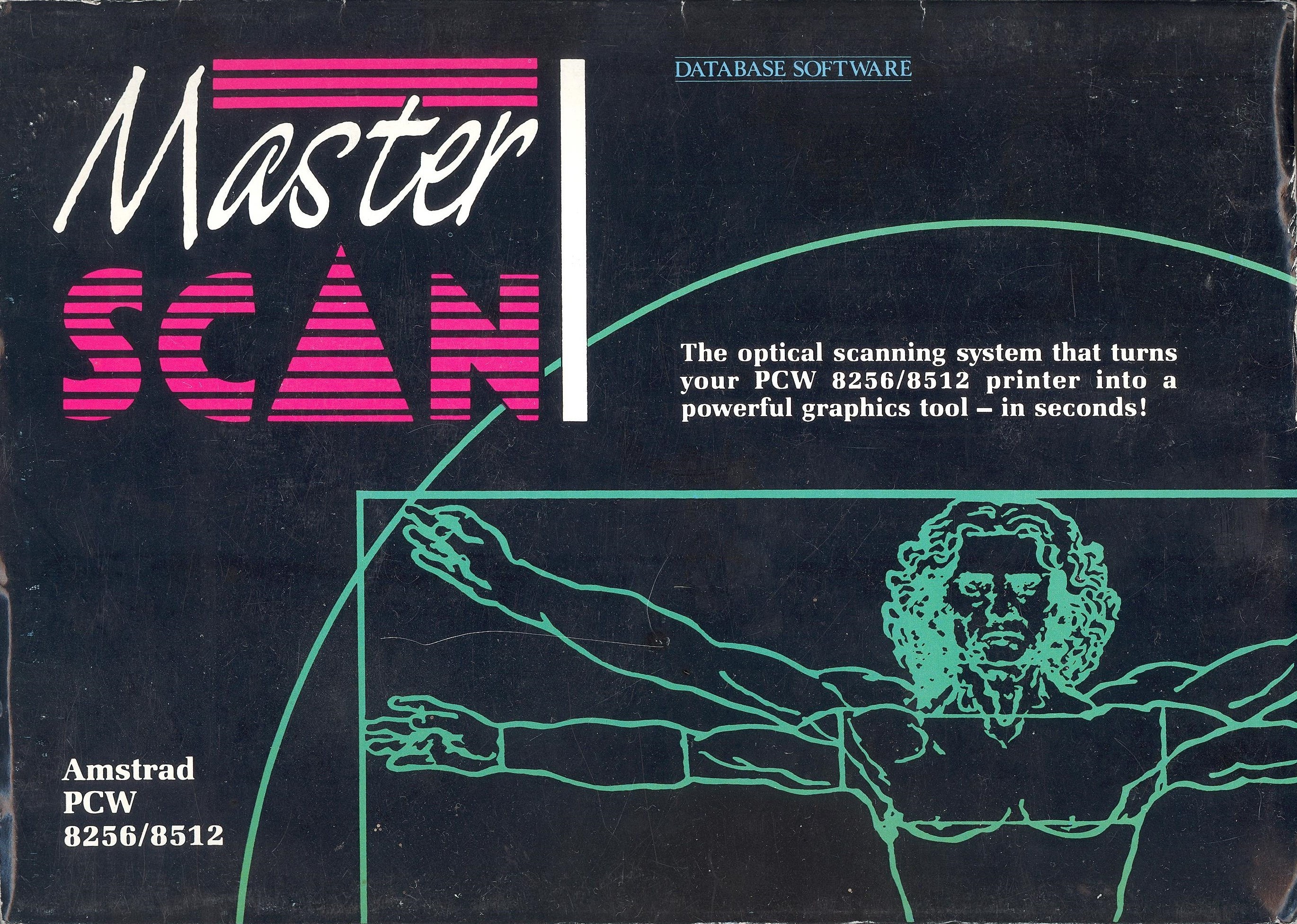
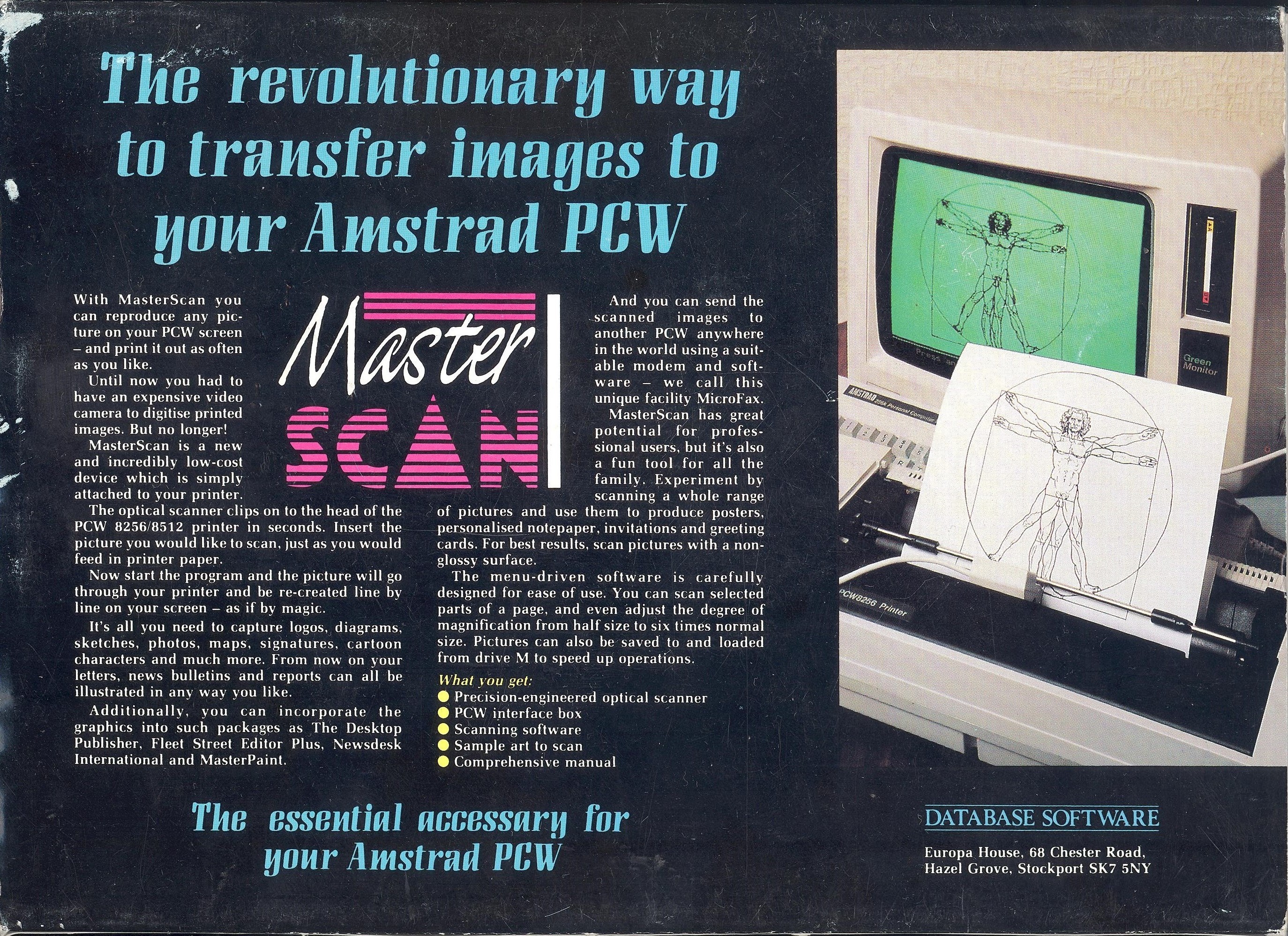
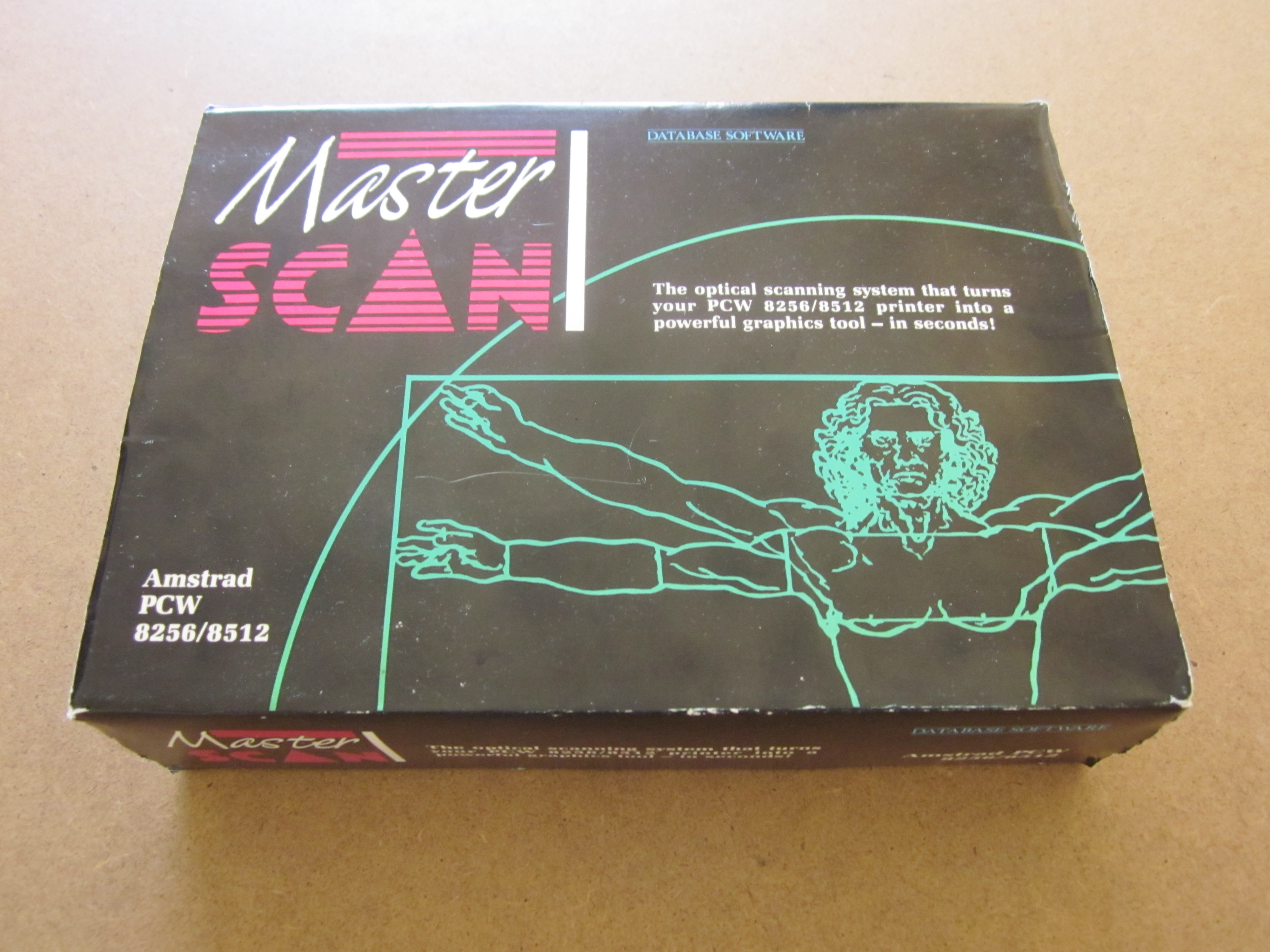
In the following images, you can check the original packaging.
Here you have the front and back image of the box.
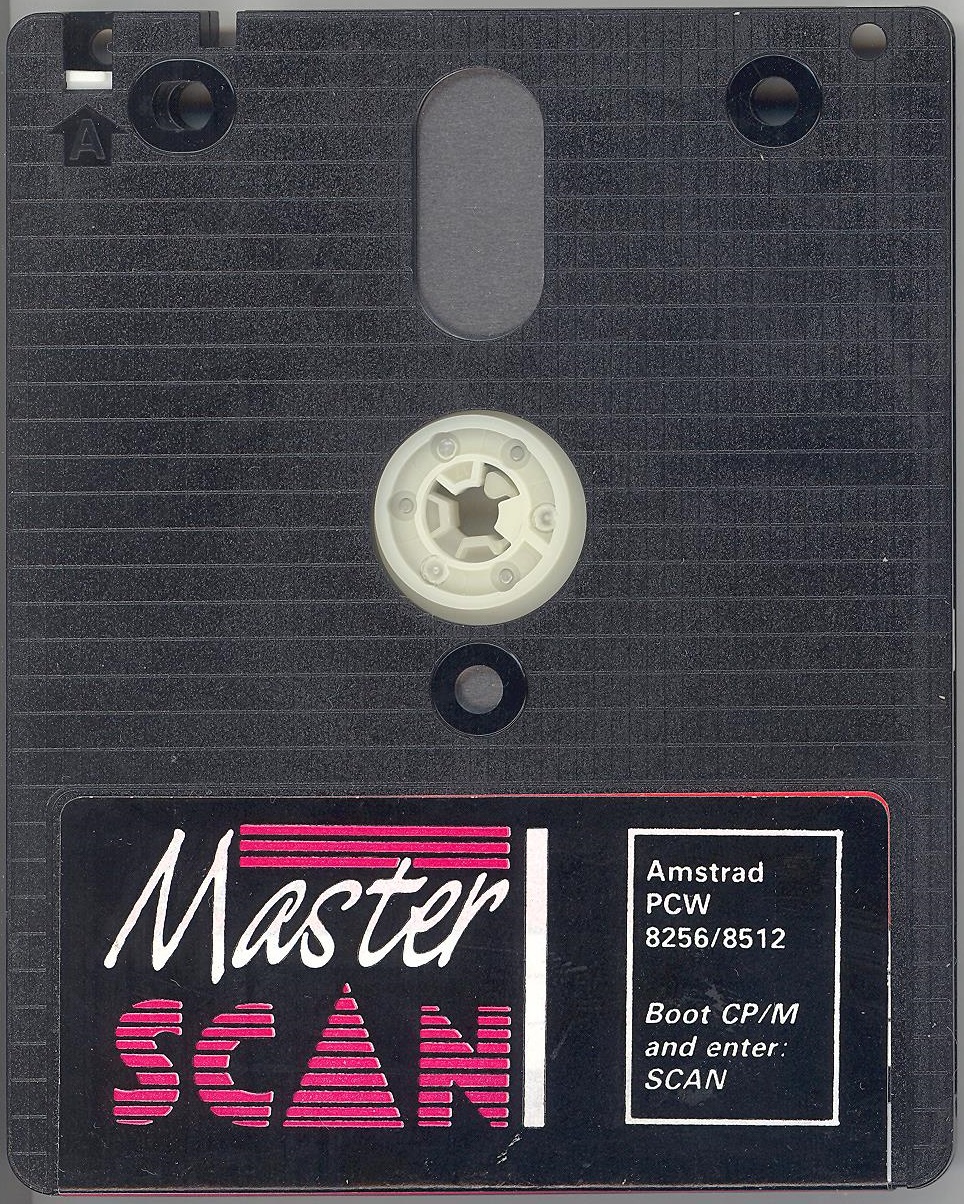
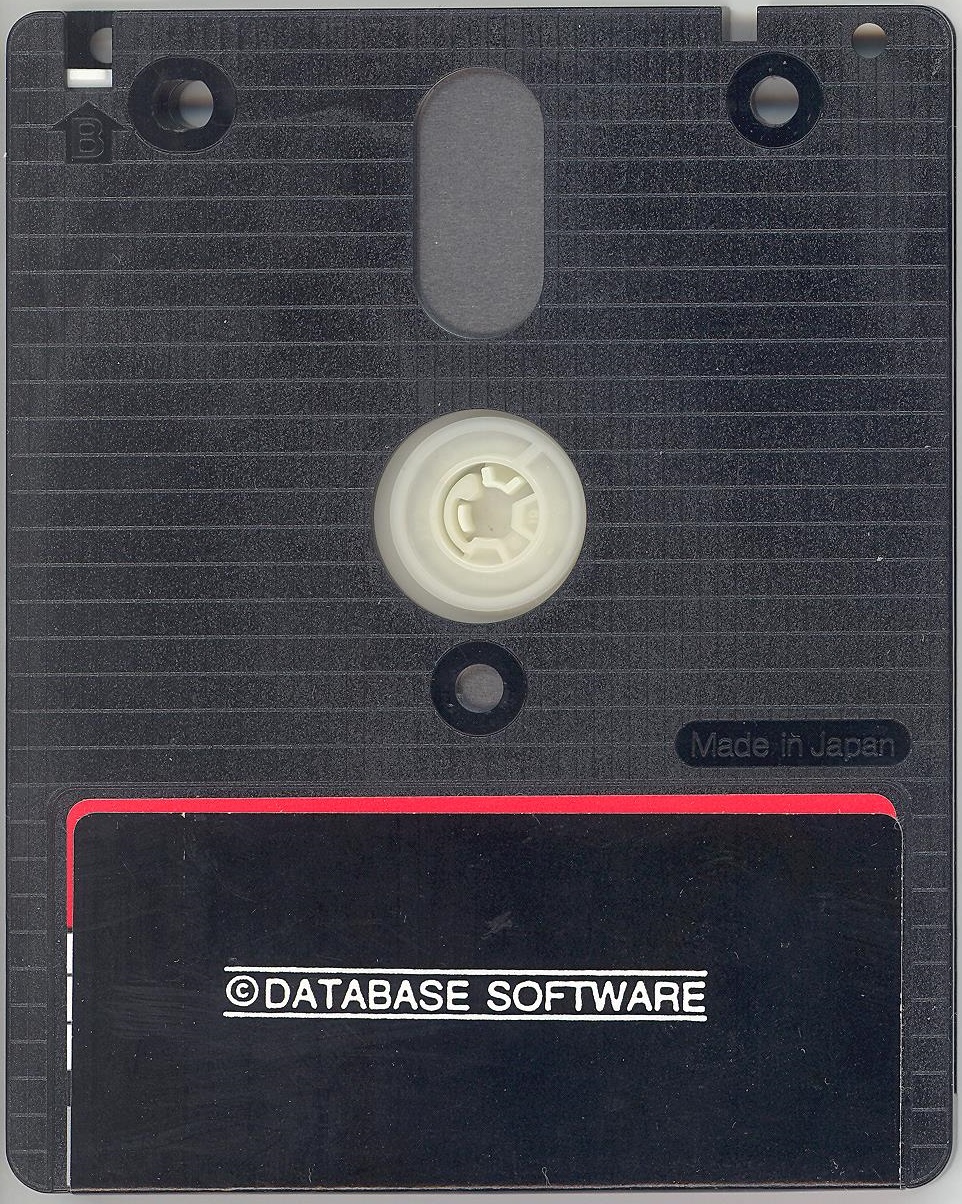
Original disk supplied with Master Scan.
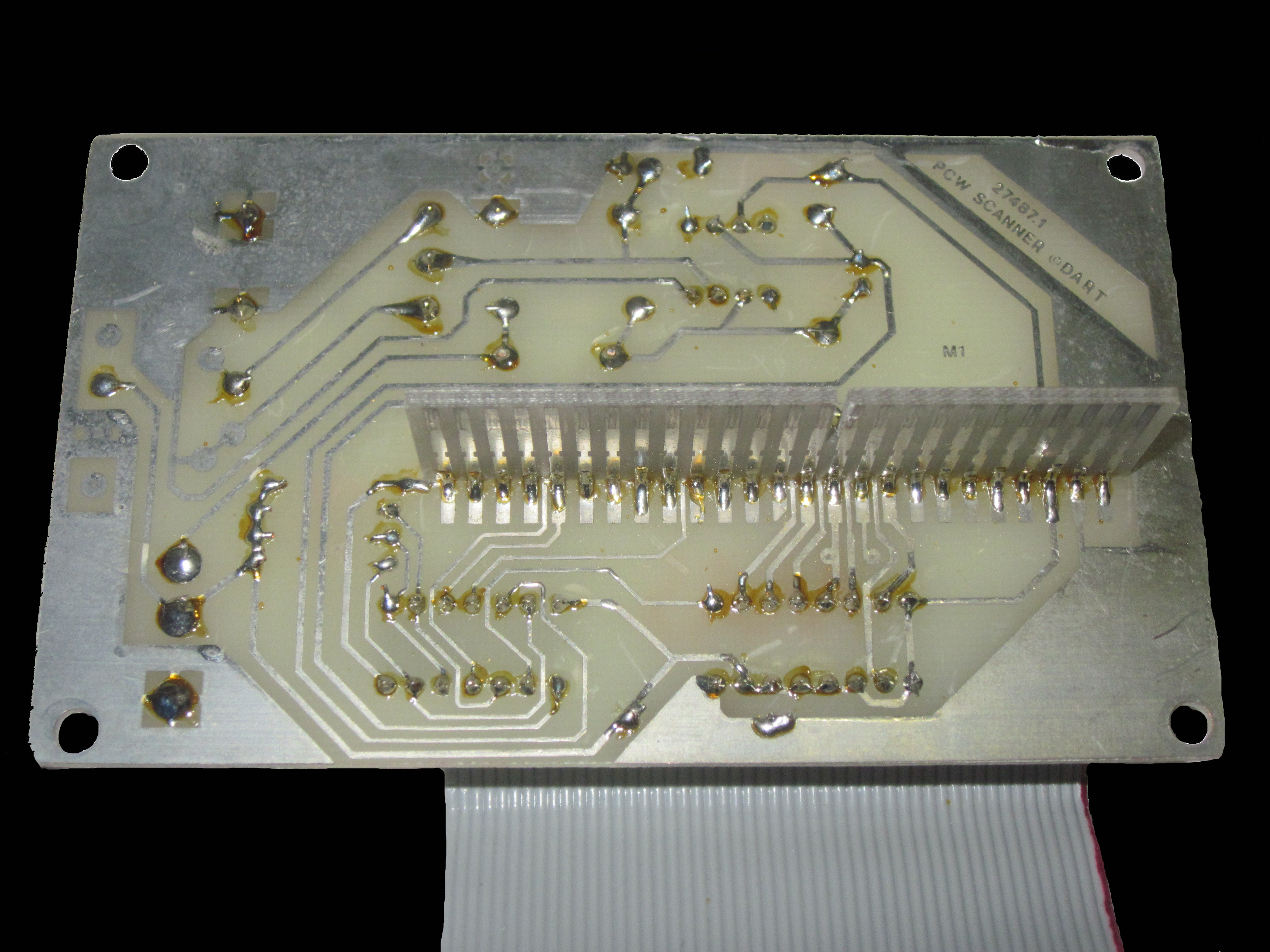
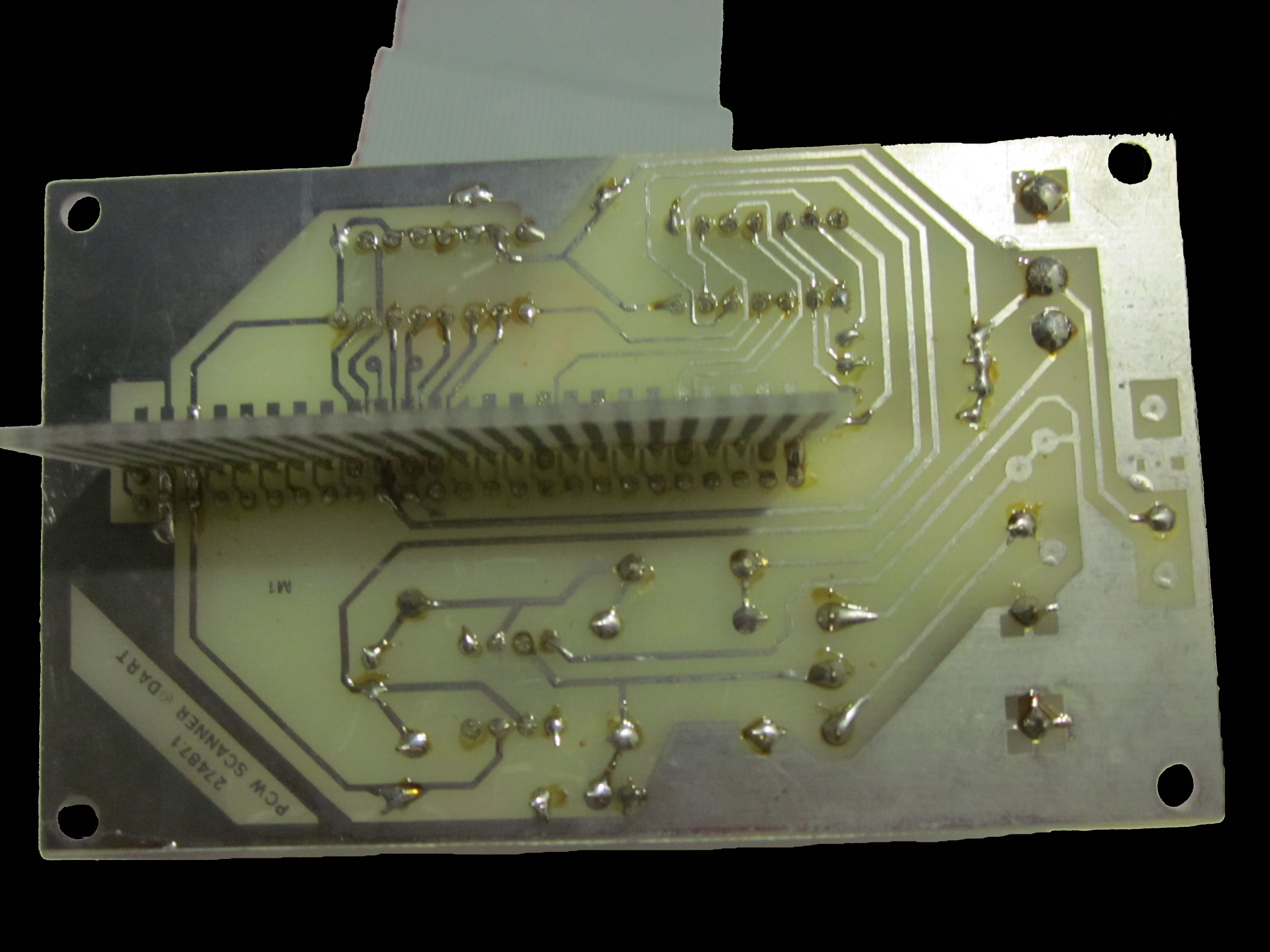
Images of the internal board from both sides, showing the components that make up this device.
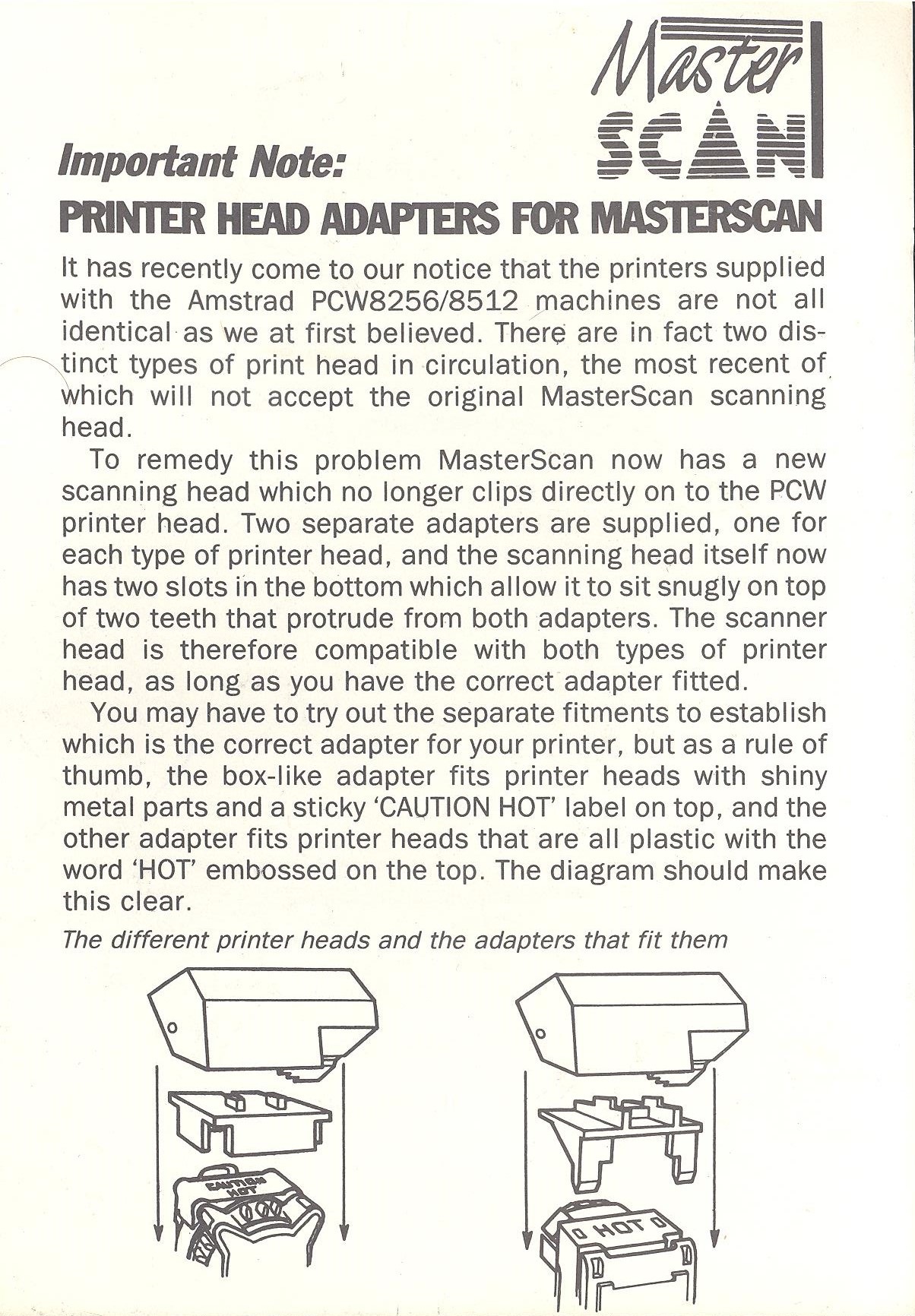
Below are the instructions for the scanner adapters to different types of printers. They are printed on a single-sided thin cardboard sheet in black and white, and its measurements are; Height: 14.70 cm Width: 10.30 cm.
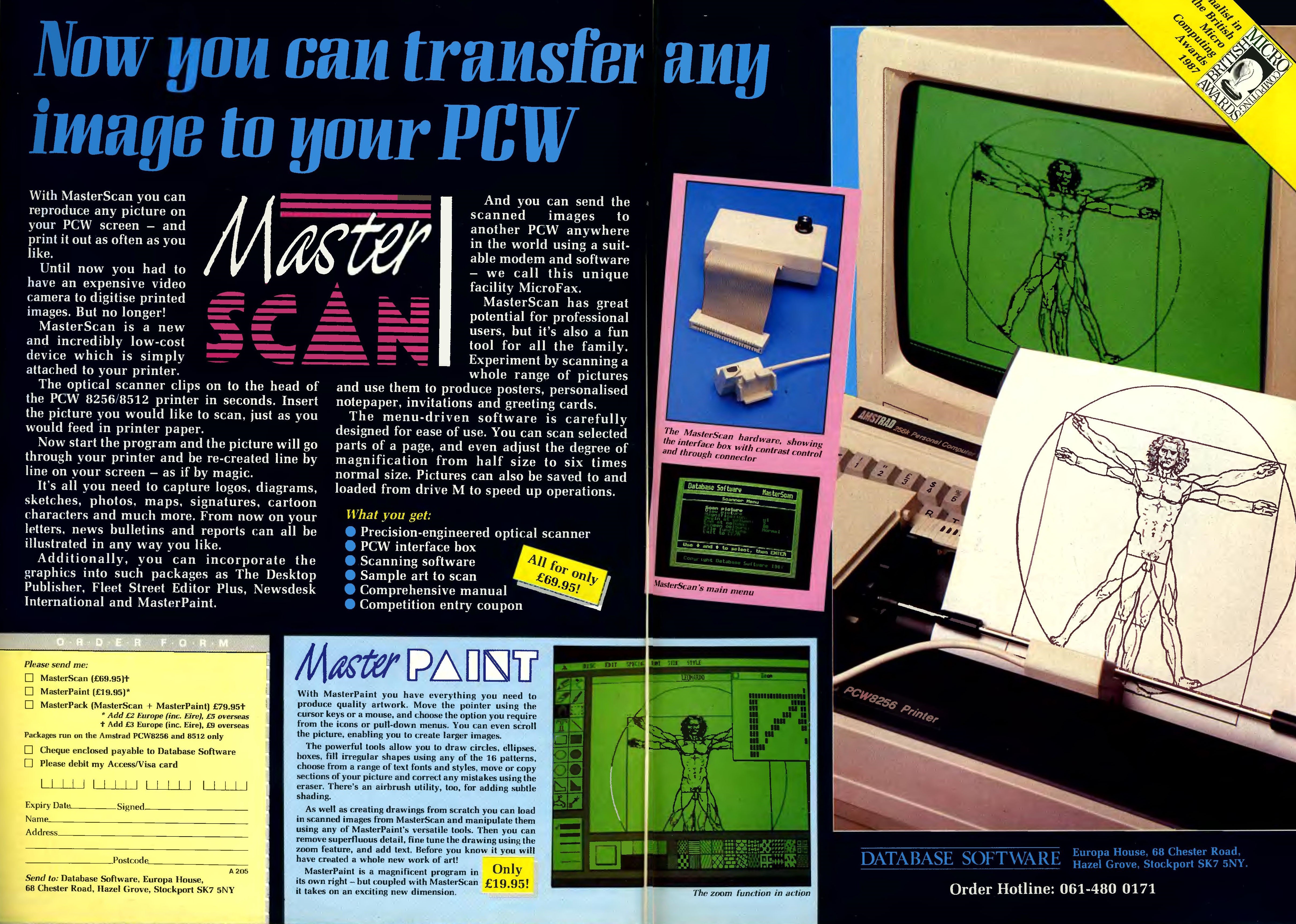
Advertising
Some advertisements for the program in mainstream magazines of the era.