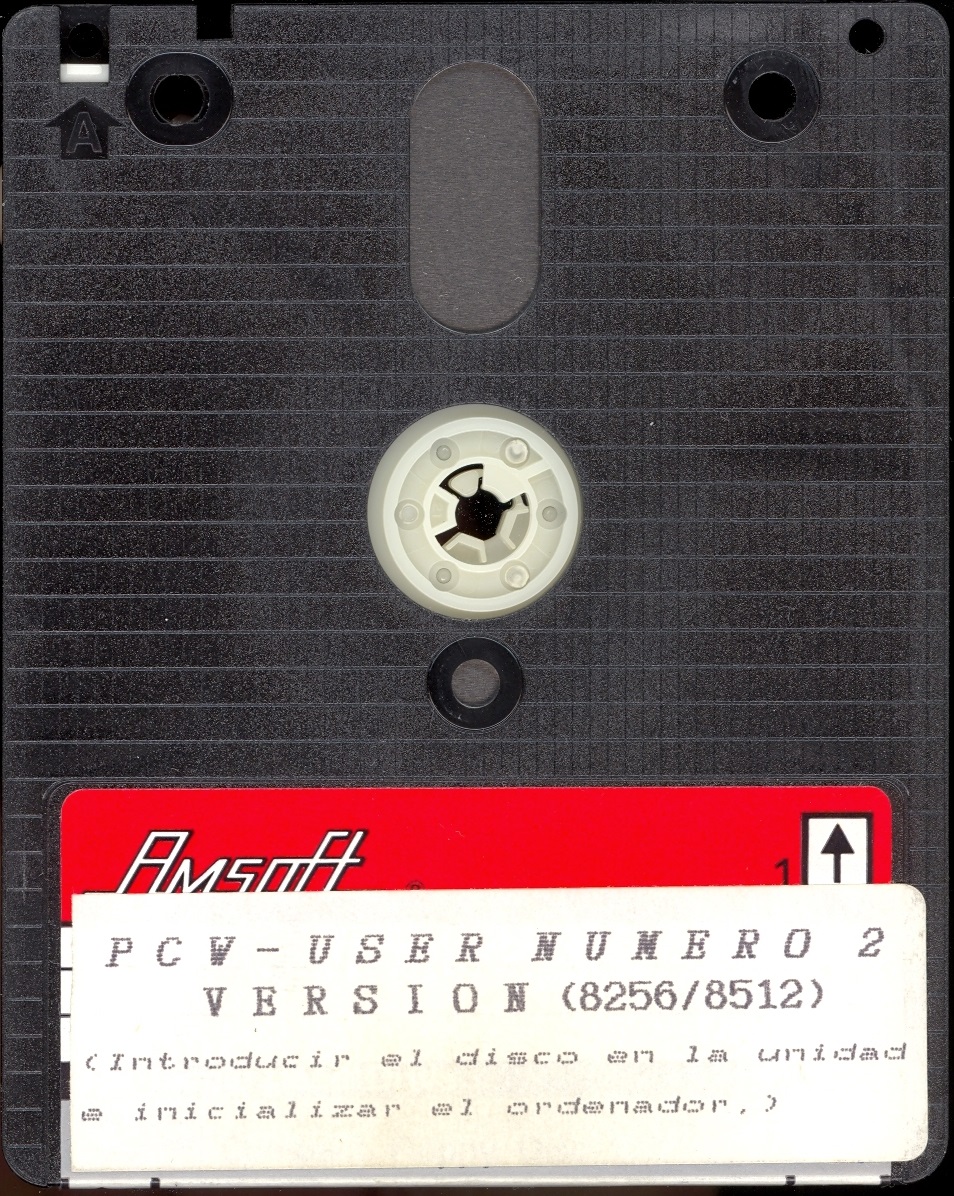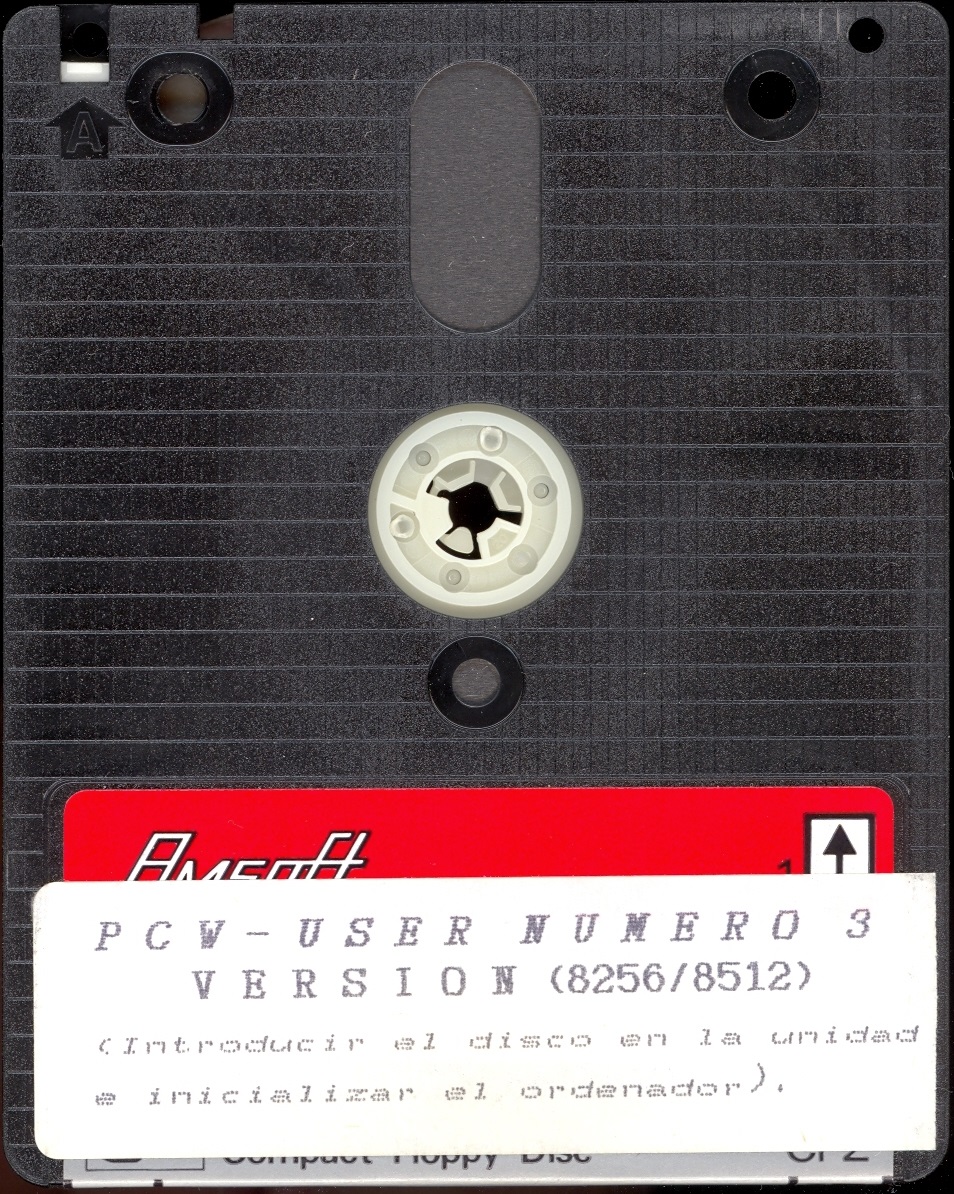

In September 1989, the second magazine on disk support for Amstrad PCW users was released in the Spanish market. After the failure of the first Spanish disk magazine dedicated entirely to the Amstrad PCW called "[[en:tu_amstrad_pcw|Tu Amstrad PCW]]", another attempt was made to keep the PCW afloat by attracting the attention and demand of the users of these machines.
The magazine focused solely on the PCW range, receiving an enormous acceptance from PCW users, which led Club Auser to decide to continue with future releases. Many users demanded an exclusive magazine for the PCW, as the main magazines of the time had very scarce articles and dedication to this range compared to other Amstrad computers, such as the CPCs, which occupied almost all the pages.
The collection consists of 5 issues, released as follows:
It was one of the most interesting software collections for PCW 8256, PCW 8512, and PCW 9512 users. The magazine was maintained thanks to the programs and information contributed by the users themselves.
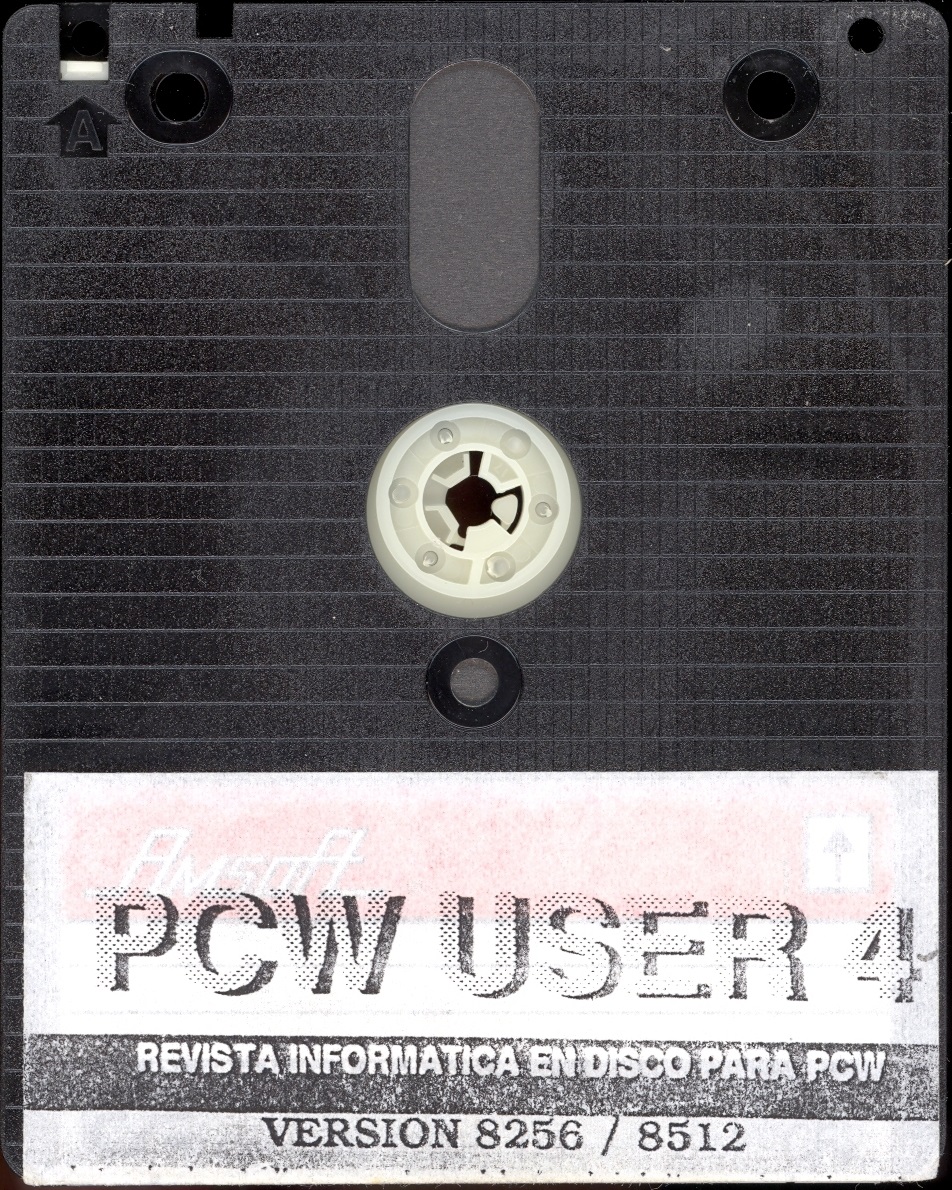
It was one of the most complete magazines on 3" disk support, in double-sided, single-density CF2 format recorded on both sides, with unique and exclusive content for PCW. Its content was very varied and extensive, creating more enthusiasts and making it one of the most important magazines for this range of computers.
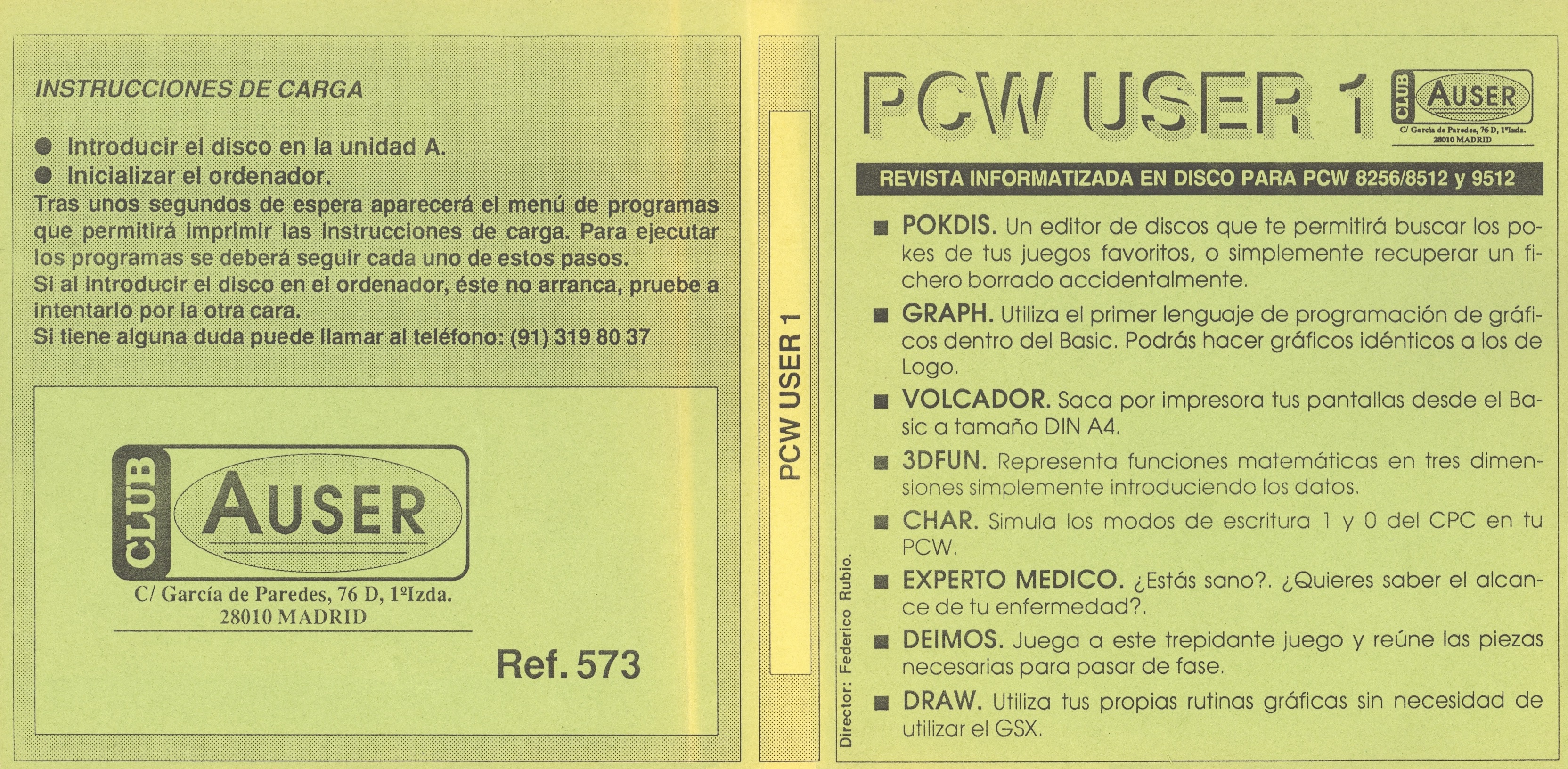
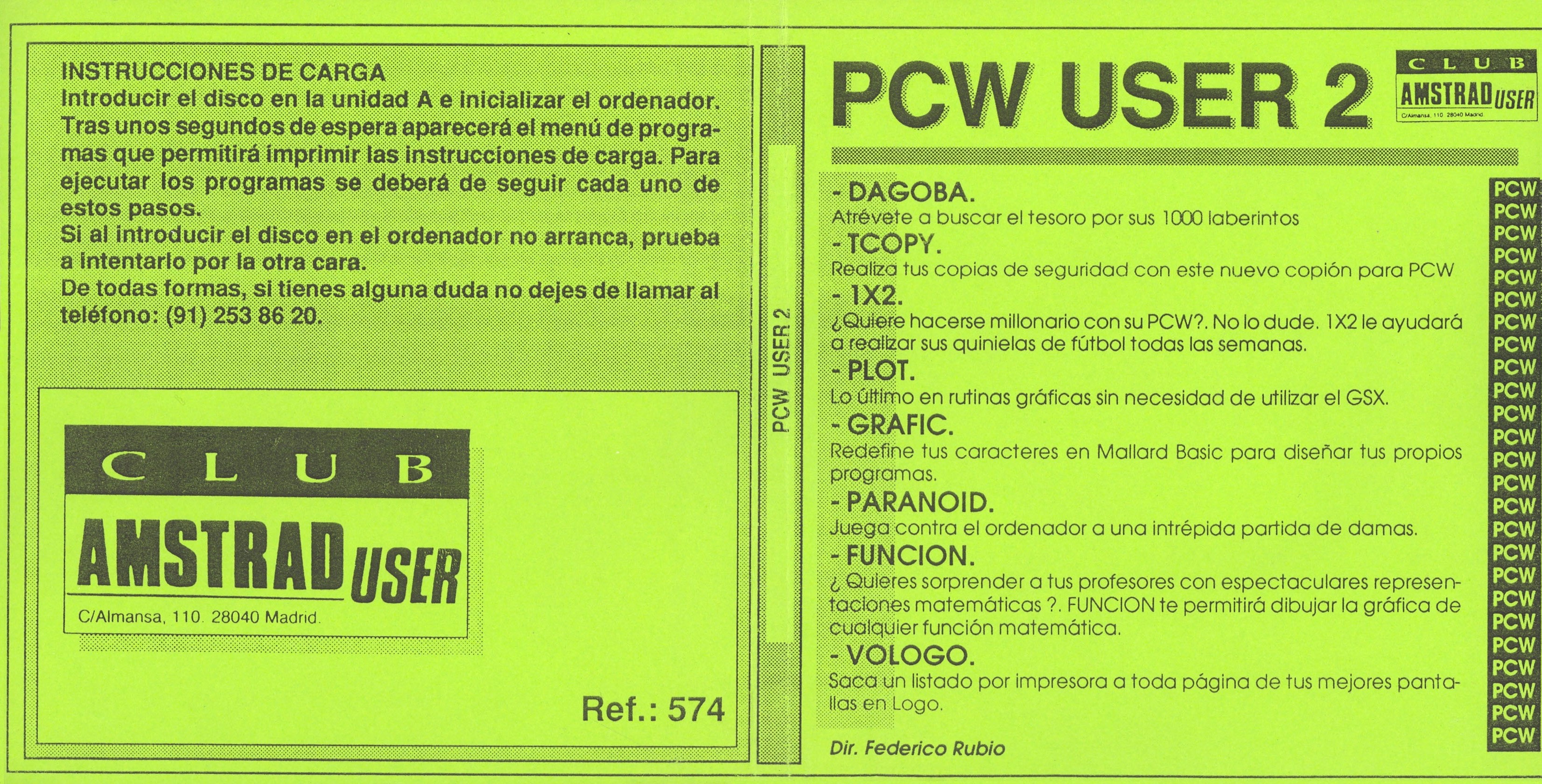
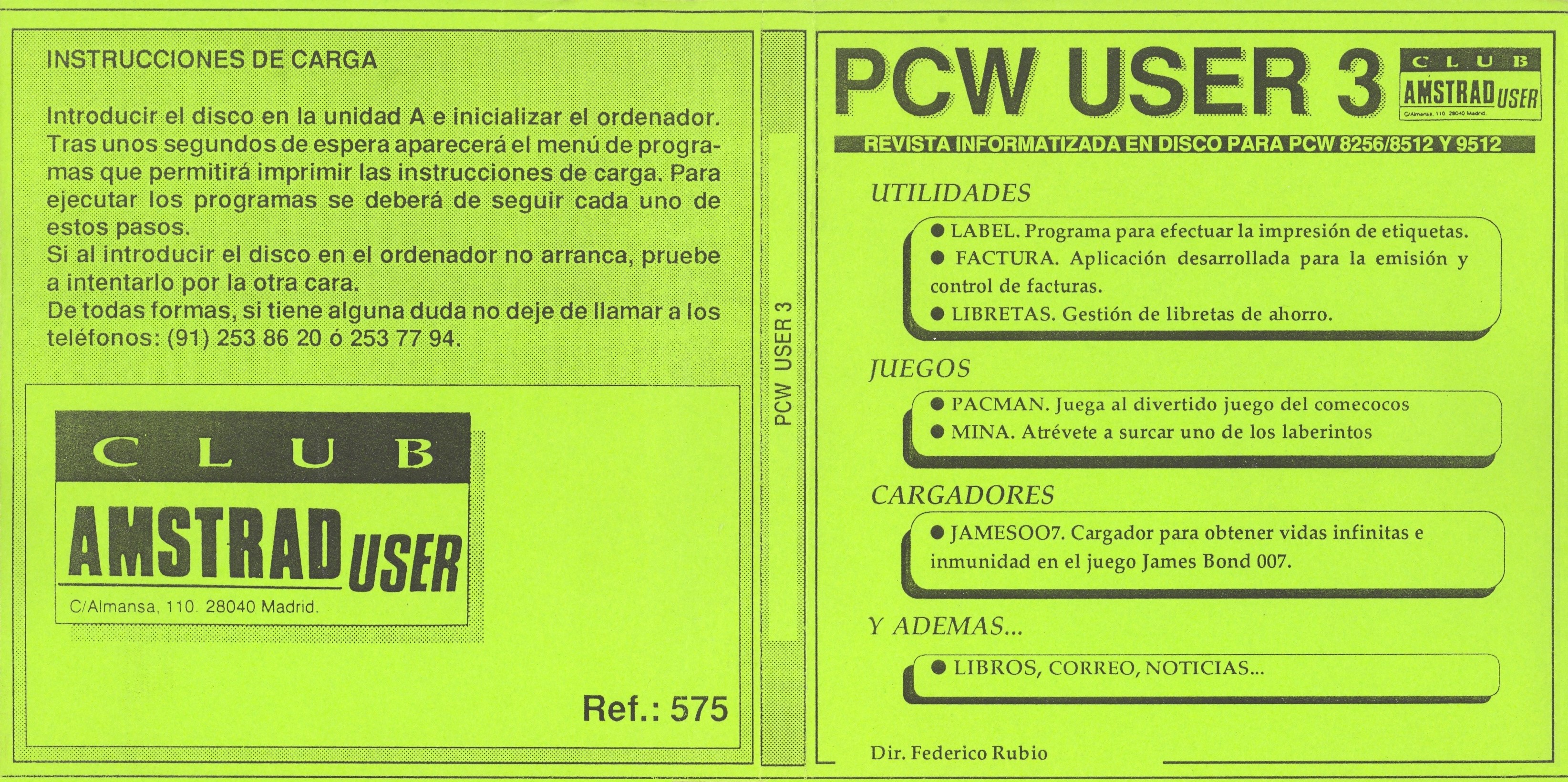
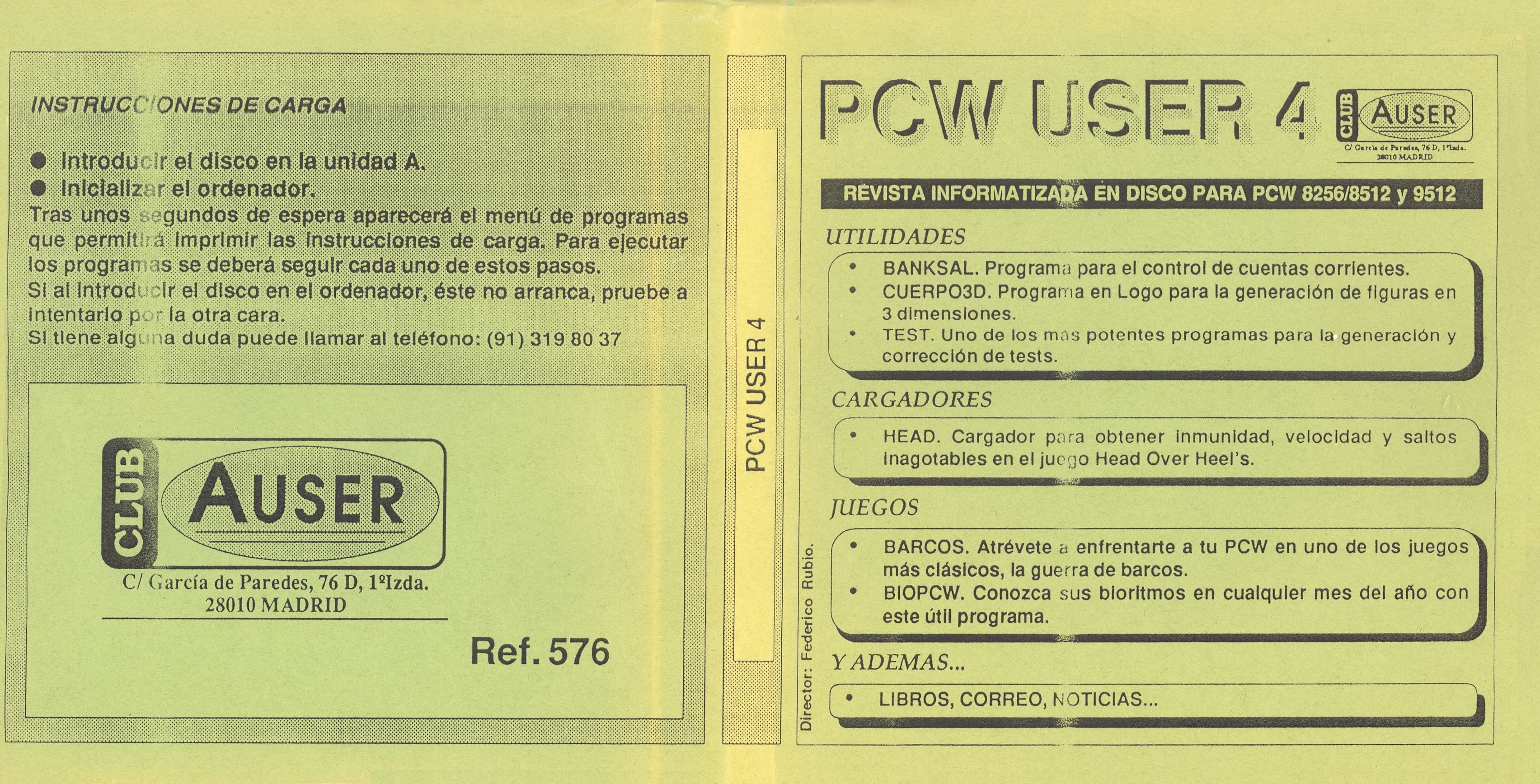
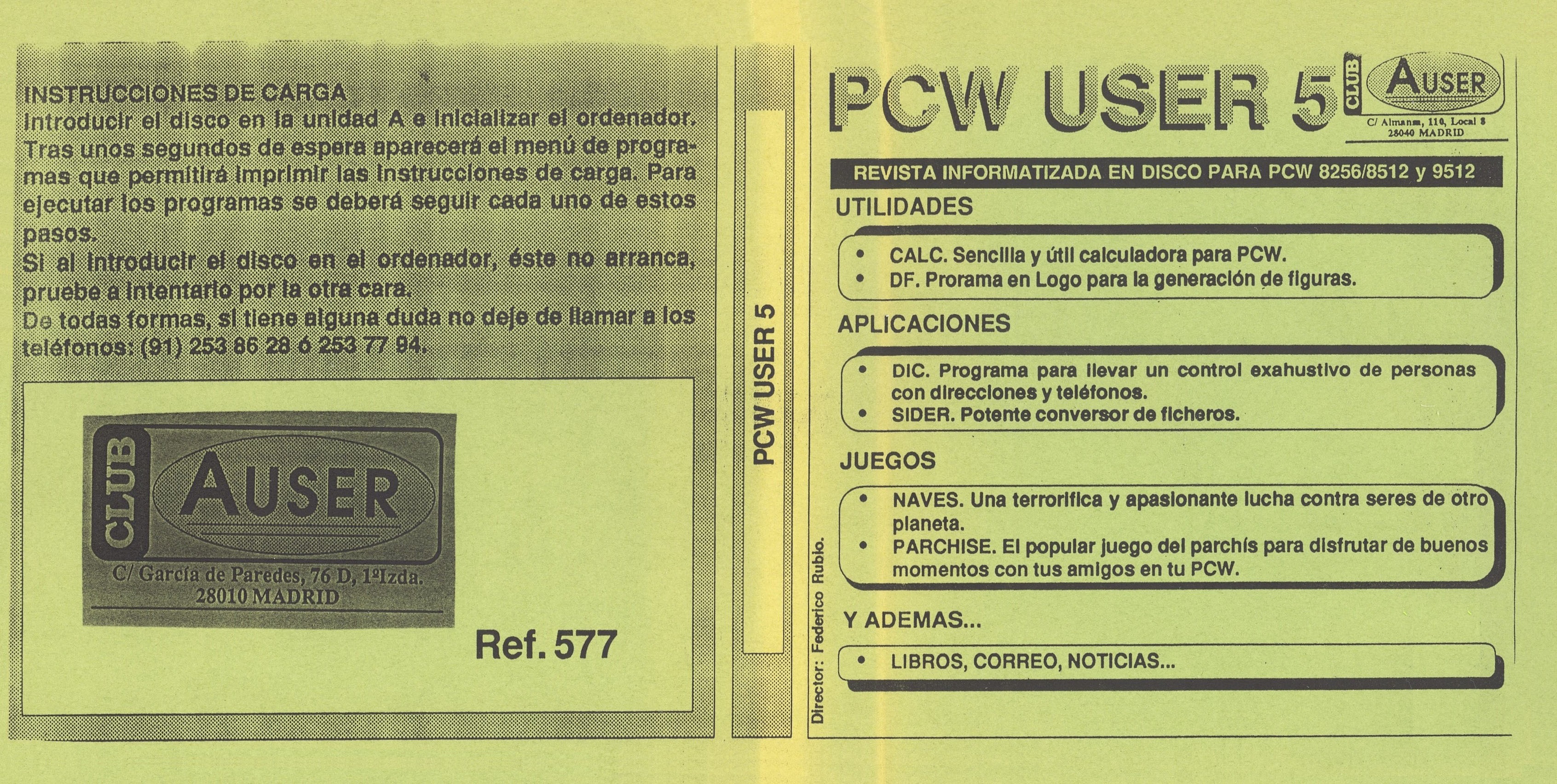
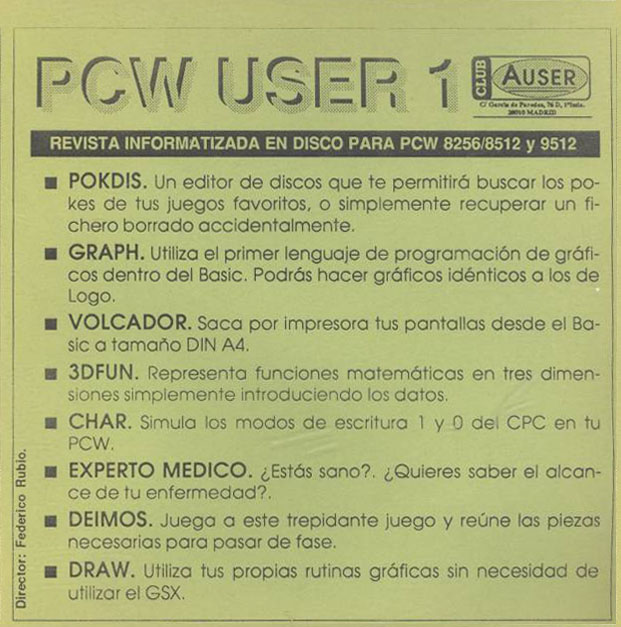
Some of its contents included: pokes or loaders for some games (very necessary due to the difficulty of finishing some of them), programs including utilities, graphics, educational tools, etc., programming languages, games and programs in Mallard BASIC, Logo, information on the latest news, mail, books, applications, and a long etcetera.
Loading Instructions:
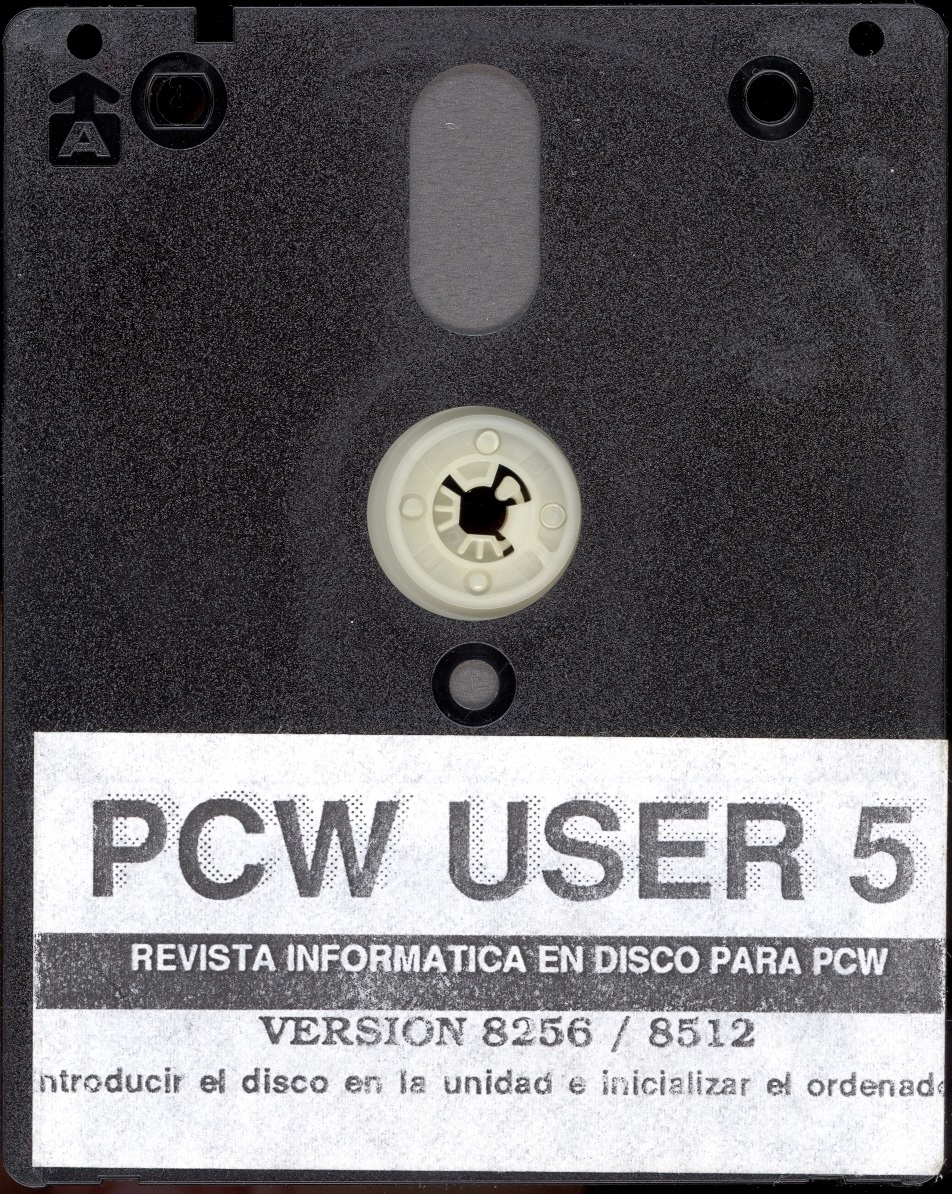
• Insert the disk into drive A (Side A).
• Reset the computer.
• After a few seconds, the program menu will appear, allowing you to print the loading instructions. To run the programs, each of these steps must be followed.