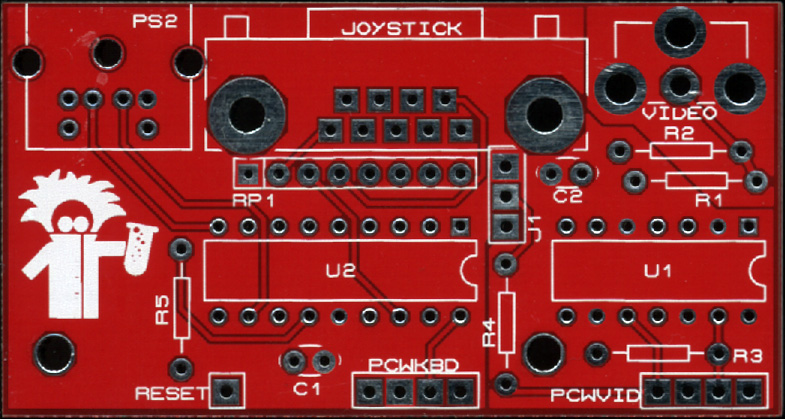
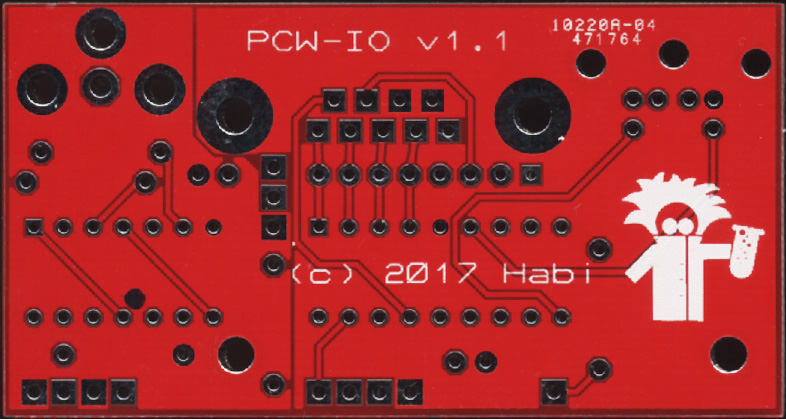
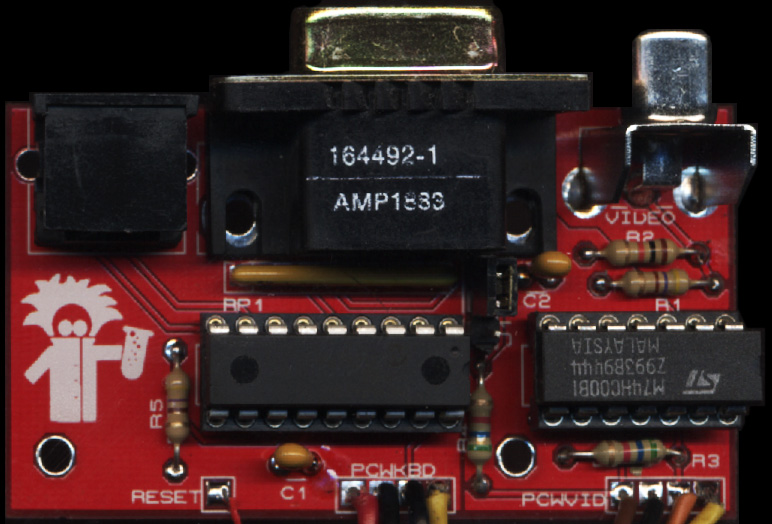
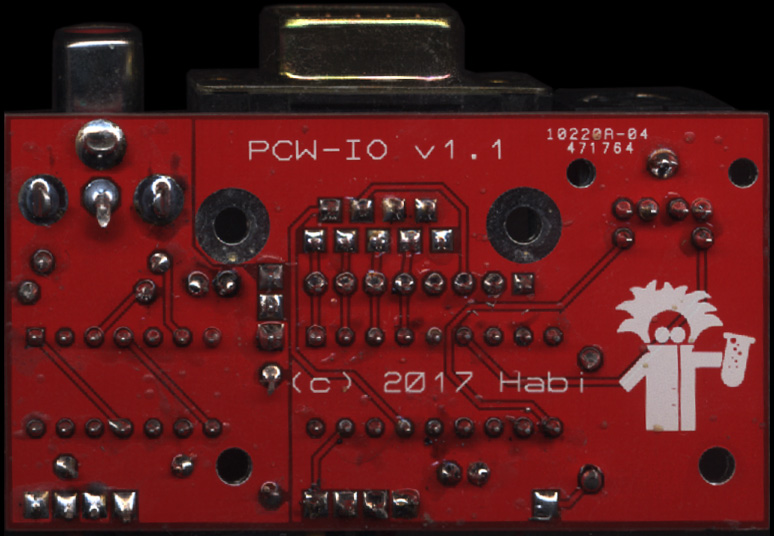
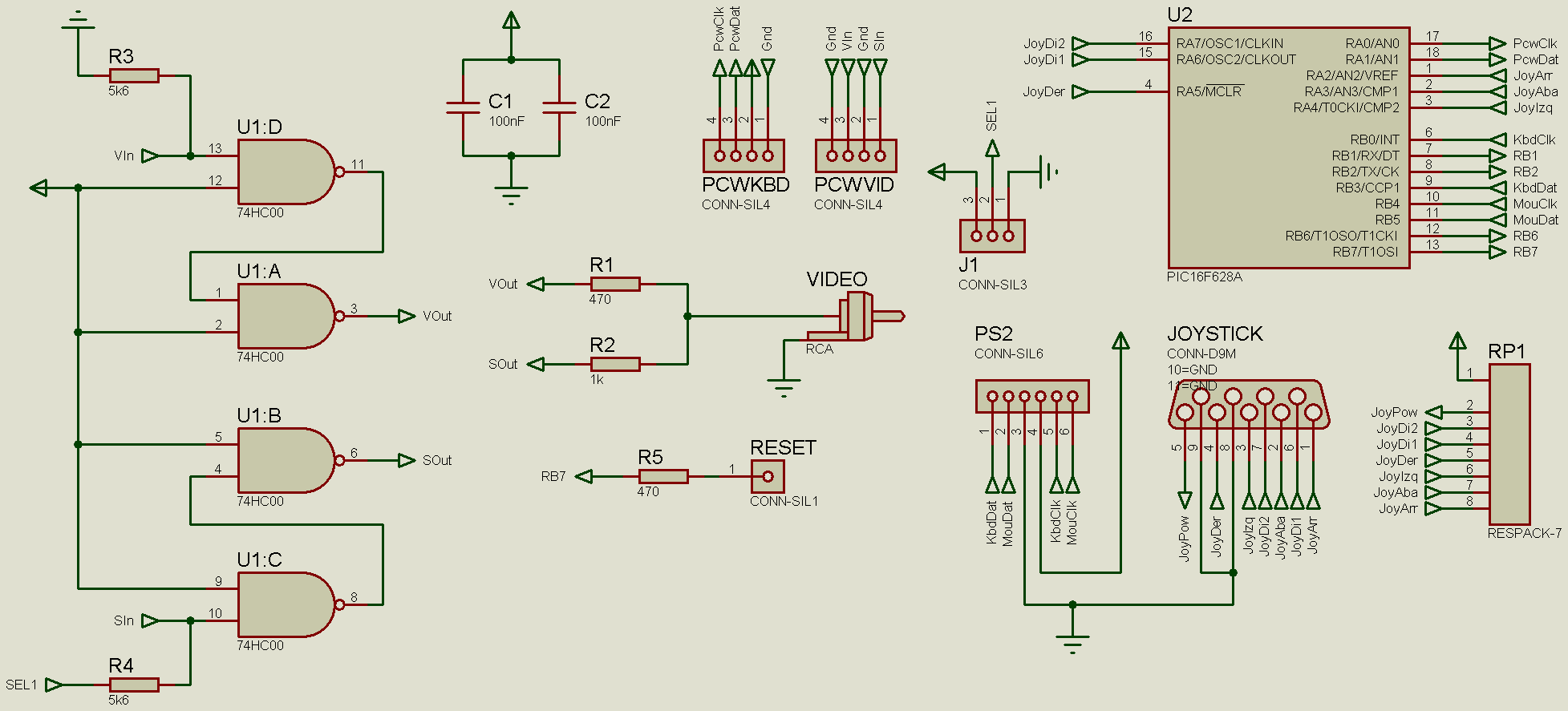
This interface was created to make use of the multitude of bare PCW boards in existence, as well as to serve as an aid for diagnostics and repairs. It provides a composite video output, keyboard interface, KeyMouse mouse emulation, programmable joystick, PAL / NTSC selector, and keyboard-triggered hardware reset.
The chosen criterion for maps PC -> PCW keystroke layouts has been spatial proximity.
The interface utilizes certain PC keyboard keys with no equivalence on the PCW to add extra functionality:
At boot, the saved configuration is always loaded (joystick key definitions, mouse sensitivity); the purpose of F4 is to revert to these saved settings.
Both the keyboard and mouse must be PS/2 or support the protocol via an adapter. The onboard PS/2 connector is intended for a keyboard; if a mouse is also needed, a splitter must be used.
When entering joystick programming mode, the keyboard turns off its LEDs and stops sending keystrokes to the PCW. Inside this mode, simply press the directions and buttons you wish to associate with a keystroke and press it on the keyboard, at which point all three LEDs will flash. When programming is finished, simply press F8 again to return to normal mode.
The joystick must be compatible with the Atari standard. If it also complies with the MSX or CPC standard, then both fire buttons are recognized independently.
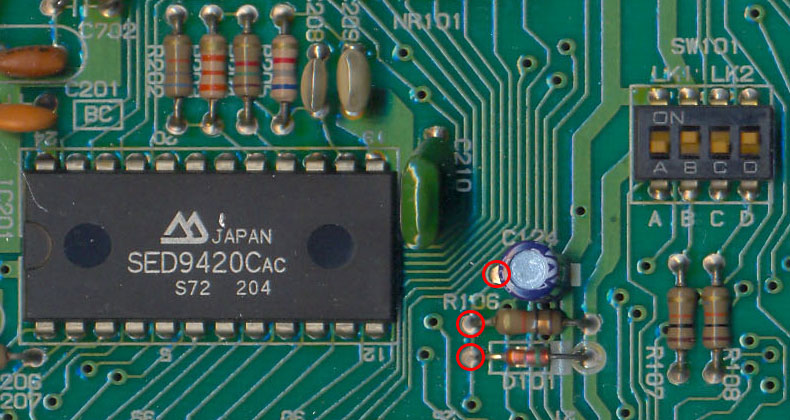
Finally, note that if you wish to perform a reset via the keyboard, you must route the signal to the corresponding point on the board. For instance, in the case of an 8256 / 8512, any of these points would be valid: