Manuel Amstrad PCW 9256 (BROCHÉ)
FICHE TECHNIQUE
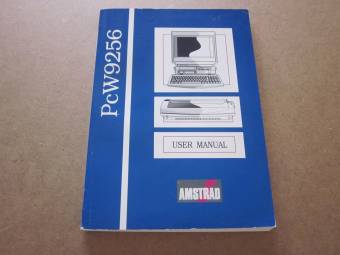
DISTRIBUTEUR:Amstrad plc
DIMENSIONS:20,90 x 14,80 x 1,00 cm
ANNÉE:1991
PAGES:219
LANGUE:Anglais
ÉTAT:Préservé
DESCRIPTION
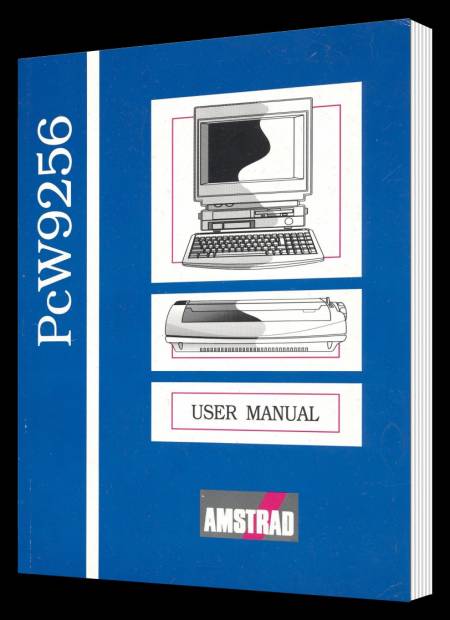
Manuel original fourni avec l'Amstrad PCW 9256. Comprend l'utilisation et les instructions de la machine. Débute par l'installation après le déballage, l'utilisation des disquettes fournies, le papier pour imprimante, le fonctionnement de LocoScript et se termine par une brève introduction au système d'exploitation CP/M.
VUE COMPLÈTE
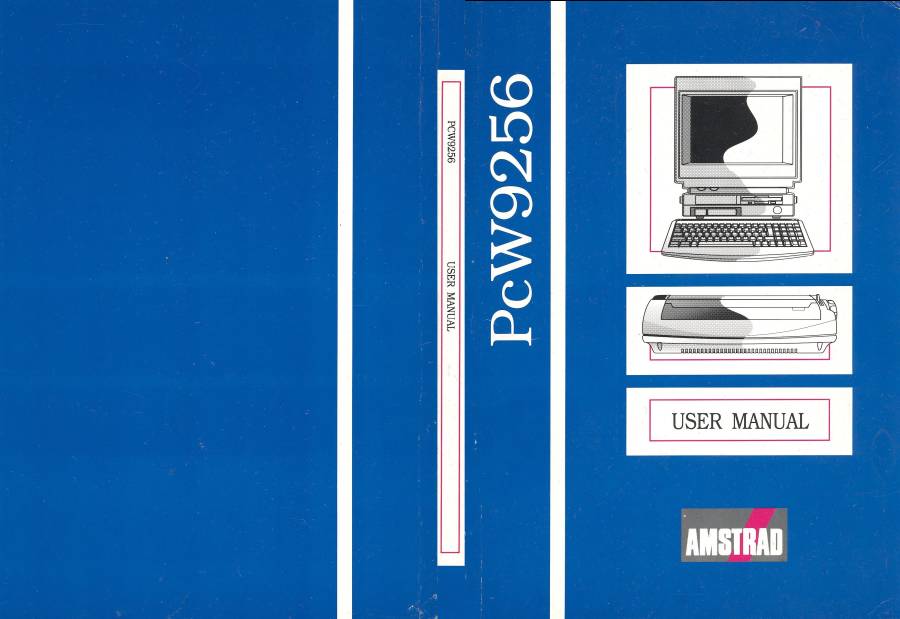
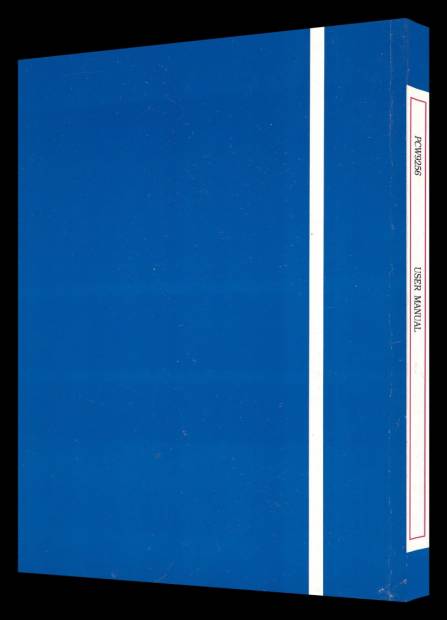
Ce manuel est relié avec des couvertures en carton couleur, et les pages intérieures sont sur papier normal fin en noir et blanc. Ses dimensions sont : Hauteur 20,90 cm x Largeur 30,60 cm.
CONTENU
CONTENTS
Chapter 1
Unpacking your PCW9256
Electrical safety
Separate lead
Attached lead
Finding a home for your PCW9256
Caring for the PCW9256
Connecting the units together
Starting up
Copying Discs
Points to watch while copying
After copying
About computer discs
Storing your data
Looking after discs
Write-protecting discs
Storing and retrieving material
How discs work
About Drive M
The Keyboard
The cursor keys and number pad
Caps Lock
Resetting the computer
Summing up
Chapter 2
What is word processing?
General principles of using LocoScript
The Disc Management Screen
Opening a new document
A note about file-names
The Editing Screen
Introducing the Information lines
Meet the cursor
The page-bar
Beginning to type
Editing your text
Tidying after deletions
Making a printed copy
Putting paper in the printer
Printer Control State
Leaving Printer Control
Printing and saving
Editing a document
A simple example
Moving round the document
Other ways of moving around a document
About file-names and extensions
More about the Information Lines
Summing up
Chapter 3
Back to the Disc Management Screen
Bytes and kilobytes
The group cplumns
Limbo files
Erasing files for security reasons
Hidden files
Moving the highlight bars
Control keys
The Functions Keys
Function Key f1 - Disc change
Function Key f2 - Inspect
Function Key f3 - Copy
Function Key f4 - Move
Function Key f5 - Rename
Renaming a document
Recovering a document from Limbo
Renaming a group
Function Key f6 - Erase
Security deletion
Function Key f7 - Modes
Function Key f8 - Options
Different kinds of disc
Using the Start of Day Disc and the working discs
Saving documents while working
Printing from the Disc Management Screen
Summing up
Chapter 4
Emphasis tutorial
How do enhancements work?
Emphasis Menu Options
The Style Menu
Enhancements and the Information Lines
LocoScript Codes
Making the codes visible
Underlining text already entered
Removing enhancements
Combining styles
Some useful short cuts
Picking items from the Set and Clear Menus
The choice is yours
Changing character pitch
How to change the character pitch
Character pitch and margin settings
Printer codes
Finding your way around long documents
Searching for (UniT) codes
Last but not least...
Summing up
Chapter 5
Using the Lines Menu
Centring lines
Cancelling centring
Right justification
Cancelling right justification
Full justification
Blanks and spaces
Justification and proportional type
Should you justify?
Summing up
Chapter 6
Line-space
Changing the line-spacing
Line pitch
Changing the line pitch
Returning to the default values
Fine control of word wrap
Hard spaces
Hard hyphens
Soft hyphens
Soft spaces
Summing up
Chapter 7
Indented lines
Indenting the first line of a paragraph
Indenting a complete paragrahp
Numbered or lettered paragrapghs
Scripts
Controlling page breaks manually
The wrong way to force a new page
Forced page breaks
When to use the commands
Shorthand key strokes
Avoiding breaking text at page boundaries
Some notes about page boundaries
Summing up
Chapter 8
Scissors and paste
Making deletions
Points to watch
Moving text
About the buffers
Repeated insertions
Copying text
Copying blocks into a different document
More about merging files
Blocks and codes
Showing blocks
LocoScript Phrases
Using a Phrase
What Phrases do you have?
Adding your own Phrases
Saving Phrases on disc
The PHRASES.STD file
Deleting a Phrase
Saving Phrases
Other Phrases files
Summing Up
Chapter 9
How Find and Exchange work
Beginning a Find
Specifying a Find operation
Repeating a Find
Abandoning a Find
Avoiding false hits
A practical example
Potential problems
Making Exchanges
Entering the strings
The Exchange options
Confirming each exchange
Automatic exchanges
Some simple precautions
If the worst should happen ...
Summing up
Chapter 10
About LocoScript Layouts
Creating a new secondary layout
Setting new margins
Restrictions on setting margins
LocoScript tabs
Types of tab stop
Simple tabs
Right tabs
Centre tabs
Decimal tabs
Setting and clearing tab stops
Removing tab stops
Leaving the screen
Relaying the next
Summing up
Chapter 11
How layouts work
Editing a loyout
Copying layouts
Some points to watch
Editing the base layout
More about new layouts
Setting the defaults in a new layout
Changing the character pitch
Changing the line pitch
Changing the line spacing
Selecting italics
Selecting justification
After setting the options
Summing up
Chapter 12
Removing a tab stop
Leaving the Editing Base Layout Screen
The Characters Menu
Setting the zero character
Setting the decimal marker
Removing the Characters Menu
Setting the tab count
Setting page breaks
Windows and orphans
Breaking paragraphs
Where are you on the page?
The wrong way to force a page break
Setting the page size
Setting the pagination
Setting page numbers
Allocating headers and footers
Leaving the Header Editing Screen
Headers and footers
Inserting page numbers
A simple example
Remember the symbols
Finishing off
Summing up
Chapter 13
About TEMPLATE.STD files
Creating a TEMPLATE.STD file
Setting up layout for the TEMPLATE.STD
Putting in the text
Adding simple instructions
Finishing off
Summing up
Chapter 14
Using accents
Using different character sets
Using 'Alt' characters
The 'Extra' characters
When you can and can't use the extended character set
Printing and transferring the extended character set
Transferring data between programs
Converting a LocoScript file to ASCII format
Types of ASCII file
Importing ASCII files into LocoScript
Summing up
Chapter 15
Direct Printing
Printing part of a document
Controlling the printer
Choosing the printer options
High and draft quality
Single sheets and continuous stationery
Changing the dimensions of the paper
Waiting for Paper
Locating the print head
Clearing a paper jam
Resetting the printer
On line and Off line
Summing up
Chapter 16
About the CP/M operating system
Loading CP/M
CP/M Utilities
Computer languages
Applications programs
The CP/M keyboard
The CP/M Directory
Default drives
Wild cards
Looking at the contents of a document
Using the printer in CP/M
Printing out a file
Summing up CP/M
PRÉSENTATION
TÉLÉCHARGEMENTS