
en:software:juegos:3d_clock_chess_sp
3-D CLOCK CHESS
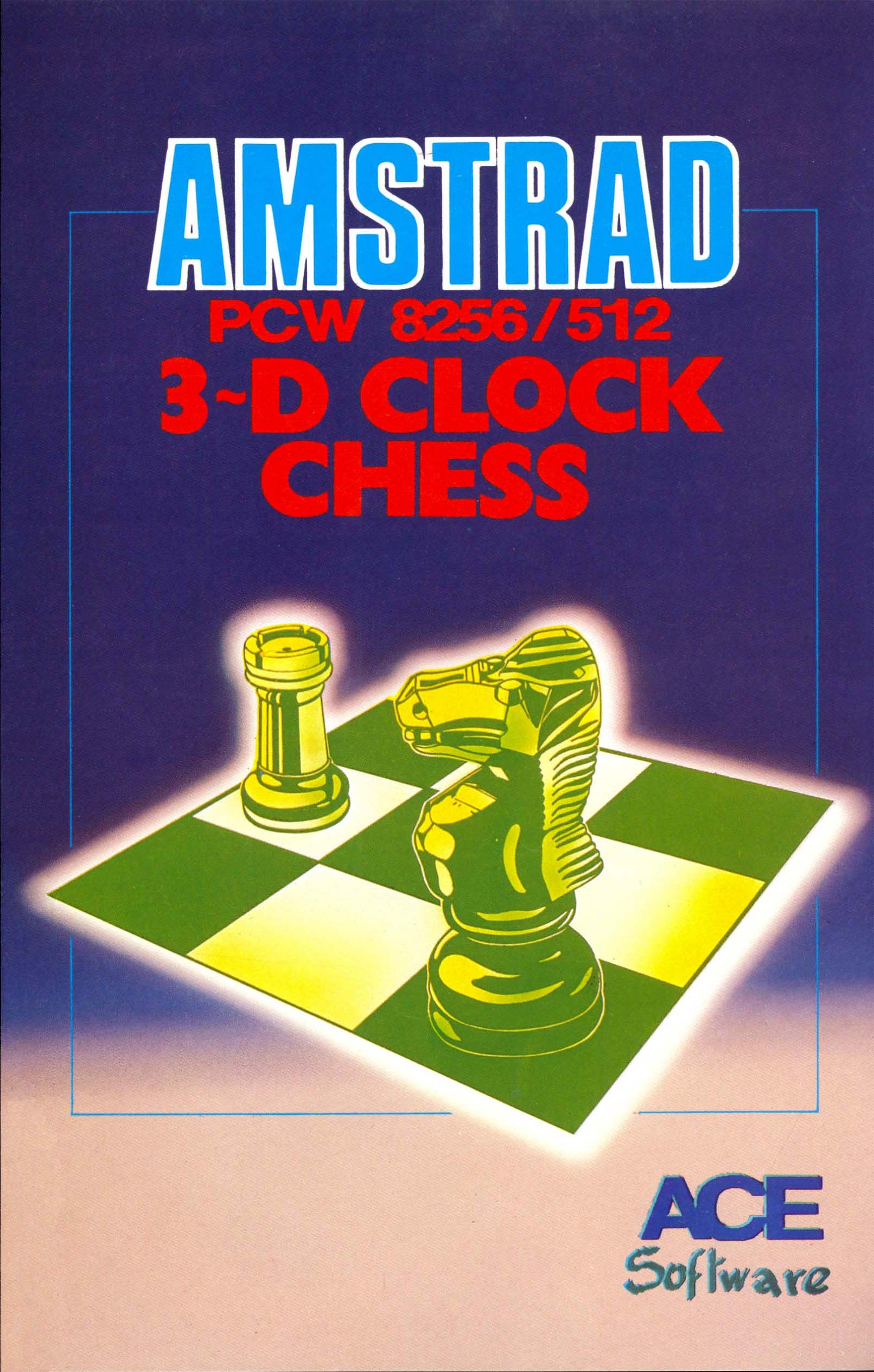
TECHNICAL SPECIFICATIONS

Company:CP Software
Publisher:ACE Software
Production team:Written by Chris Whittington BA, Cooperation: Jon Speelman and graphic creation and Realization: Gilly Ashforth
Year:1986
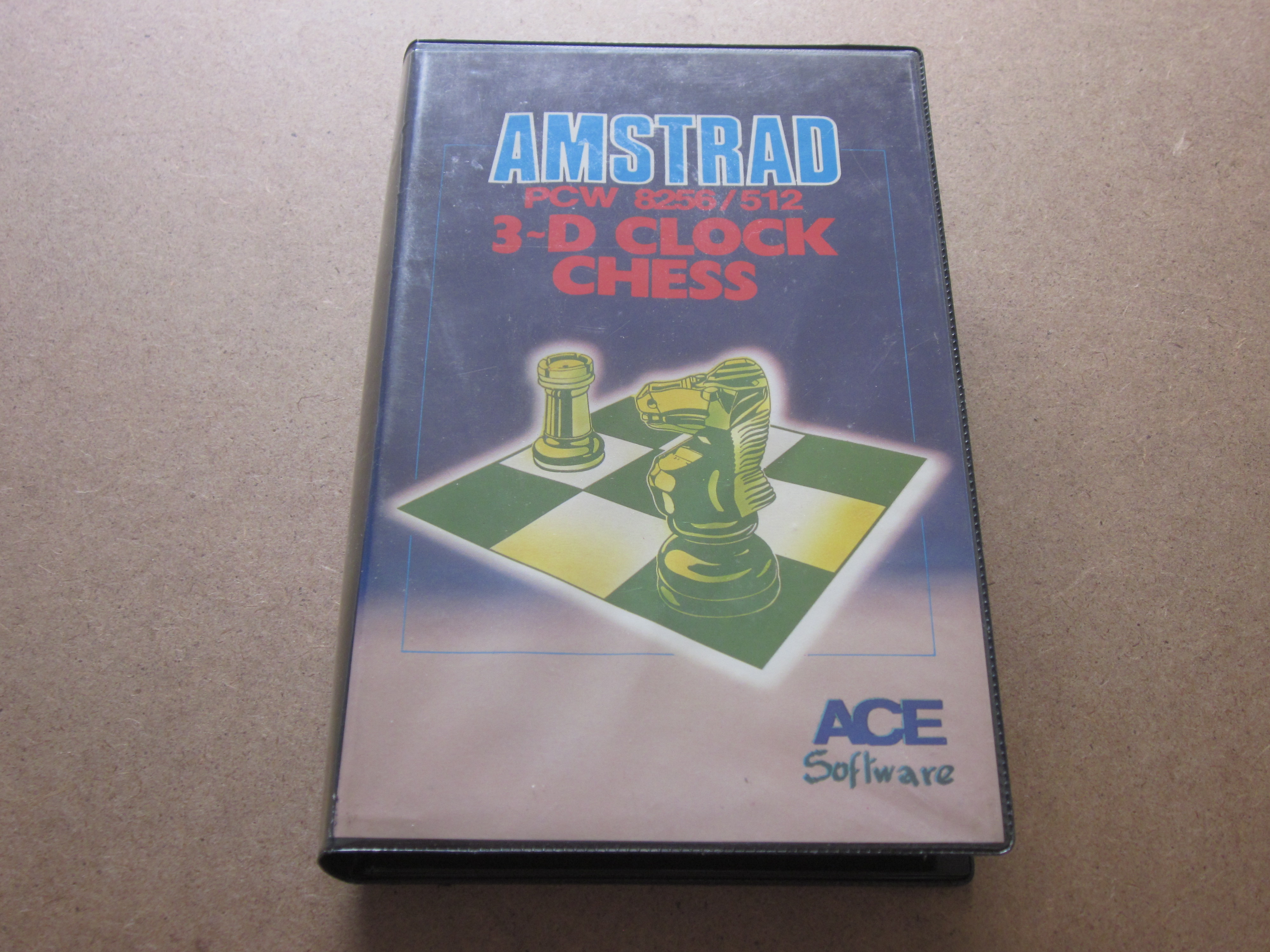
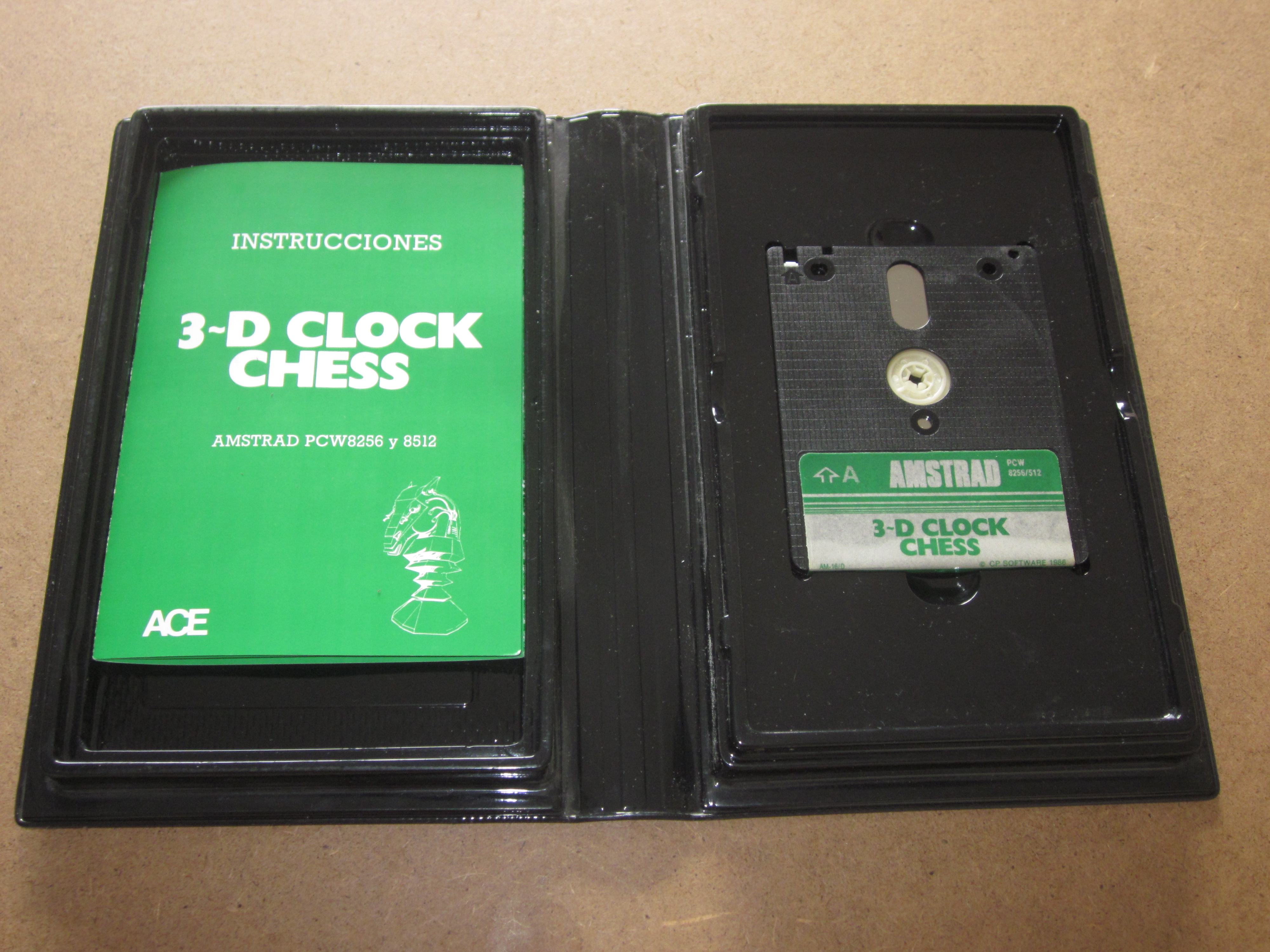
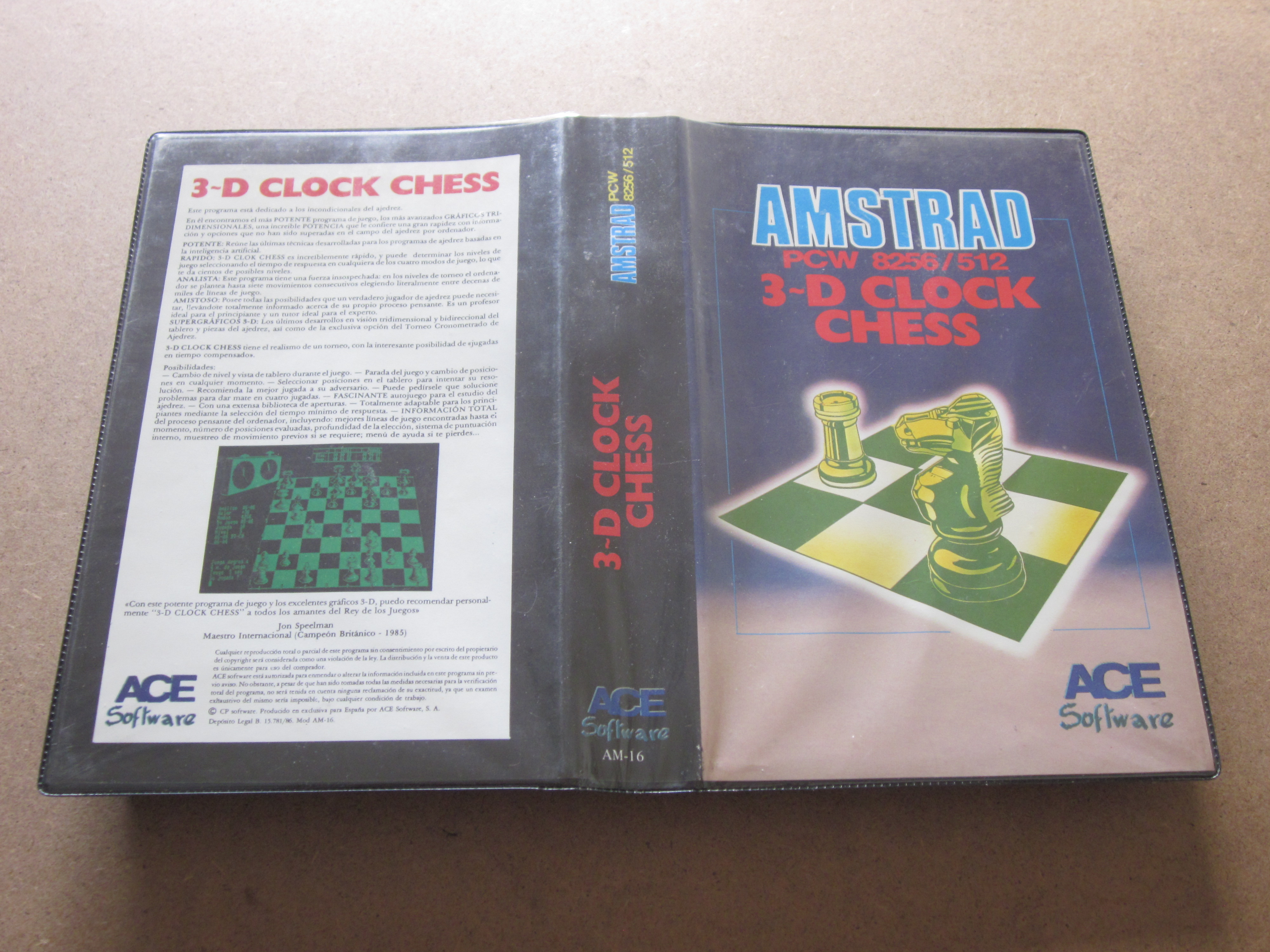
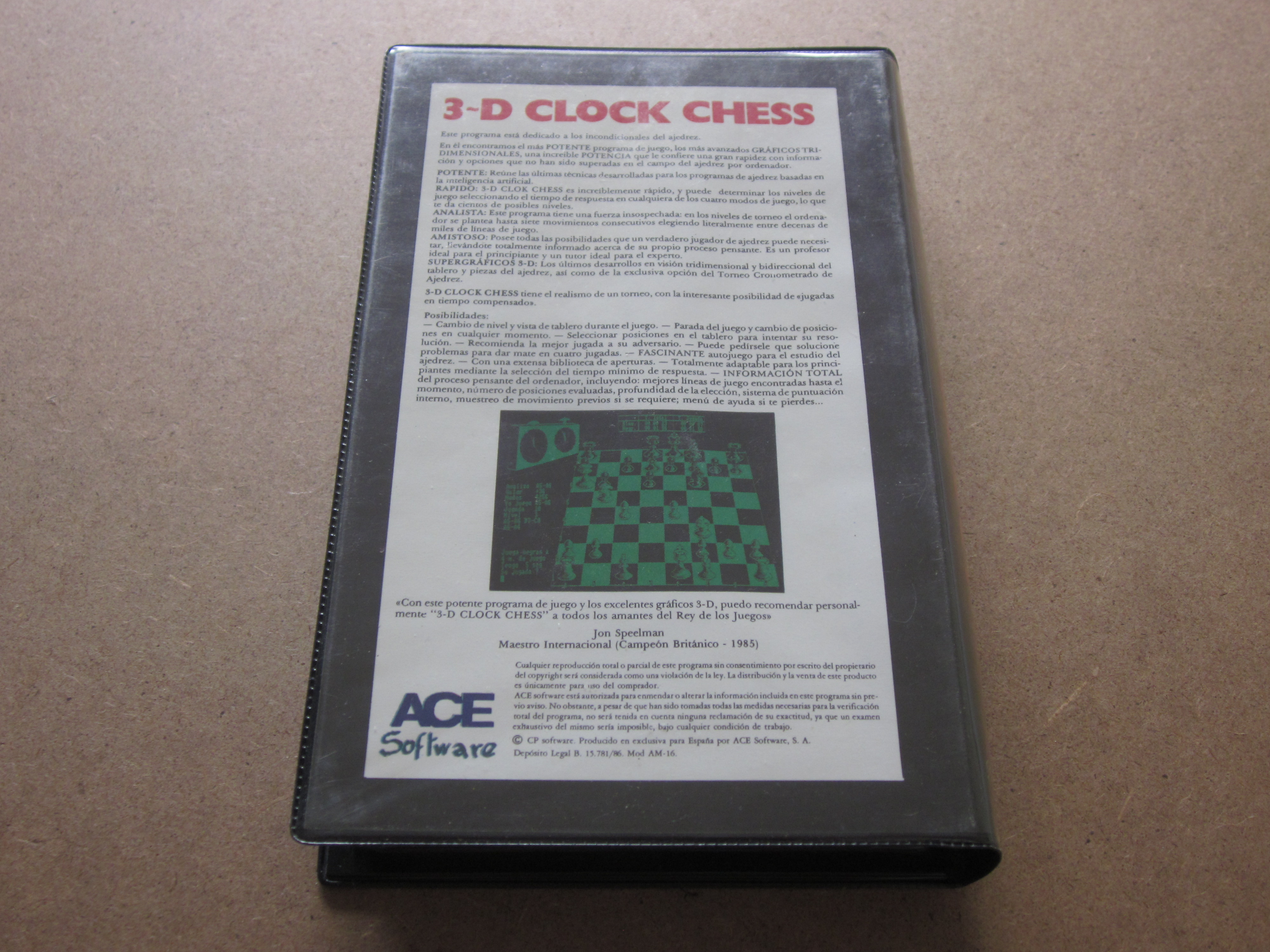
Packaging:Black plastic case (Width: 14.00 cm x Height: 22.00 cm x Thickness: 3.30 cm)
Compatibility:PCW 8256 - PCW 8512 - PCW 9512
Peripherals:Keyboard
Boot:CP/M+
Genre:Board (3D Chess)
Language:Spanish
Price:Spain: 3,950 Pesetas
Screenshots
 |
 |
 |
 |
 |
 |
 |
 |
Description
A good chess program could not be missing for your PCW, powerful and simple at the same time. To load the game, you must first insert the CP/M operating system, then type "Chess" and Return.
It is one of the most popular chess games for the Amstrad PCW. It features a clock that controls the time of the moves, a three-dimensional display of the board, the option to play against the computer or have it play on its own, and so on. It can be clearly distinguished from other chess programs, as we can create our own opening library.
This chess game provides the computer's opponent with a wide variety of options that we will analyze now. First of all, the game was programmed with the collaboration and advice of John Speelman, British Chess Champion 1985.
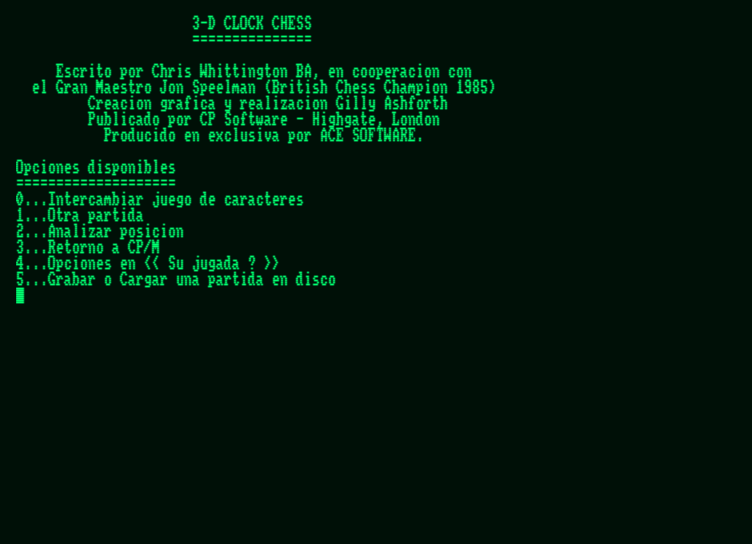
There are six options that appear at the beginning of the program: swap character set, start a game, analyze a position, return to CP/M, option list, and save or load a game on disk.
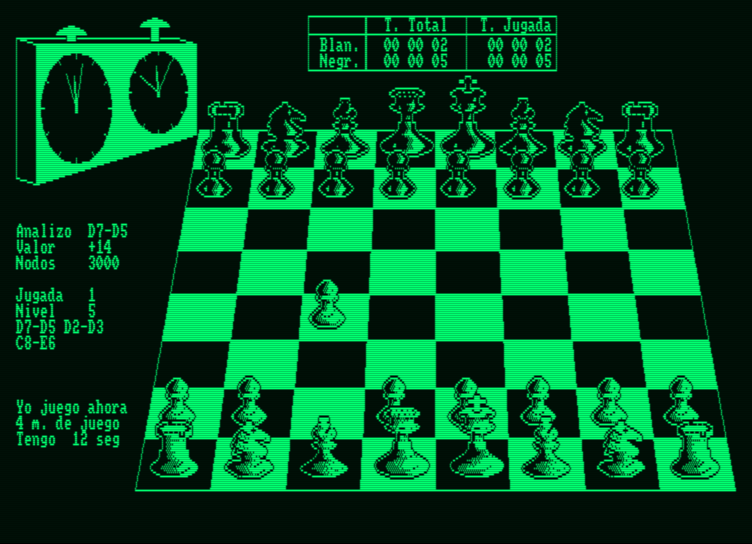
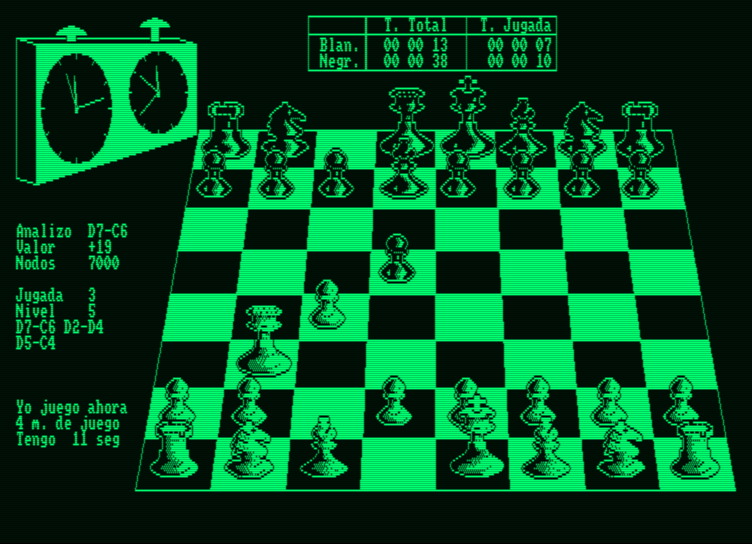
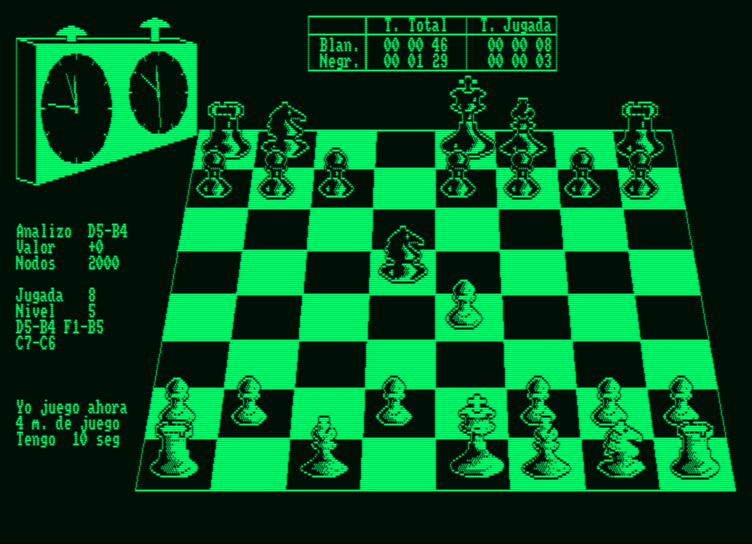
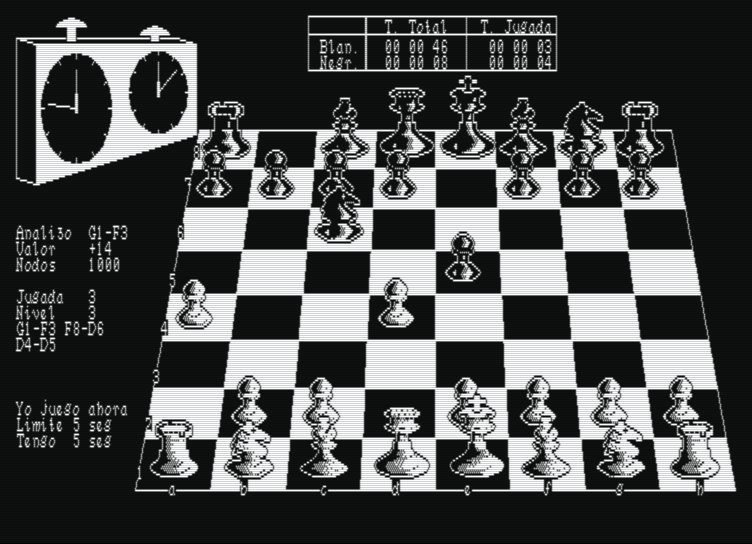
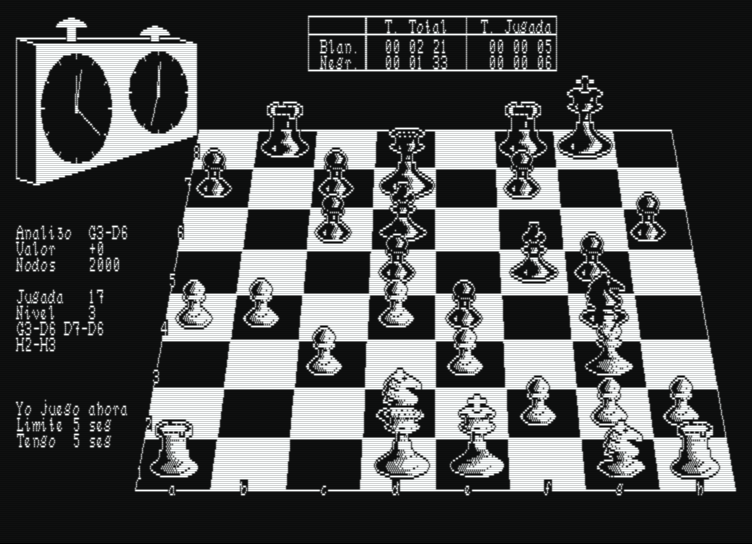
Regarding the on-screen information, 3-D Clock Chess features an extensive and objective series of messages. In the upper left part, we find the clock that will inform us of the total time consumed by the players in the game. We also have another digital clock located in the center that shows the elapsed time and the time for each move made by the player and the program. Below the first clock, the information we find is ANALYZE, which notifies us of the best move made so far. Below it, VALUE reflects what the program thinks about our game. A + sign means the computer is winning, while a - sign means quite the opposite, that we are winning. NODES communicates the number of moves analyzed so far by the computer. I PLAY indicates the move made by the program. MOVE informs us of the stage the game has reached. LEVEL represents the number of plies that the program has analyzed. Below this, the last moves made by us appear (on the right) and those made by the program (on the left). LIMIT is the time determined by us in the "Another game" option to fix the game level. I HAVE is the time within which the program will attempt to make its move.
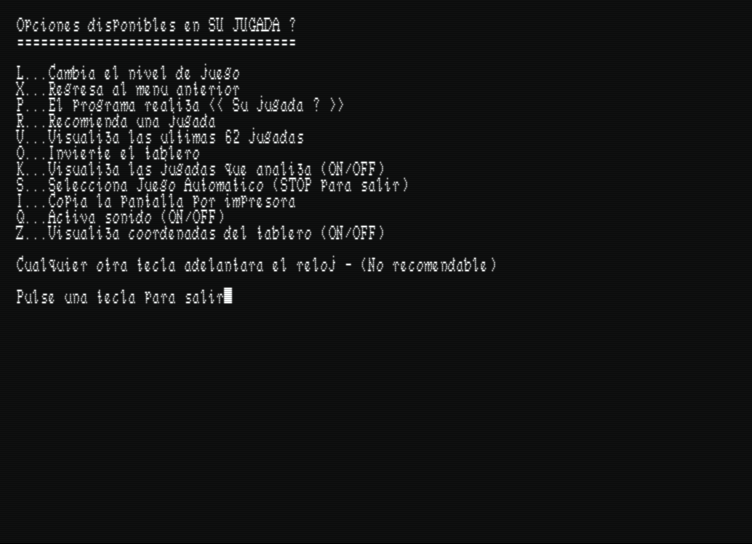
Pressing the key that displays all our possible options during the game reveals the following interesting menu: change the game level, return to the previous menu, the computer suggests a move, the computer plays our move, view the last 62 moves, invert the board, view analyzed moves, select autoplay, copy the screen to the printer, enable sound, and display board coordinates. These coordinates do not appear initially, which might pose a difficulty for inexperienced players.
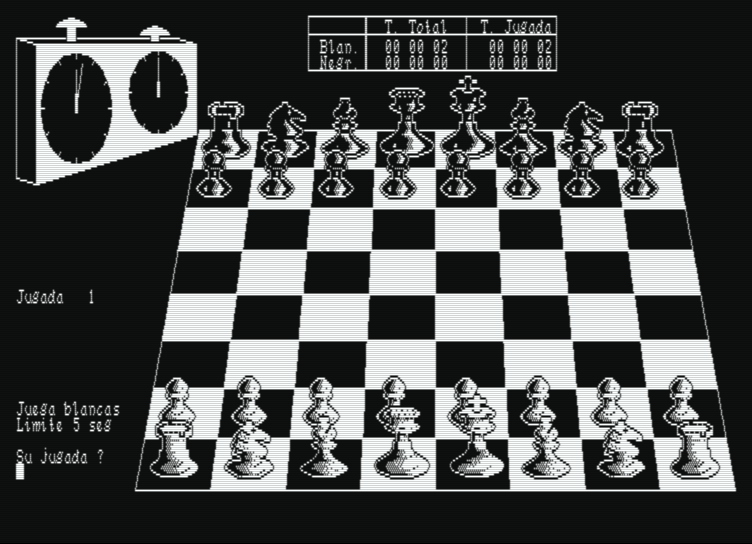
Returning to the previous menu and choosing the option to start a new game brings a three-dimensional chessboard to the screen, accompanied by two clocks that will control the time spent by each of the opponents.
Beforehand, we will be asked about the game level, the type of game (normal or problem), and the color of our pieces. In problem mode, the program will request the number of moves in which we want Clock Chess to deliver checkmate.
In the same way, before starting a simple game, we will enter the time we wish the computer to take to respond, with a minimum of five seconds. The program naturally allows saving the game to disk and resuming it at any other time.
A curious detail of this program is the option to print any screen we want during the game.
In general, 3-D Clock Chess brought together the necessary quality to become one of the best chess programs on the market, being very good, interesting, and easy to use. If you think you possess a relatively high level in this, the most curious of sports, face your PCW—the swords are raised high. Take the risk!
It is one of the most popular chess games for the Amstrad PCW. It features a clock that controls the time of the moves, a three-dimensional display of the board, the option to play against the computer or have it play on its own, and so on. It can be clearly distinguished from other chess programs, as we can create our own opening library.
This chess game provides the computer's opponent with a wide variety of options that we will analyze now. First of all, the game was programmed with the collaboration and advice of John Speelman, British Chess Champion 1985.
There are six options that appear at the beginning of the program: swap character set, start a game, analyze a position, return to CP/M, option list, and save or load a game on disk.
Regarding the on-screen information, 3-D Clock Chess features an extensive and objective series of messages. In the upper left part, we find the clock that will inform us of the total time consumed by the players in the game. We also have another digital clock located in the center that shows the elapsed time and the time for each move made by the player and the program. Below the first clock, the information we find is ANALYZE, which notifies us of the best move made so far. Below it, VALUE reflects what the program thinks about our game. A + sign means the computer is winning, while a - sign means quite the opposite, that we are winning. NODES communicates the number of moves analyzed so far by the computer. I PLAY indicates the move made by the program. MOVE informs us of the stage the game has reached. LEVEL represents the number of plies that the program has analyzed. Below this, the last moves made by us appear (on the right) and those made by the program (on the left). LIMIT is the time determined by us in the "Another game" option to fix the game level. I HAVE is the time within which the program will attempt to make its move.
Pressing the key that displays all our possible options during the game reveals the following interesting menu: change the game level, return to the previous menu, the computer suggests a move, the computer plays our move, view the last 62 moves, invert the board, view analyzed moves, select autoplay, copy the screen to the printer, enable sound, and display board coordinates. These coordinates do not appear initially, which might pose a difficulty for inexperienced players.
Returning to the previous menu and choosing the option to start a new game brings a three-dimensional chessboard to the screen, accompanied by two clocks that will control the time spent by each of the opponents.
Beforehand, we will be asked about the game level, the type of game (normal or problem), and the color of our pieces. In problem mode, the program will request the number of moves in which we want Clock Chess to deliver checkmate.
In the same way, before starting a simple game, we will enter the time we wish the computer to take to respond, with a minimum of five seconds. The program naturally allows saving the game to disk and resuming it at any other time.
A curious detail of this program is the option to print any screen we want during the game.
In general, 3-D Clock Chess brought together the necessary quality to become one of the best chess programs on the market, being very good, interesting, and easy to use. If you think you possess a relatively high level in this, the most curious of sports, face your PCW—the swords are raised high. Take the risk!
Packaging
Cover
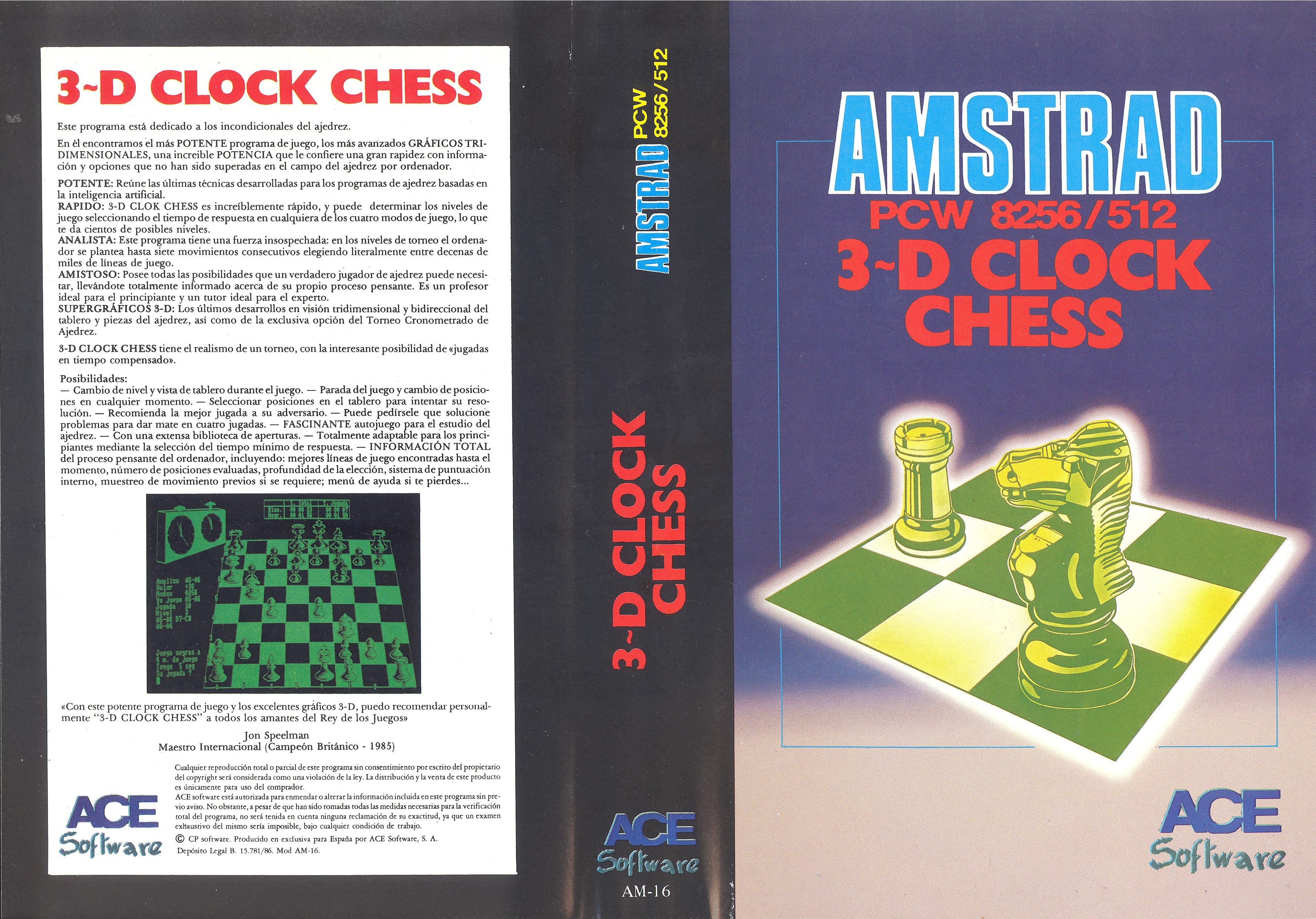
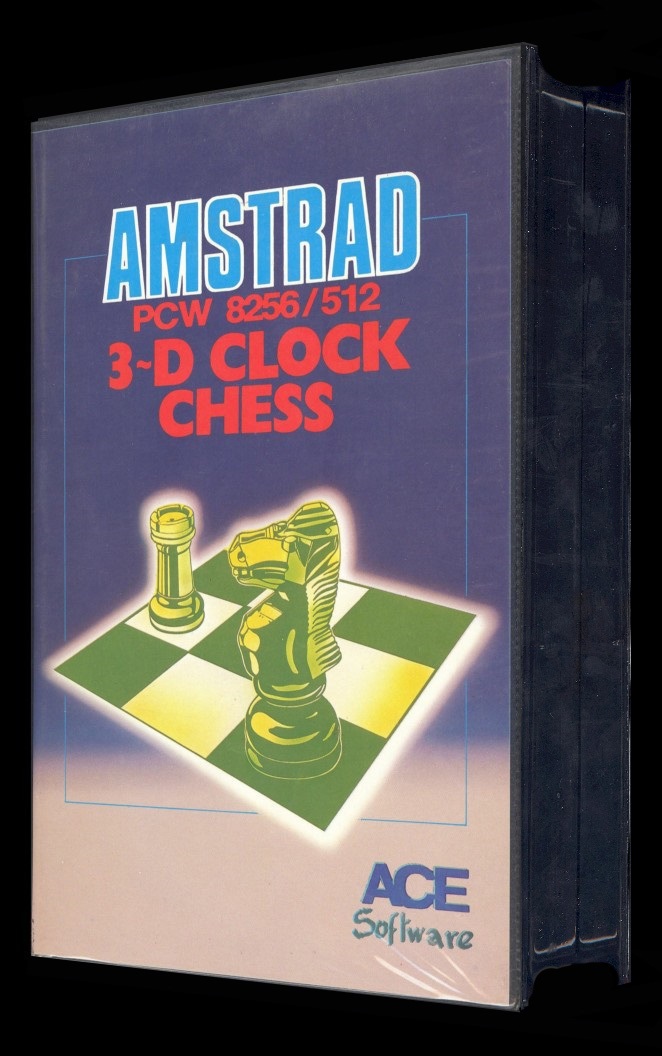
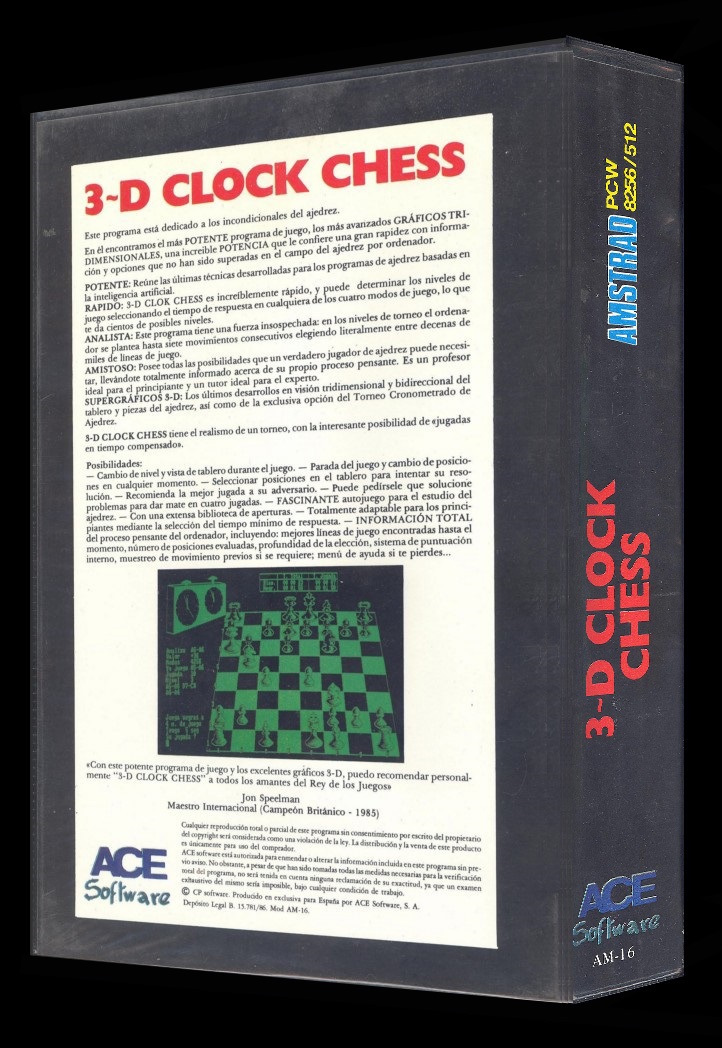
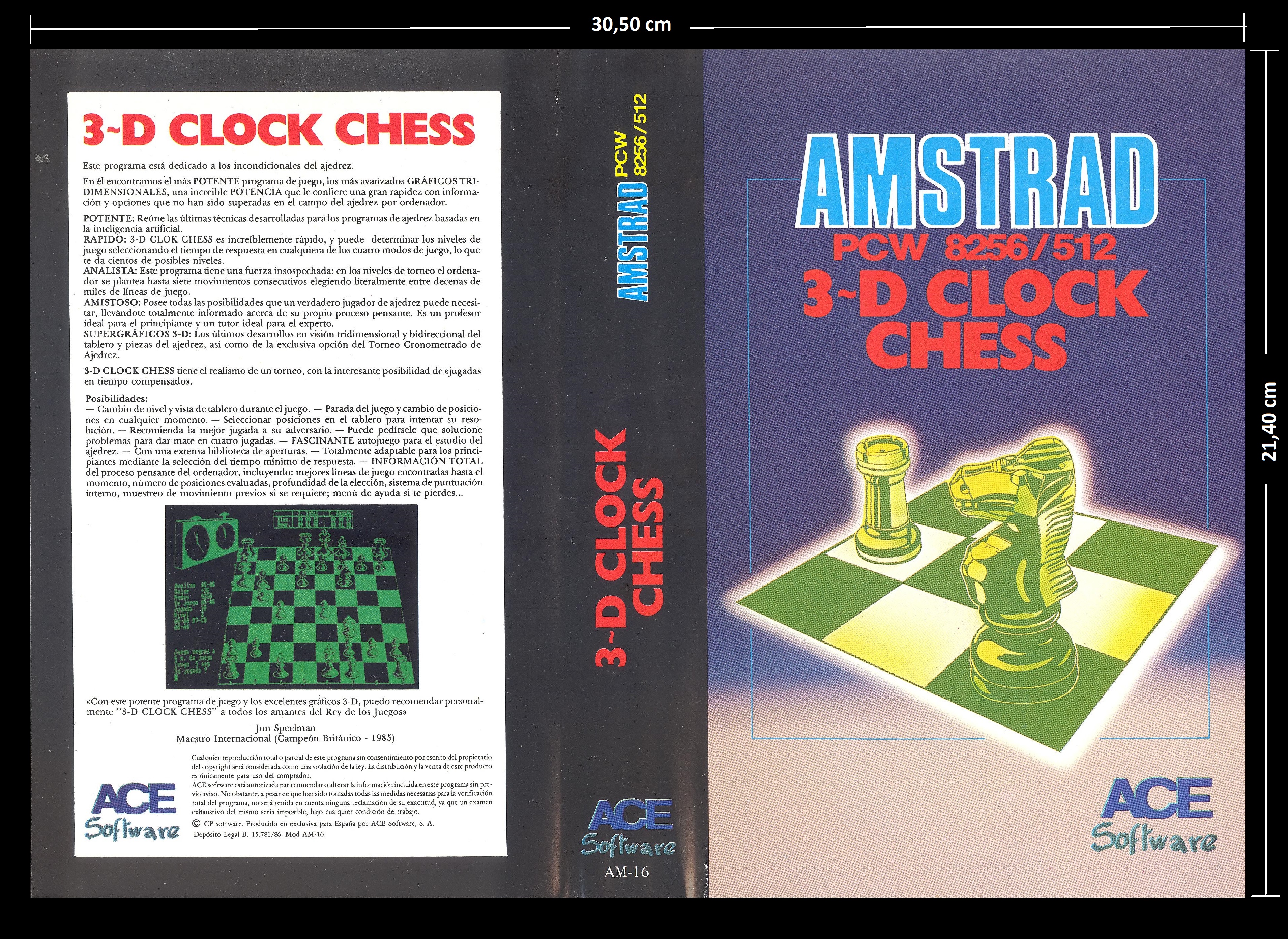
Original cover: Dimensions: Width: 30.50 cm x Height: 21.40 cm.
Retouched cover
Manual
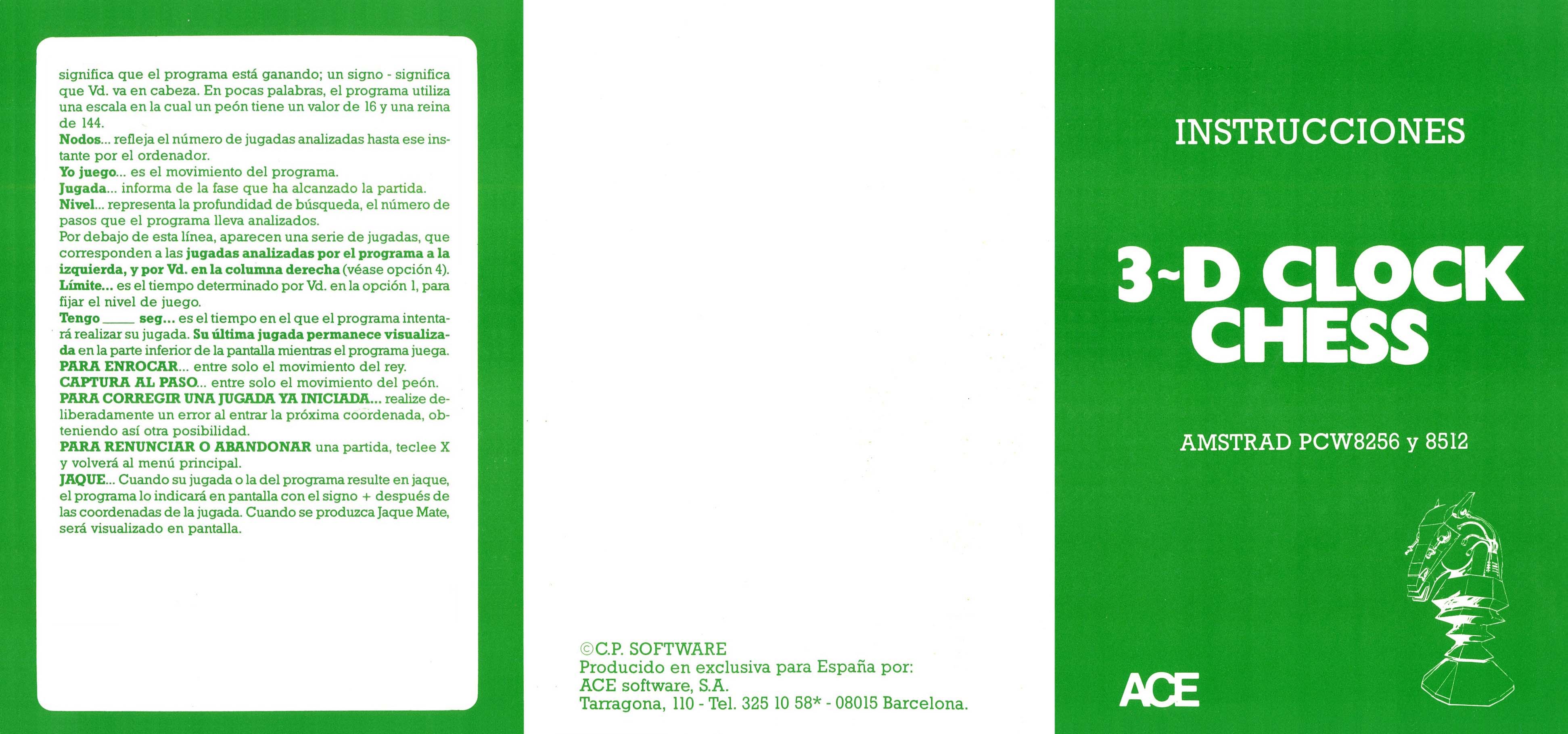
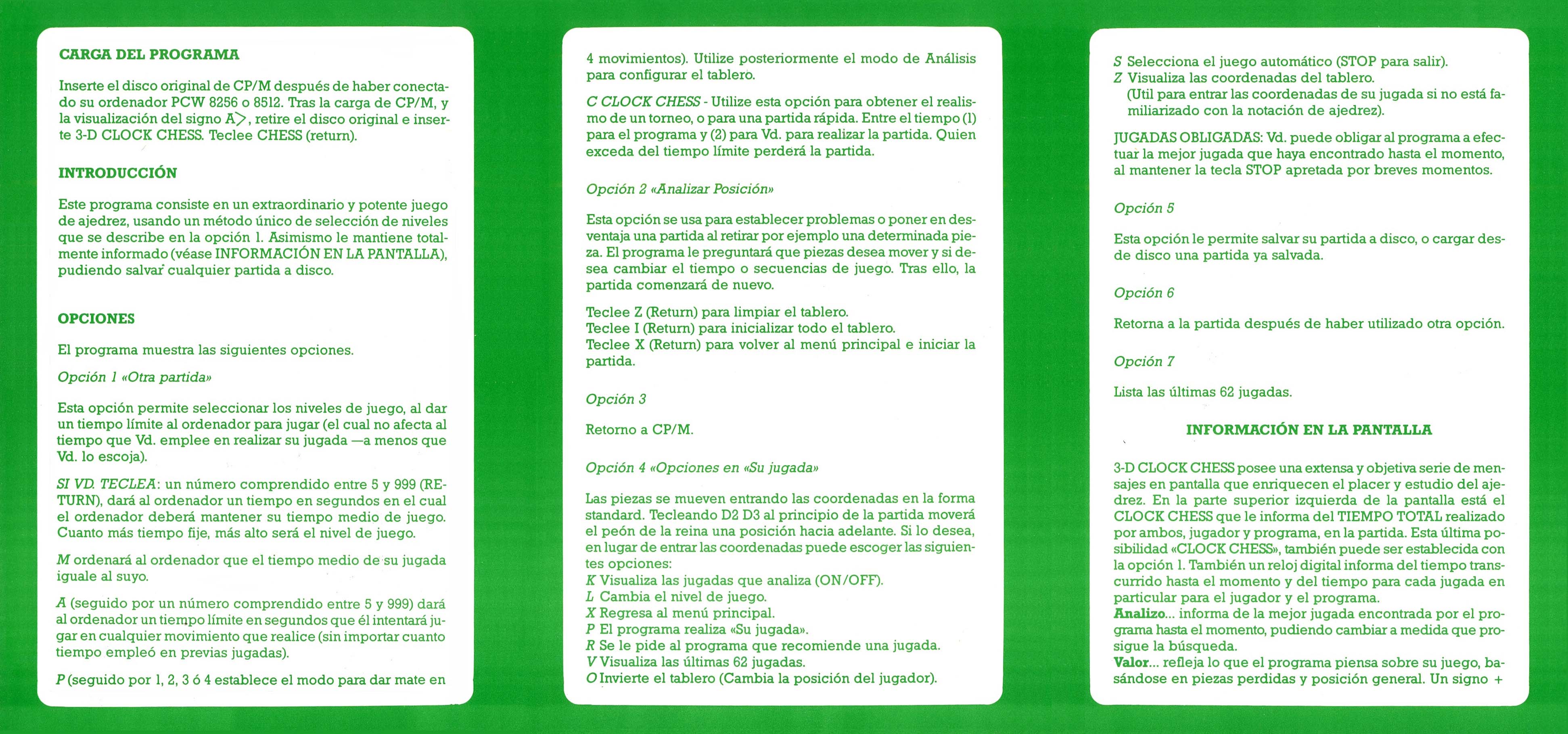
The instruction manual is attached, presented in a triptych format. It has been printed on high-quality glossy paper, using a double-sided white and green color palette. Once opened, the manual reaches measurements of 15.40 cm high by 32.90 cm wide. Each individual panel has dimensions of 15.40 cm high by 10.96 cm wide.
Disks
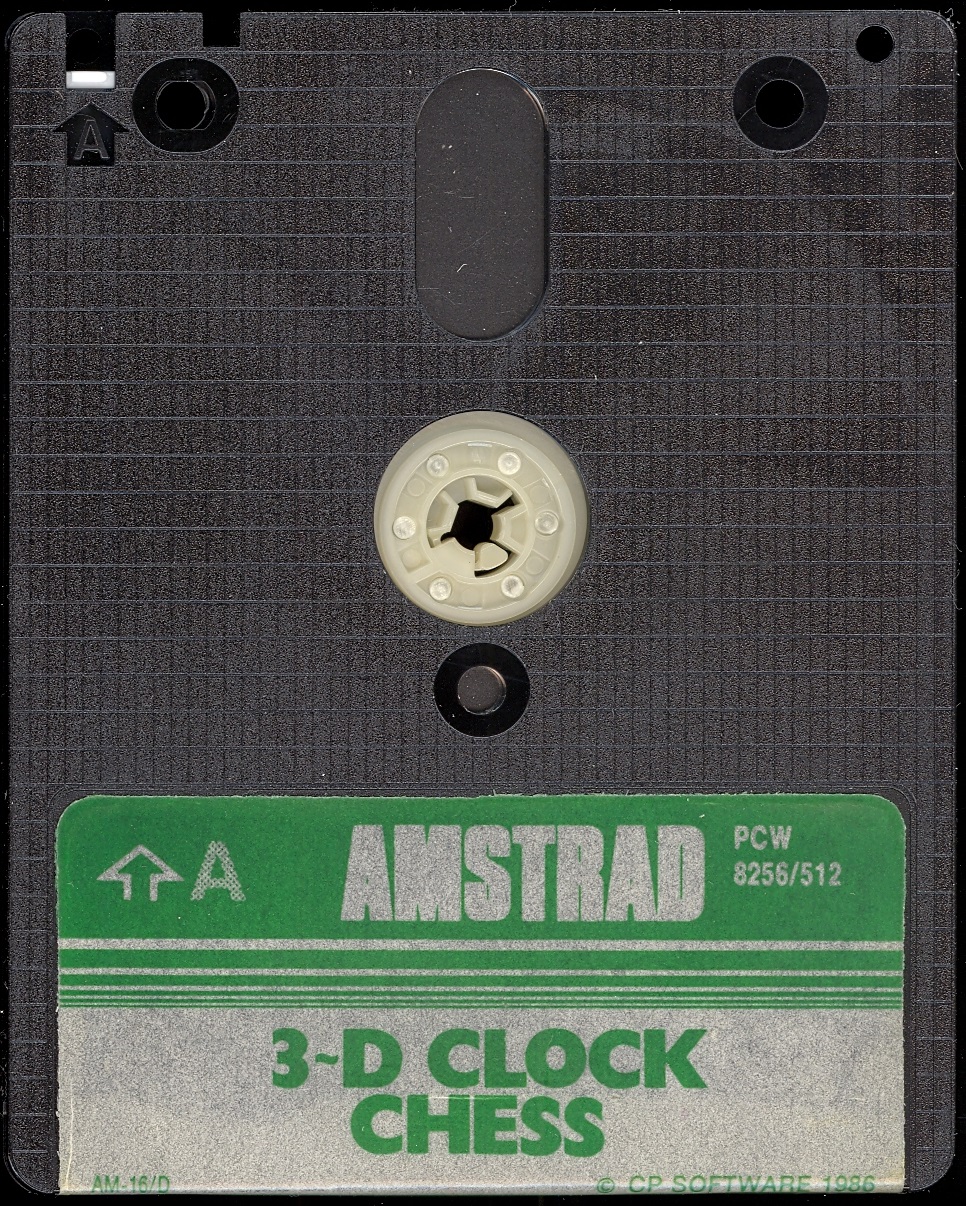

Labels
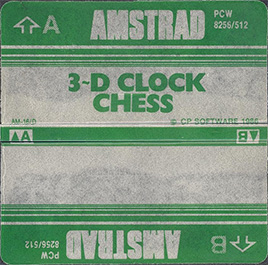
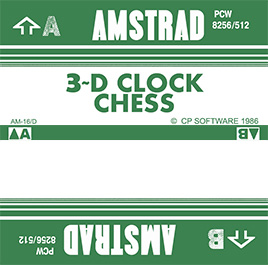
Over the years, due to use, labels get damaged and lose color and quality. Now we try to adapt them as faithfully as possible, within our possibilities, so that they can be printed and replaced, serving those who work with a copy of the program, while preserving the original disk intact. Measurement in 3“ height: 7.00 cm - width: 7.10 cm.
Extras
Tips and tricks
You can automatically send everything we want to the printer. Simultaneously press the “0”, “5”, “6”, ”.“ and “ENTER” keys on the numeric keypad, and your computer screen will immediately be sent to the printer.
Period Advertising
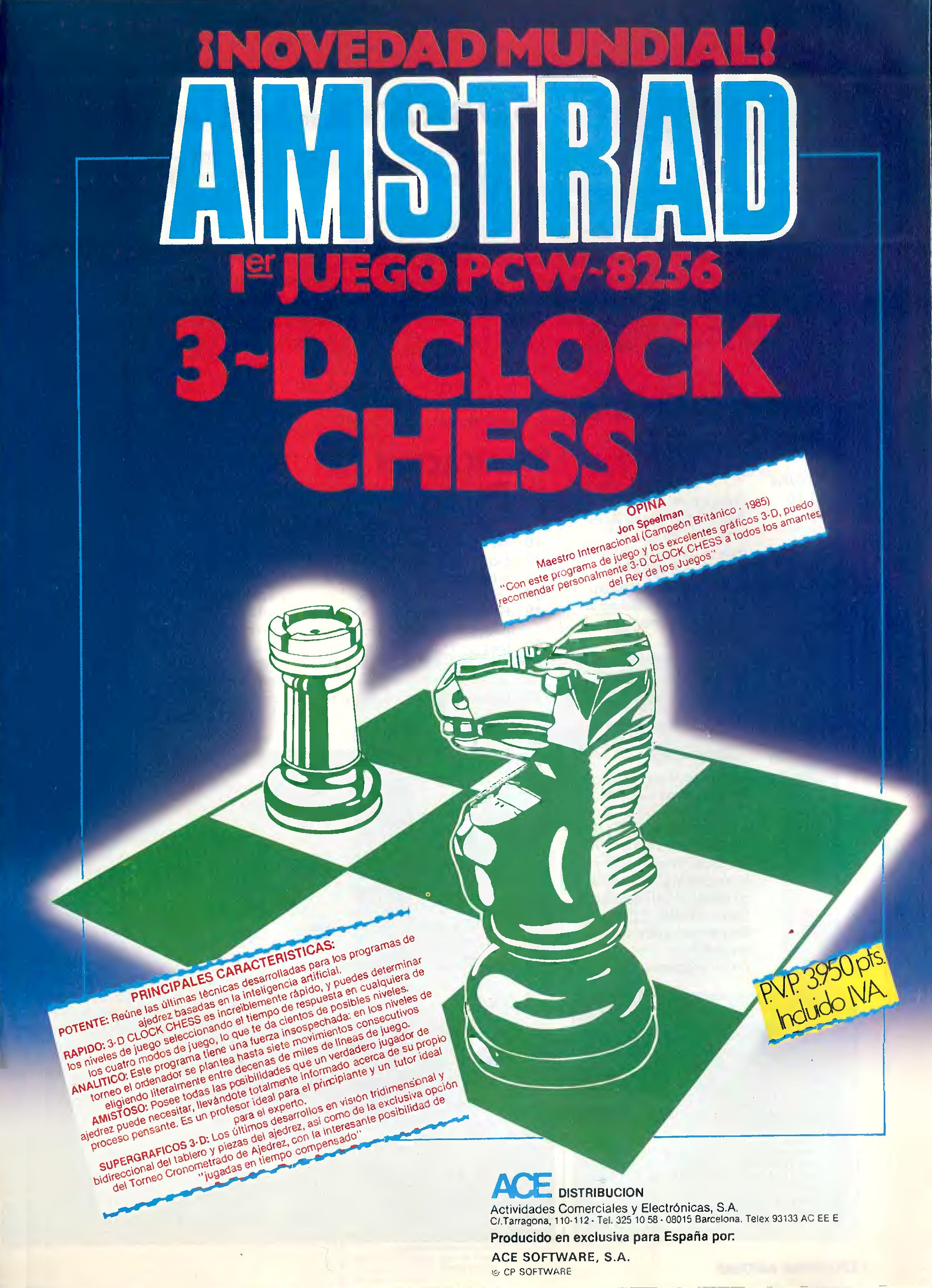
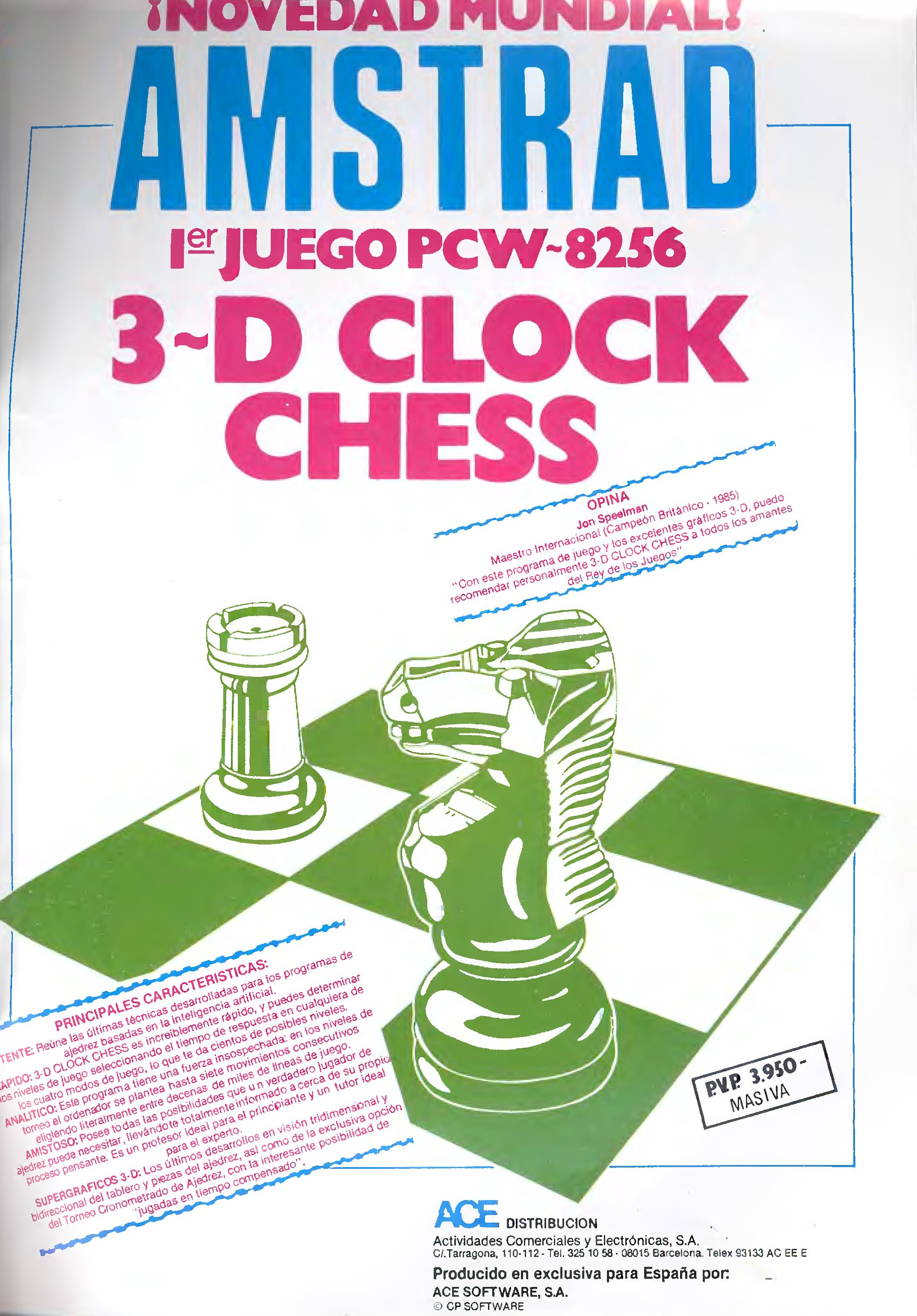
Available Downloads
Game
Manuals
Videos
en/software/juegos/3d_clock_chess_sp.txt · Última modificación: por jesus