
en:software:juegos:3d_clock_chess_sp
¡Esta es una revisión vieja del documento!
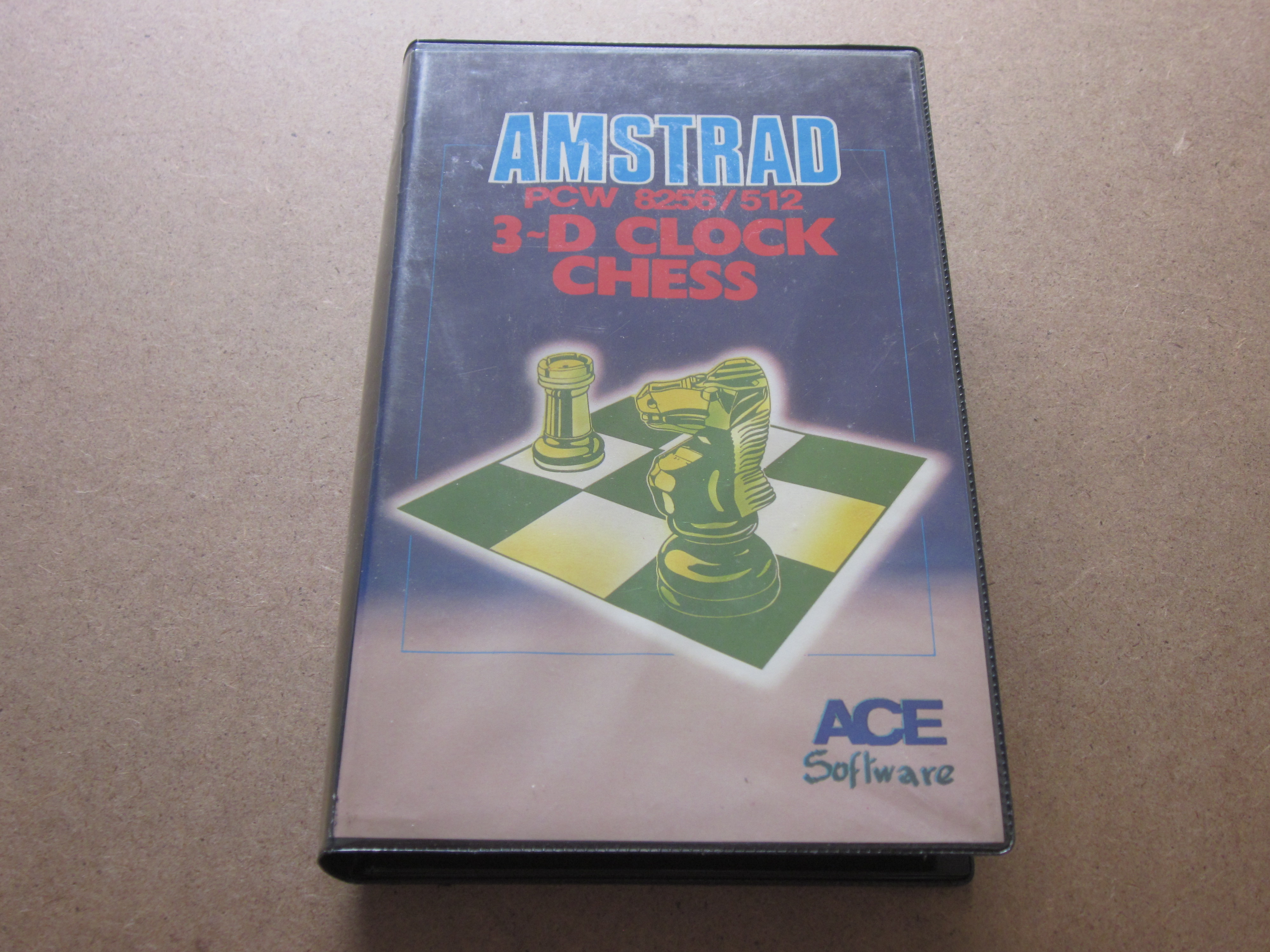
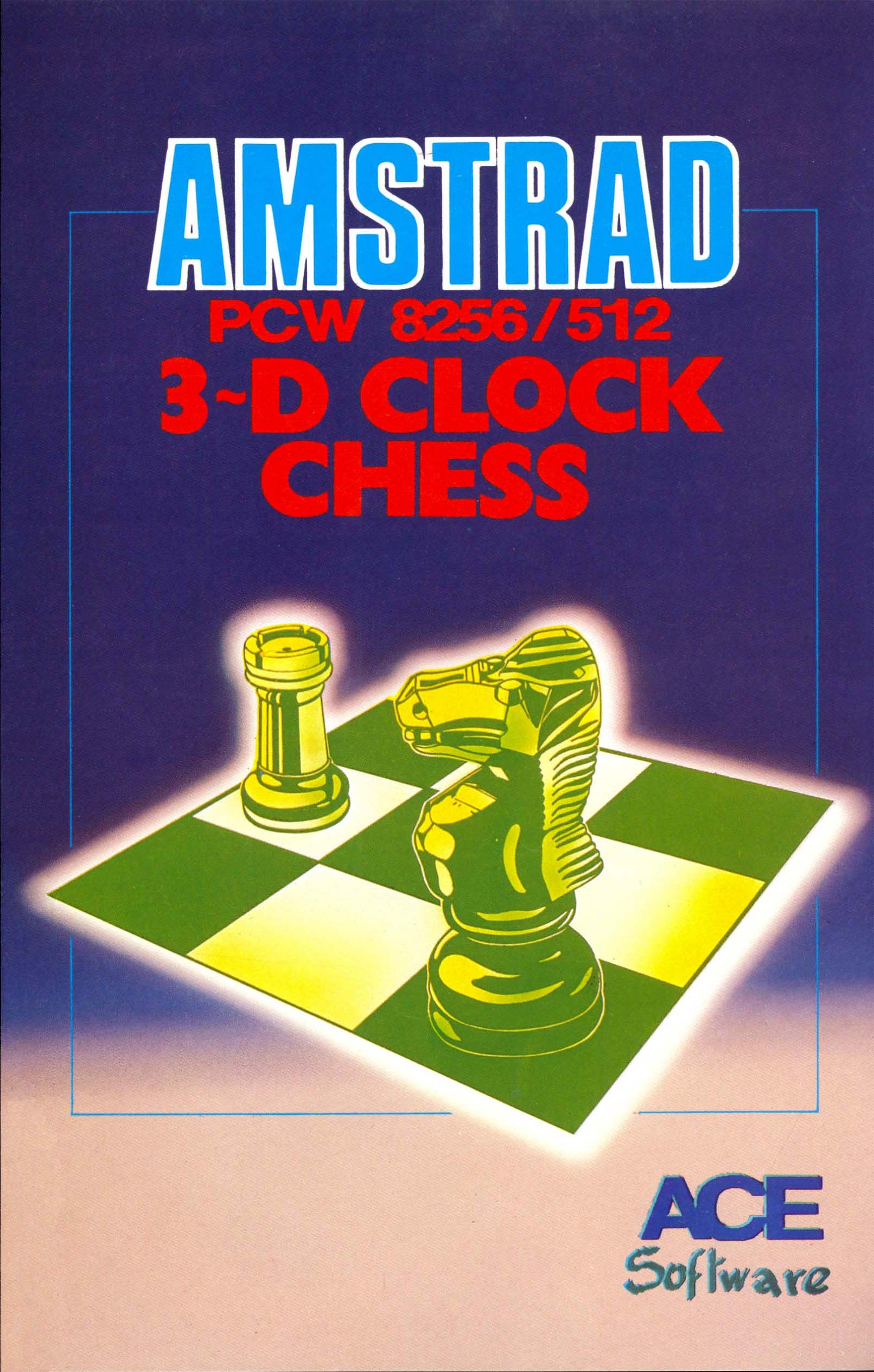
3-D CLOCK CHESS
TECHNICAL SPECIFICATIONS

Company:CP Software
Publisher:ACE Software
Production team:Written by Chris Whittington BA, Cooperation: Jon Speelman and graphic creation and Realization: Gilly Ashforth
Year:1986
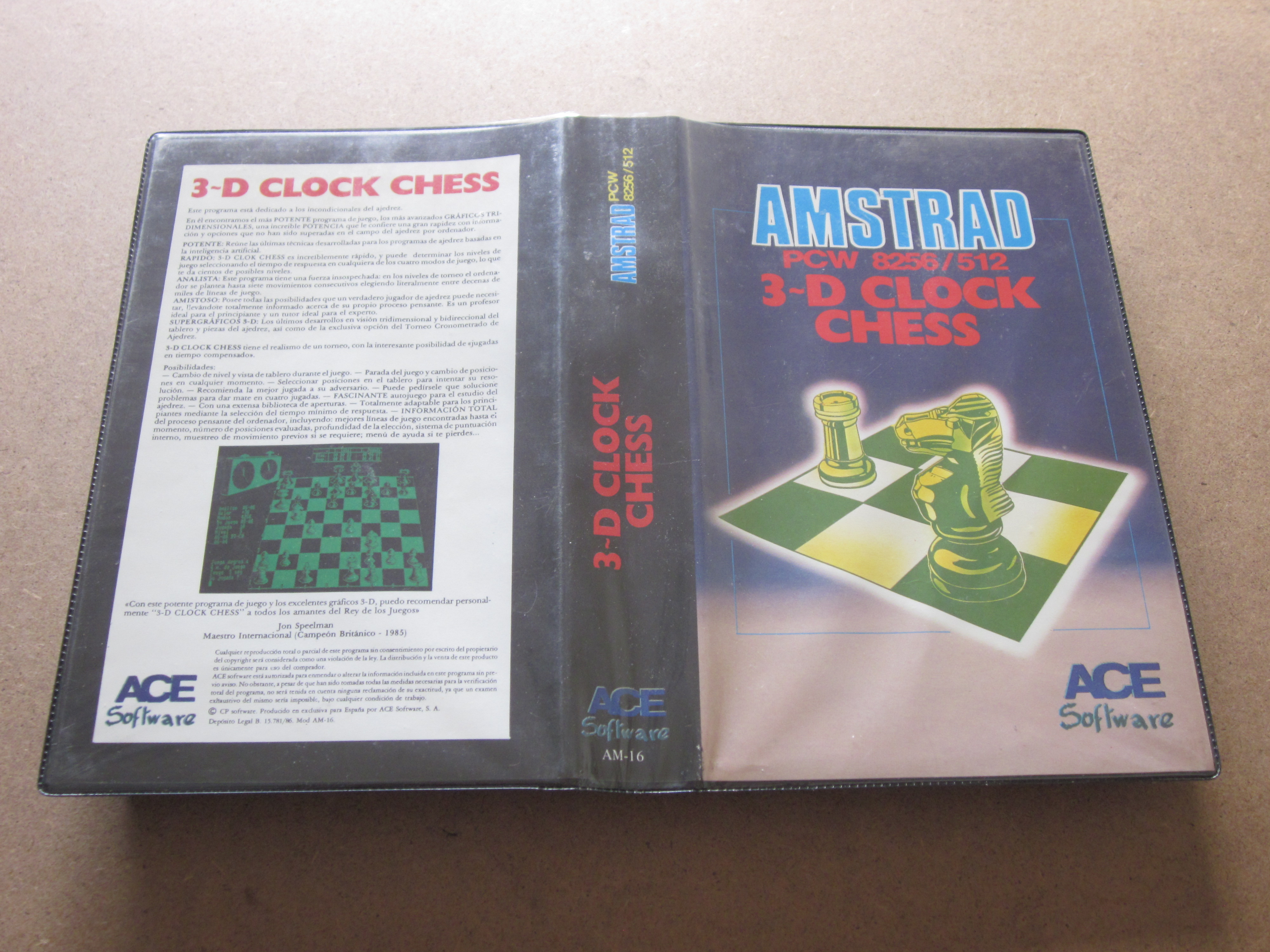
Packaging:Black plastic case (Width: 14.00 cm x Height: 22.00 cm x Thickness: 3.30 cm)
Compatibility:PCW 8256 - PCW 8512 - PCW 9512
Peripherals:Keyboard
Boot:CP/M+
Genre:Board (3D Chess)
Language:Spanish
Price:Spain: 3,950 Pesetas
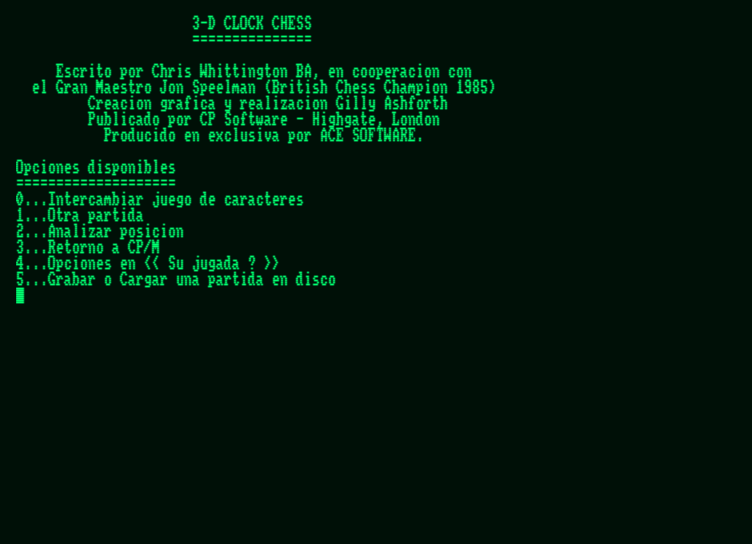
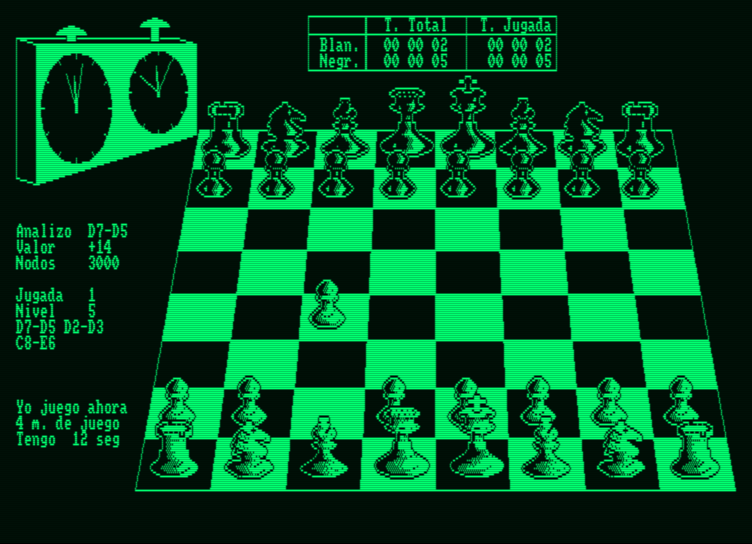
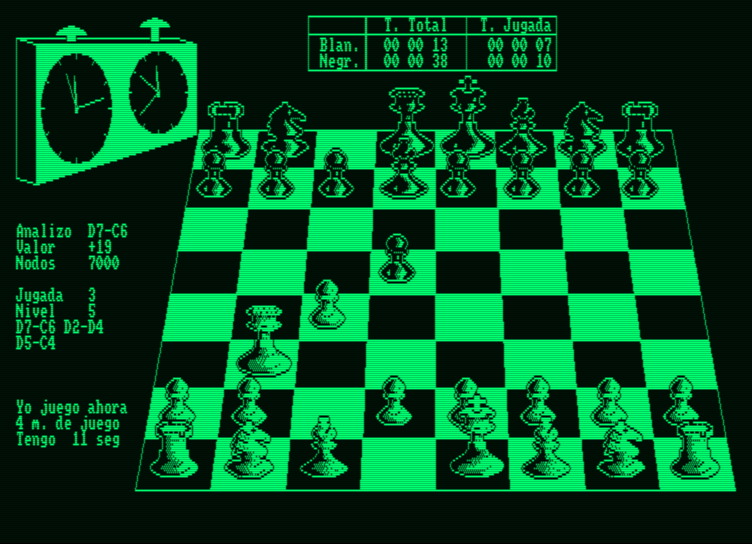
Screenshots
 |
 |
 |
 |
 |
 |
 |
 |
Description
A good chess program could not be missing for your PCW, powerful and simple at the same time. To load the game, you must first insert the CP/M operating system, then type "Chess" and Return.
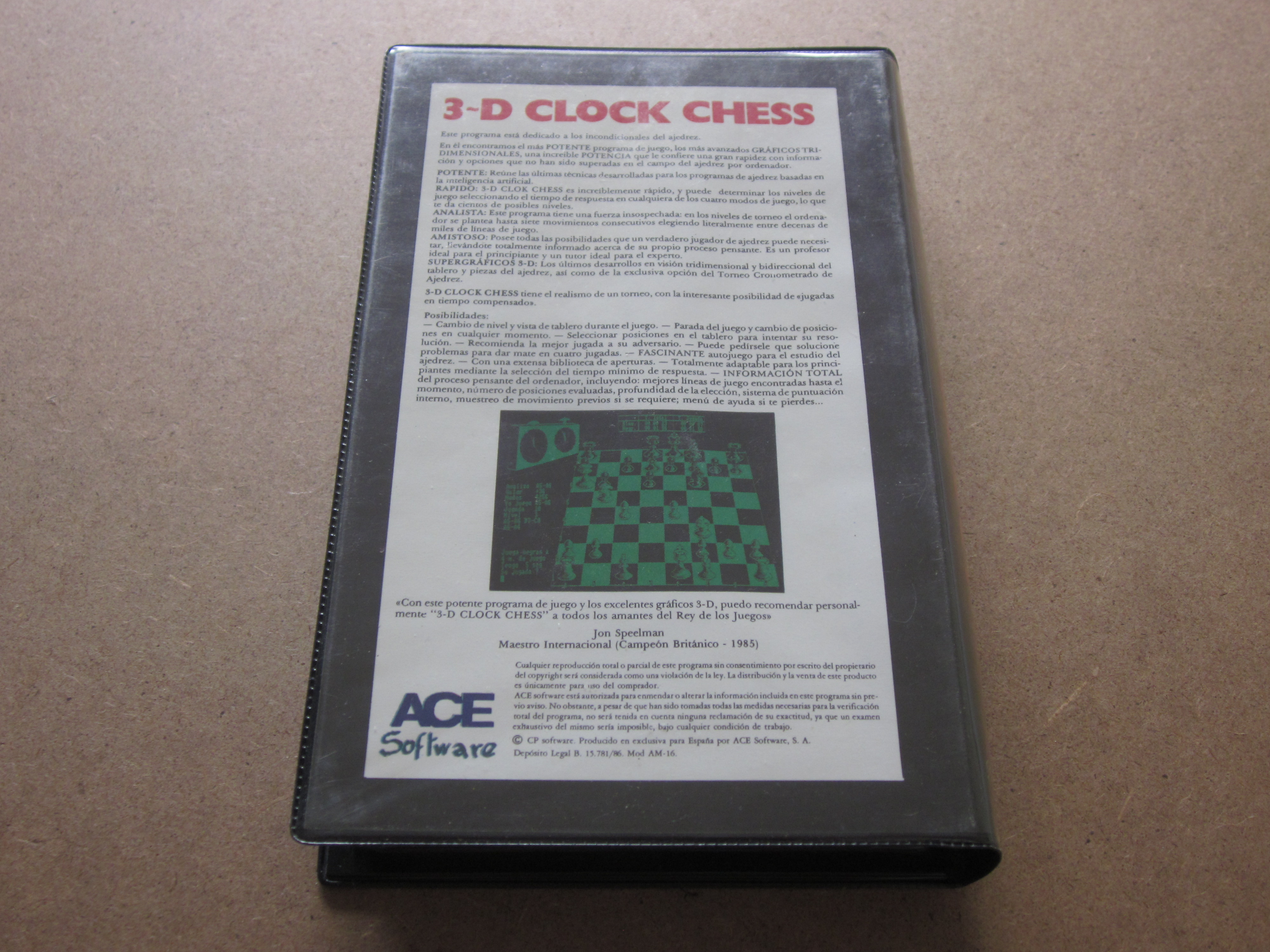
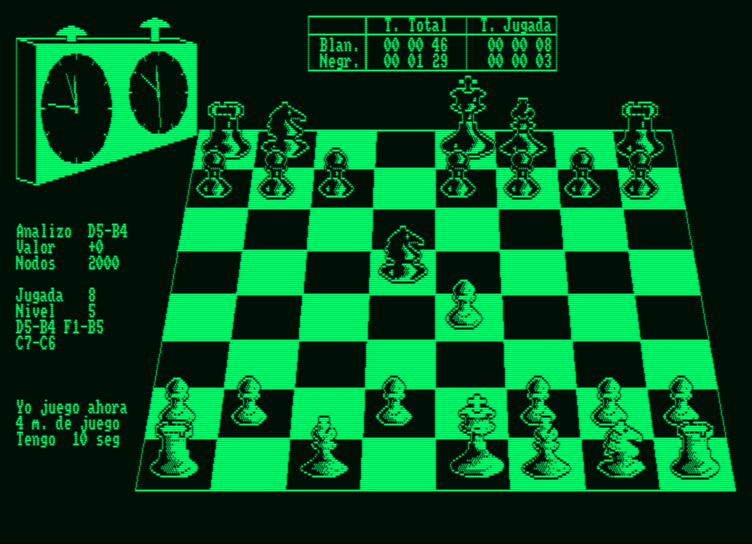
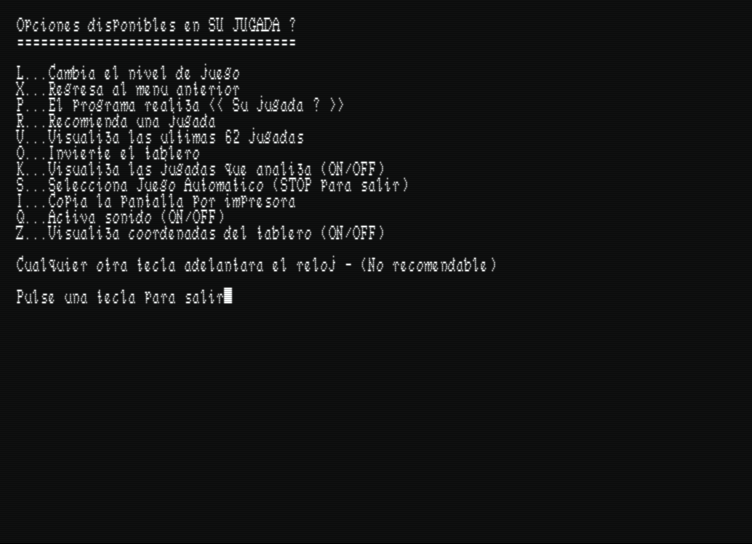
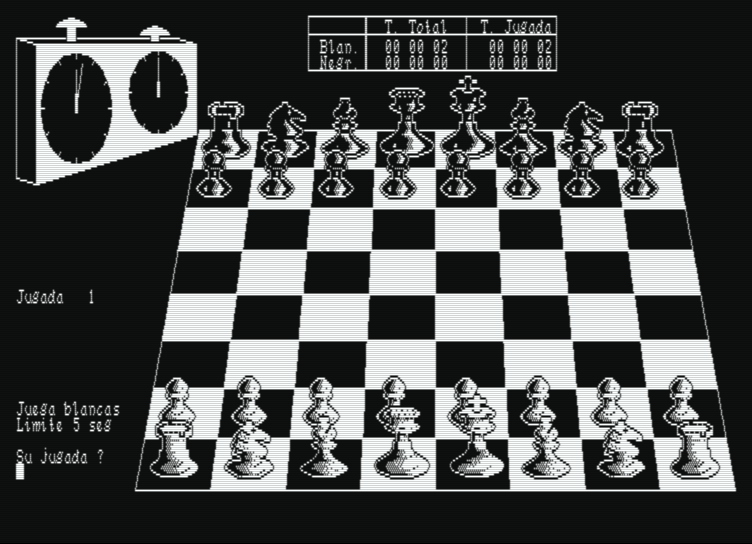
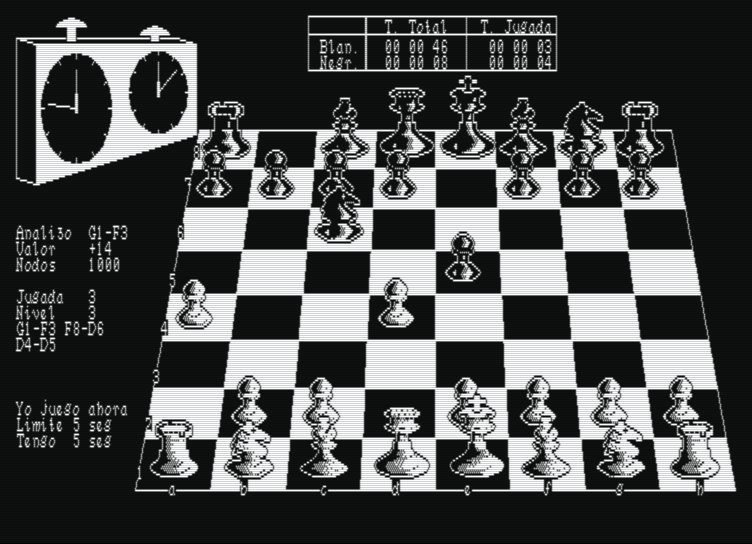
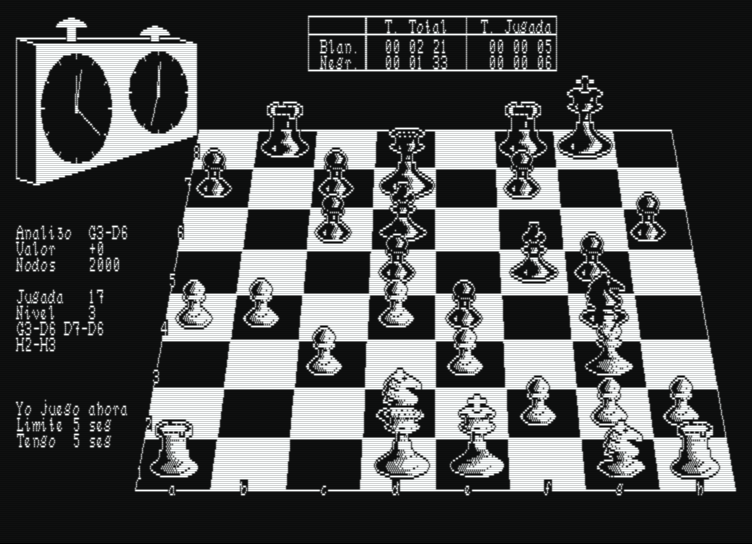
It is one of the most popular chess games for the Amstrad PCW. It features a clock that controls the time of the moves, a three-dimensional display of the board, the option to play against the computer or have it play on its own, and so on. It can be clearly distinguished from other chess programs, as we can create our own opening library.
It is one of the most popular chess games for the Amstrad PCW. It features a clock that controls the time of the moves, a three-dimensional display of the board, the option to play against the computer or have it play on its own, and so on. It can be clearly distinguished from other chess programs, as we can create our own opening library.
Packaging
Cover
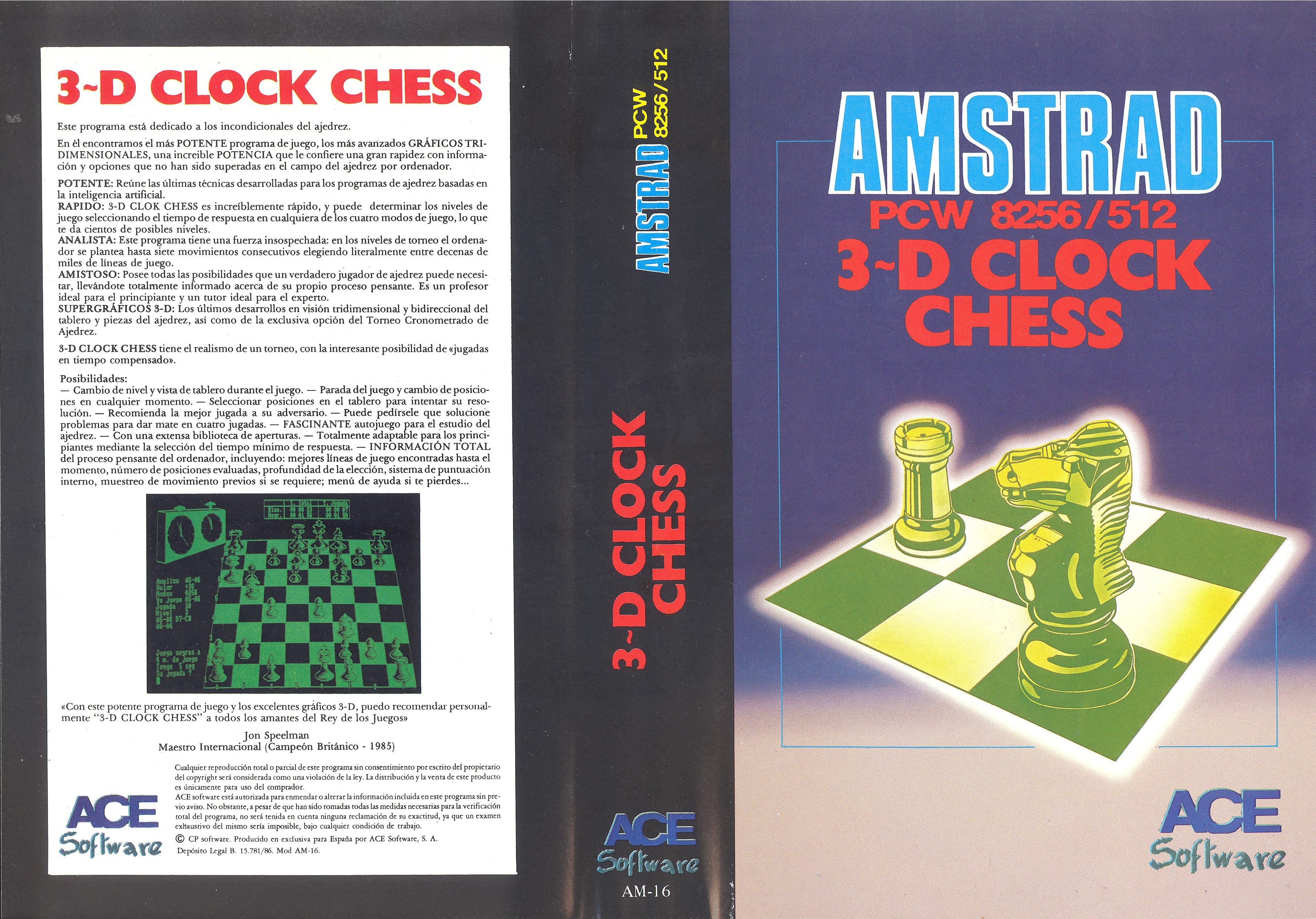
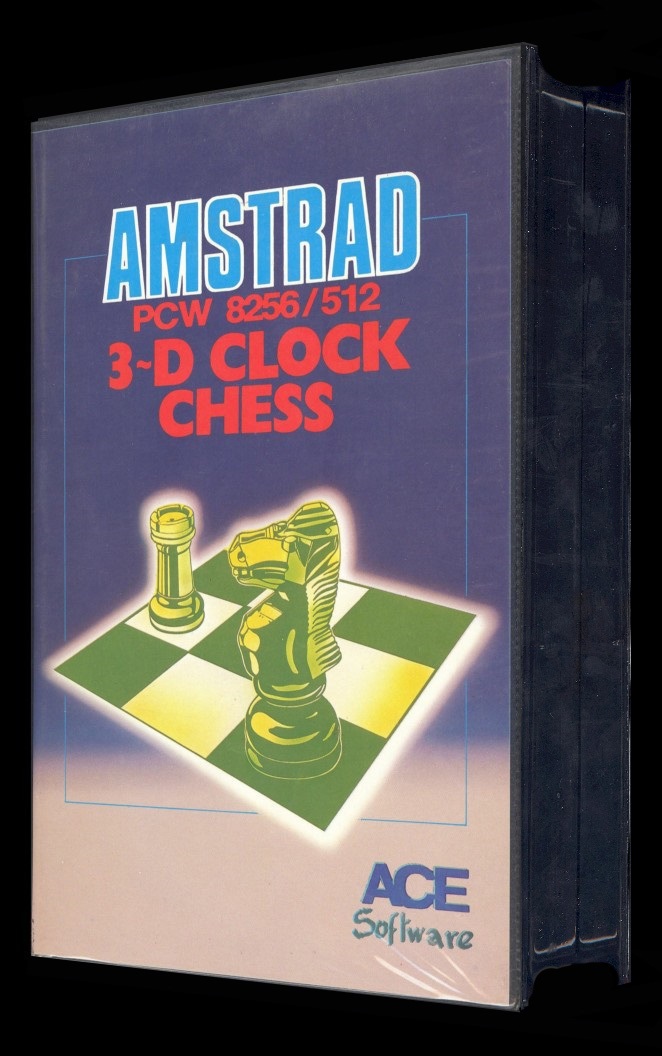
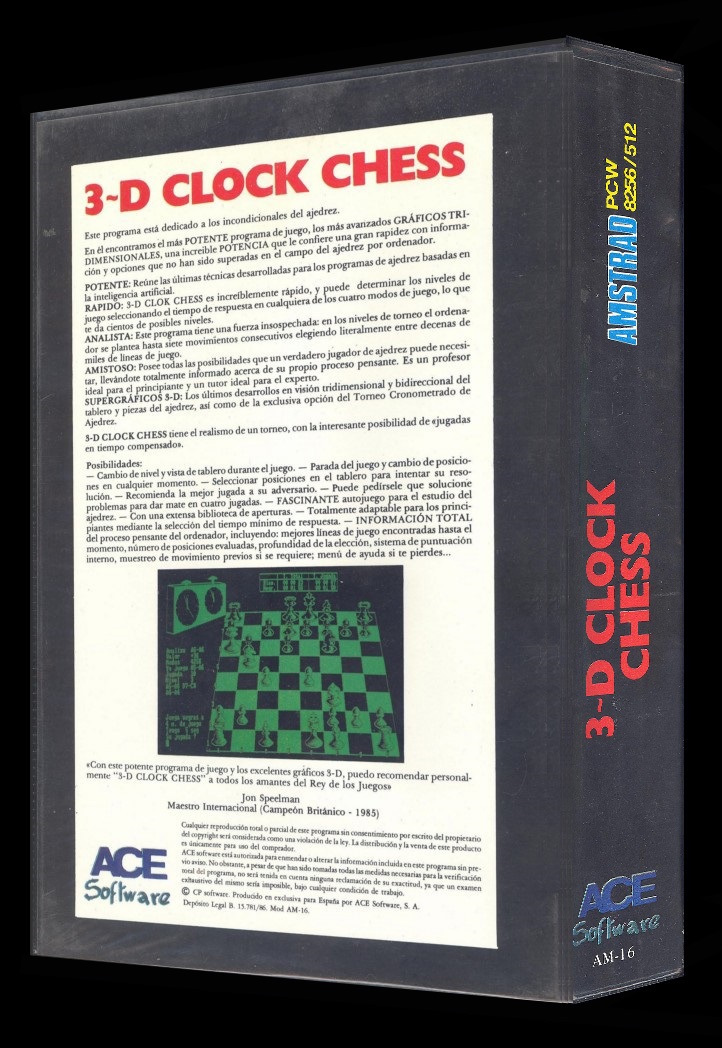
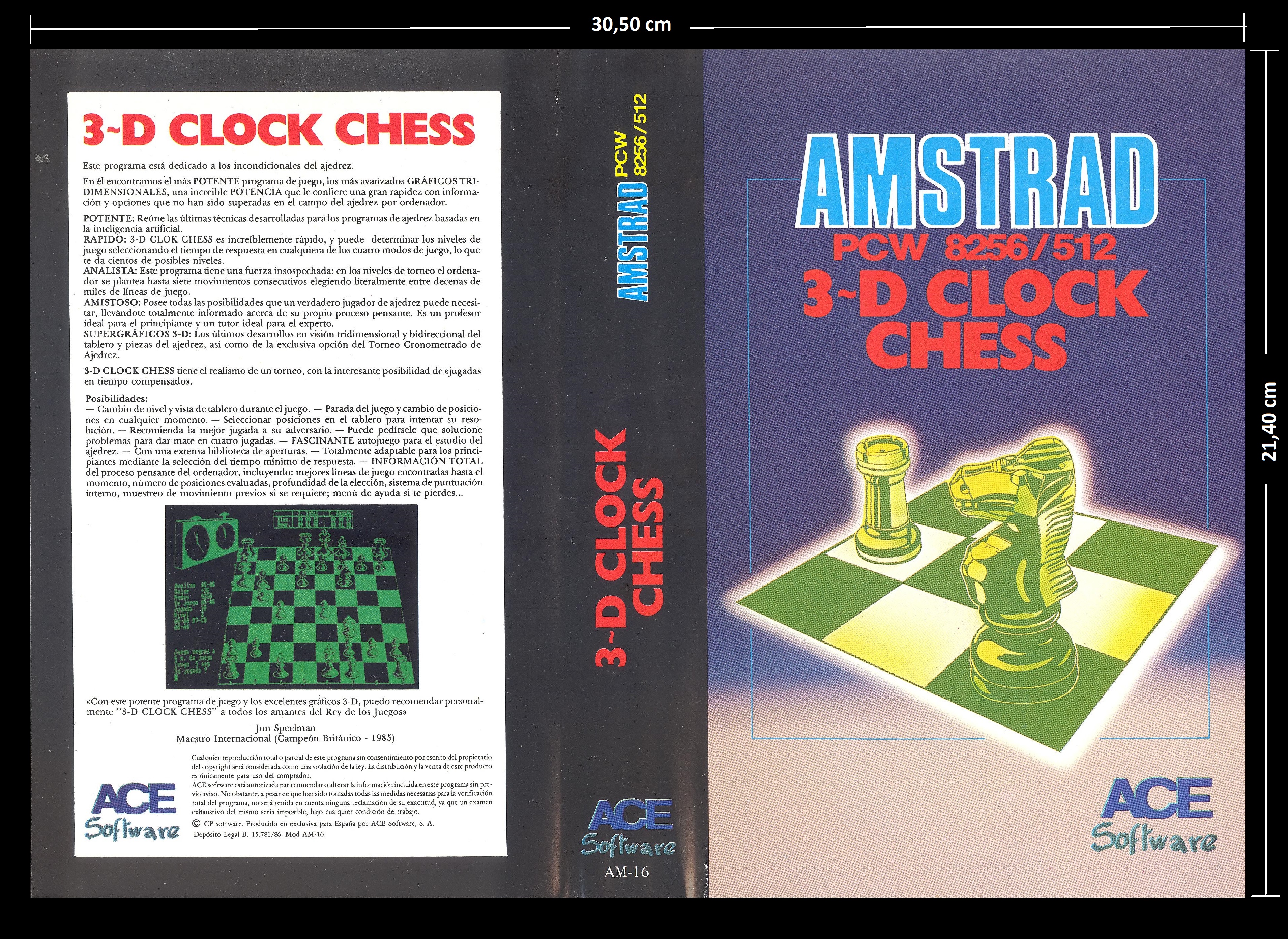
Original cover: Dimensions: Width: 30.50 cm x Height: 21.40 cm.
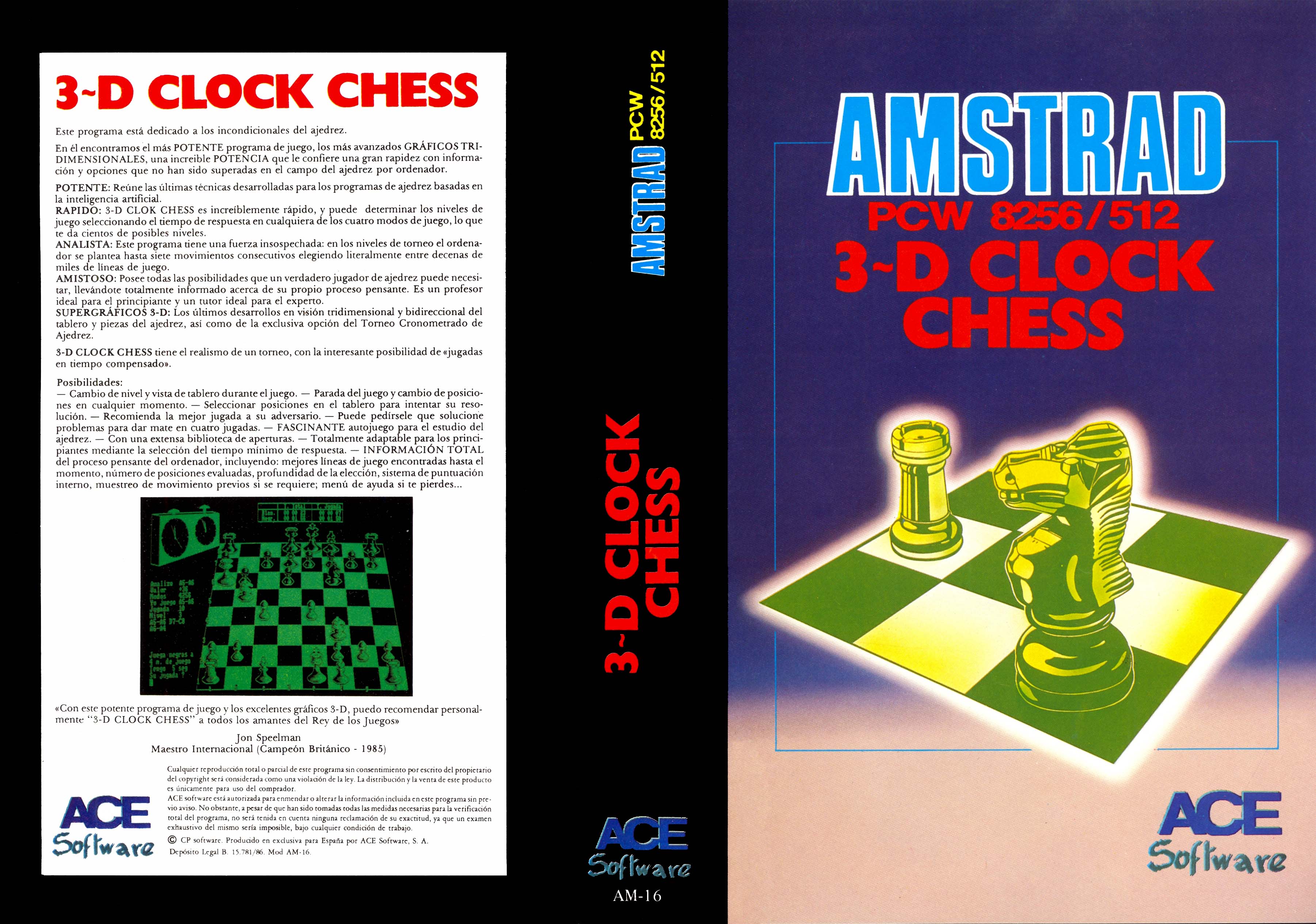
Retouched cover
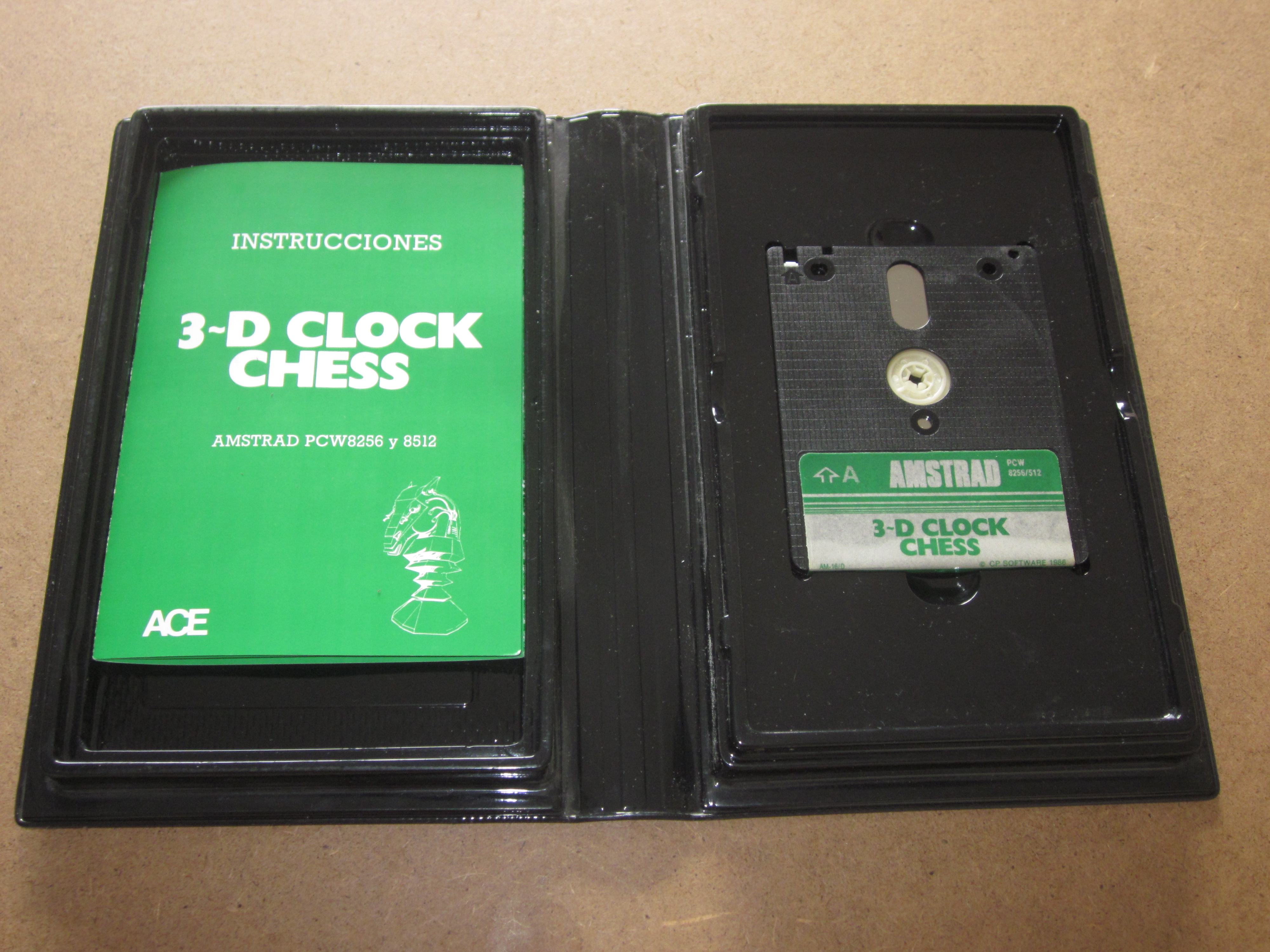
Manual
The instruction manual is attached, presented in a triptych format. It has been printed on high-quality glossy paper, using a double-sided white and green color palette. Once opened, the manual reaches measurements of 15.40 cm high by 32.90 cm wide. Each individual panel has dimensions of 15.40 cm high by 10.96 cm wide.
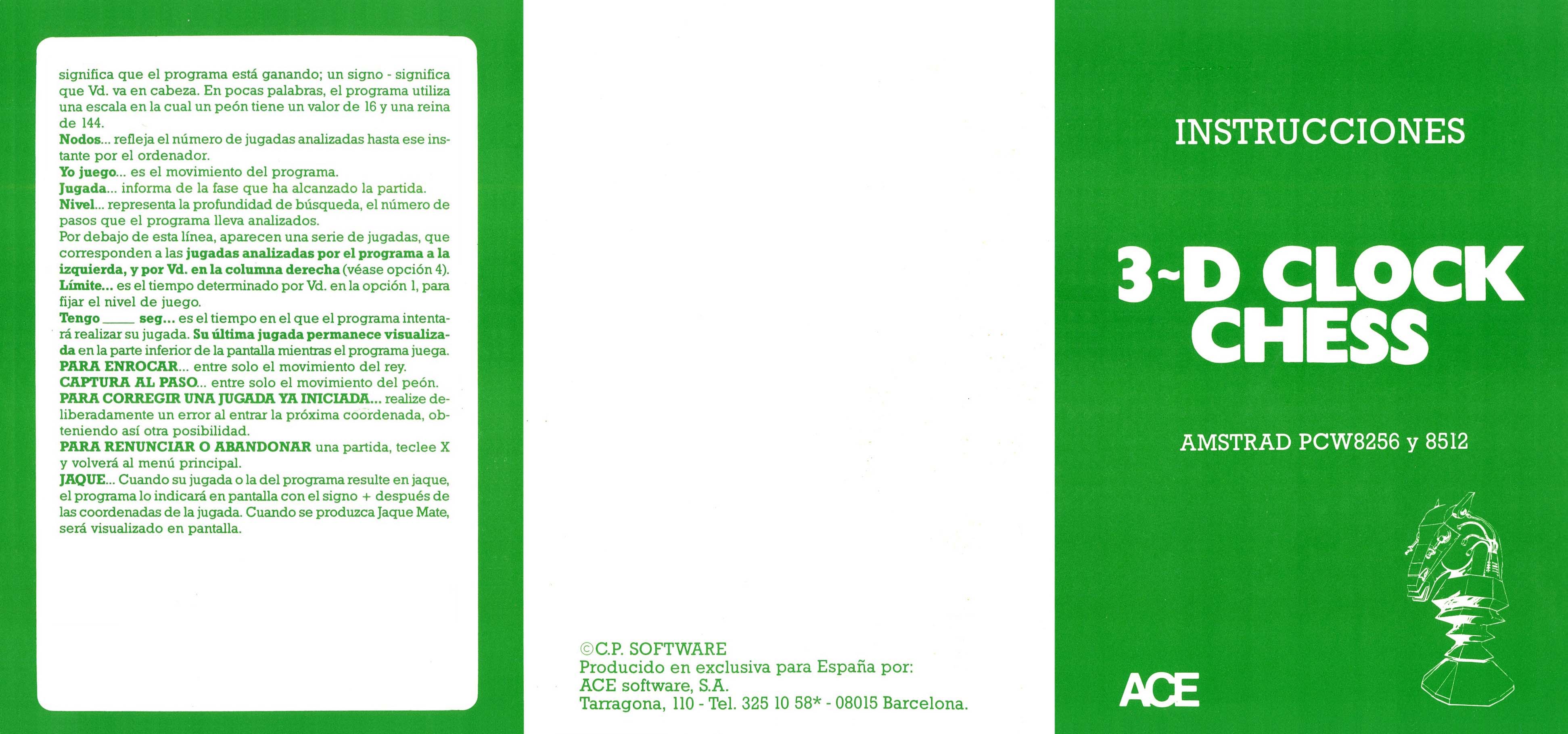
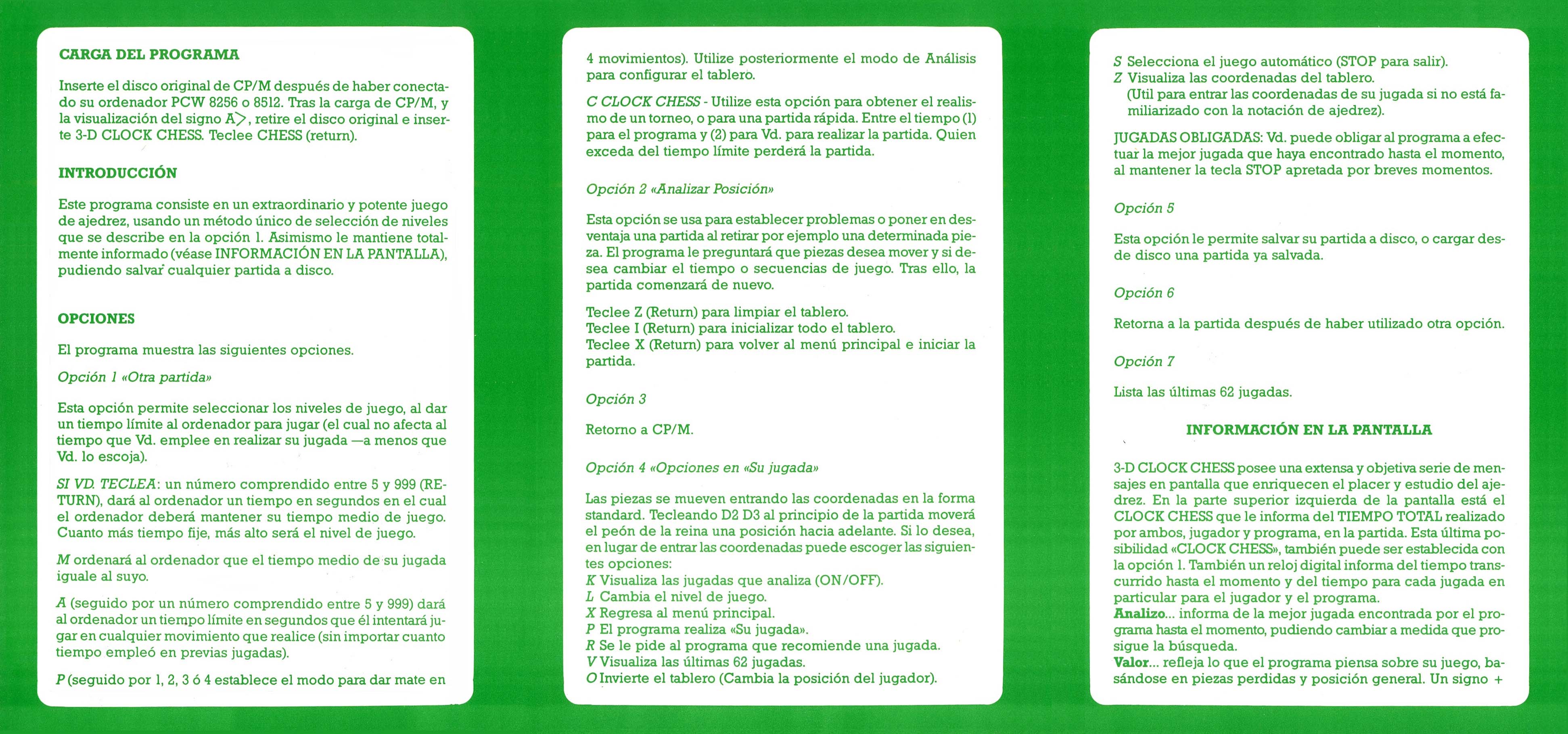
Disks
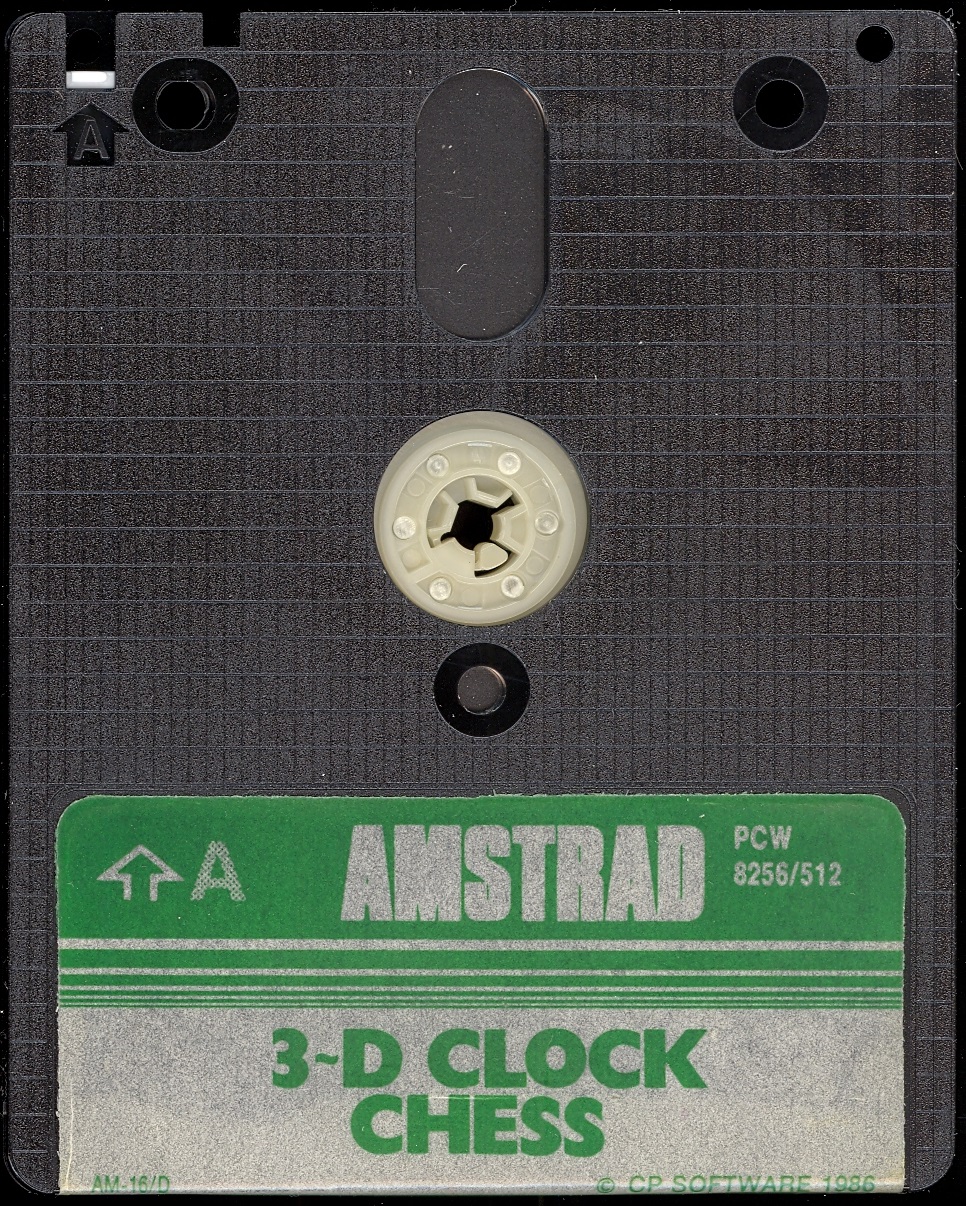
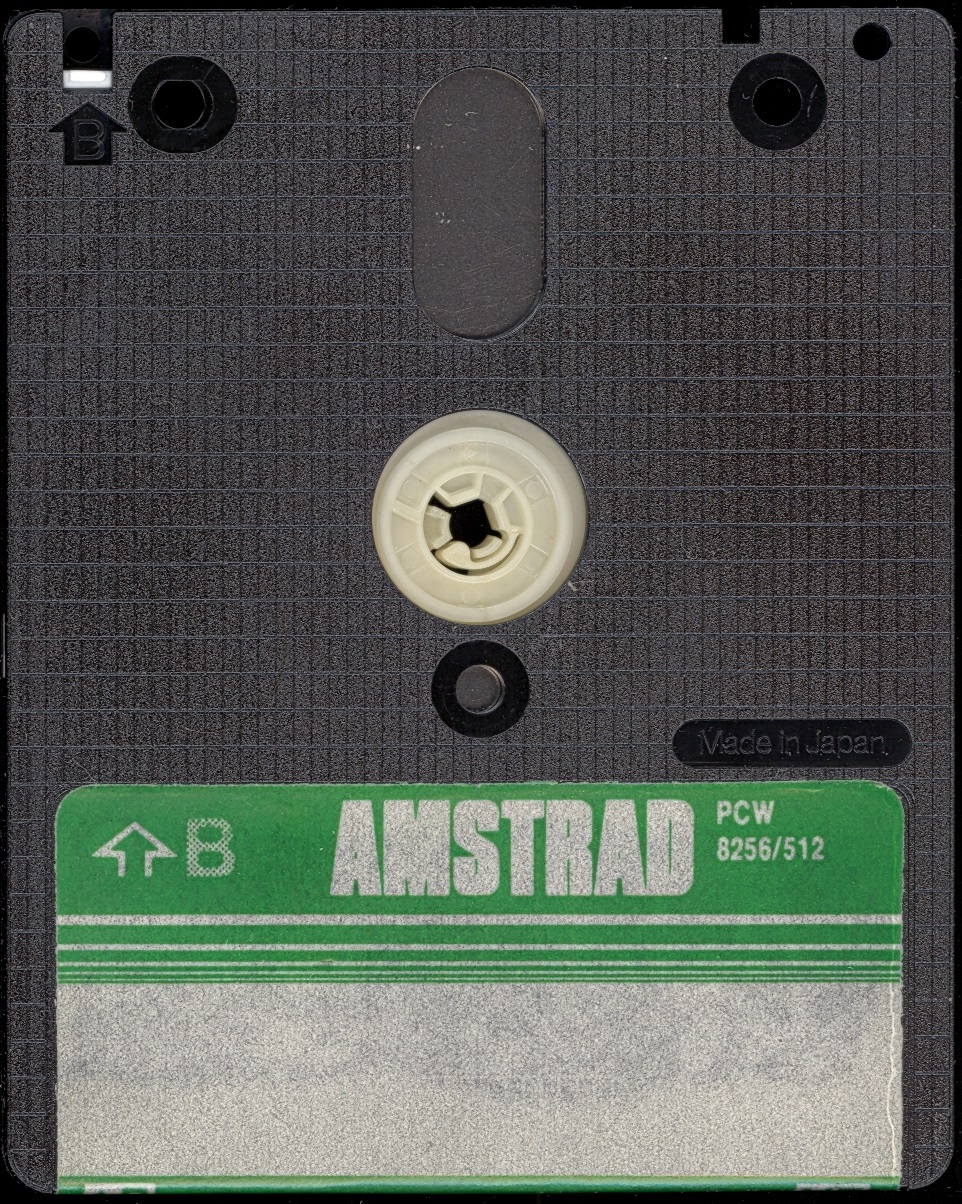

Labels
Over the years, due to use, labels get damaged and lose color and quality. Now we try to adapt them as faithfully as possible, within our possibilities, so that they can be printed and replaced, serving those who work with a copy of the program, while preserving the original disk intact. Measurement in 3“ height: 7.00 cm - width: 7.10 cm.
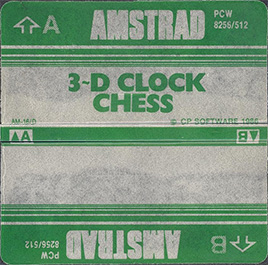
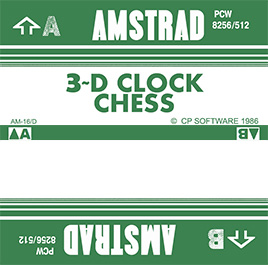
Extras
Tips and tricks
You can automatically send everything we want to the printer. Simultaneously press the “0”, “5”, “6”, ”.“ and “ENTER” keys on the numeric keypad, and your computer screen will immediately be sent to the printer.
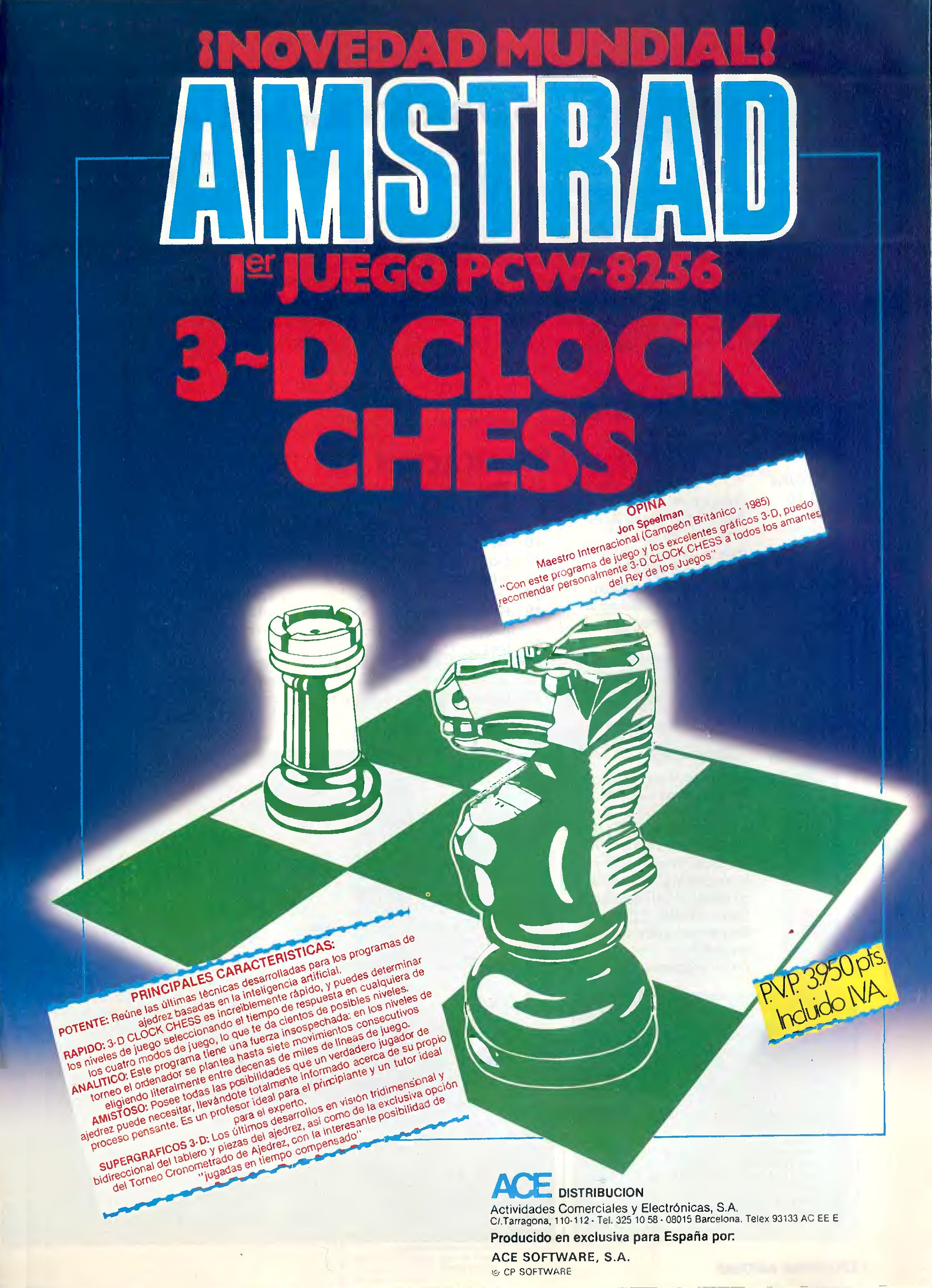
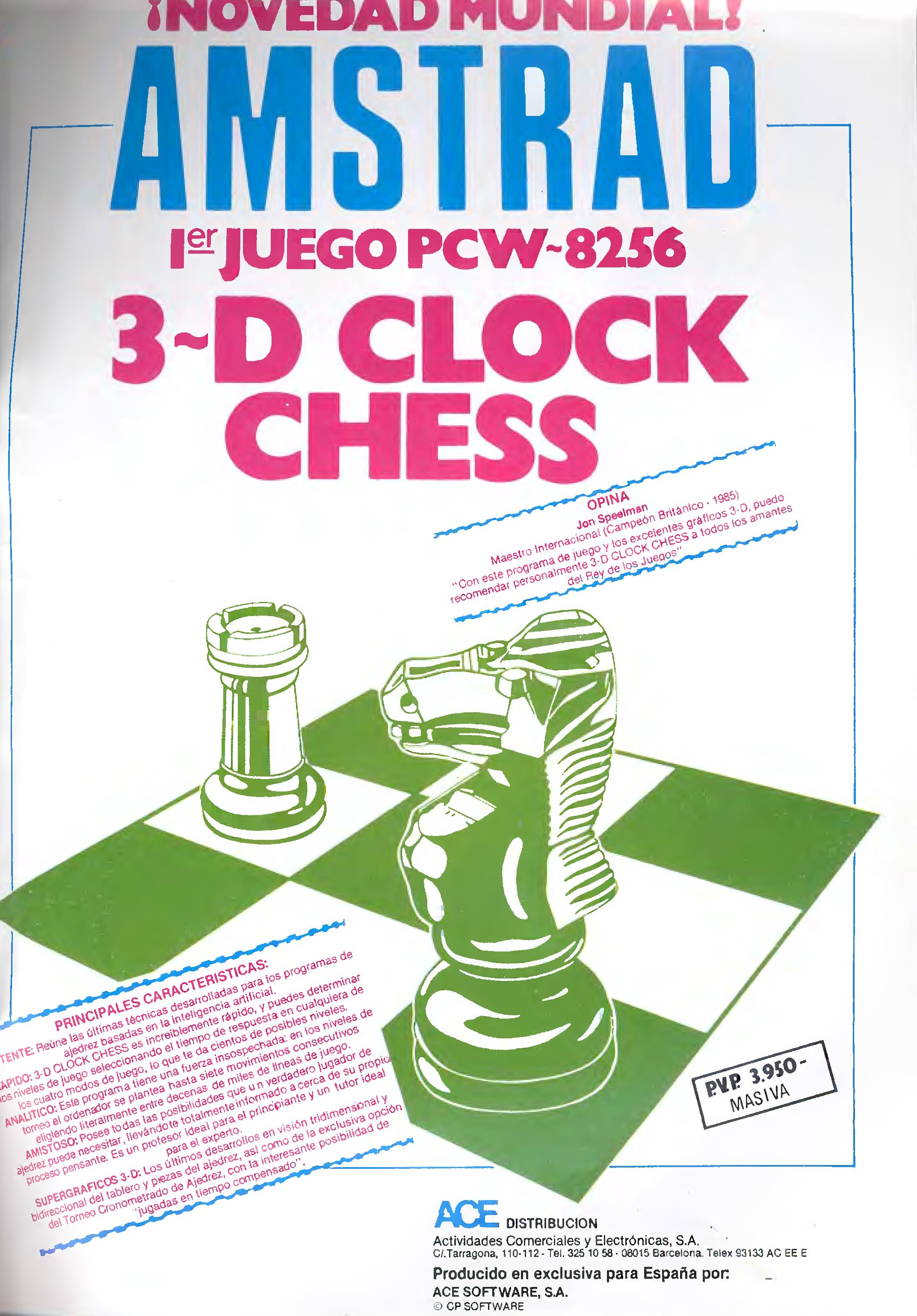
Period Advertising
Available Downloads
Game
Manuals
Videos
en/software/juegos/3d_clock_chess_sp.1779270765.txt.gz · Última modificación: por jesus