
software:juegos:3d_clock_chess_sp
¡Esta es una revisión vieja del documento!
3-D CLOCK CHESS
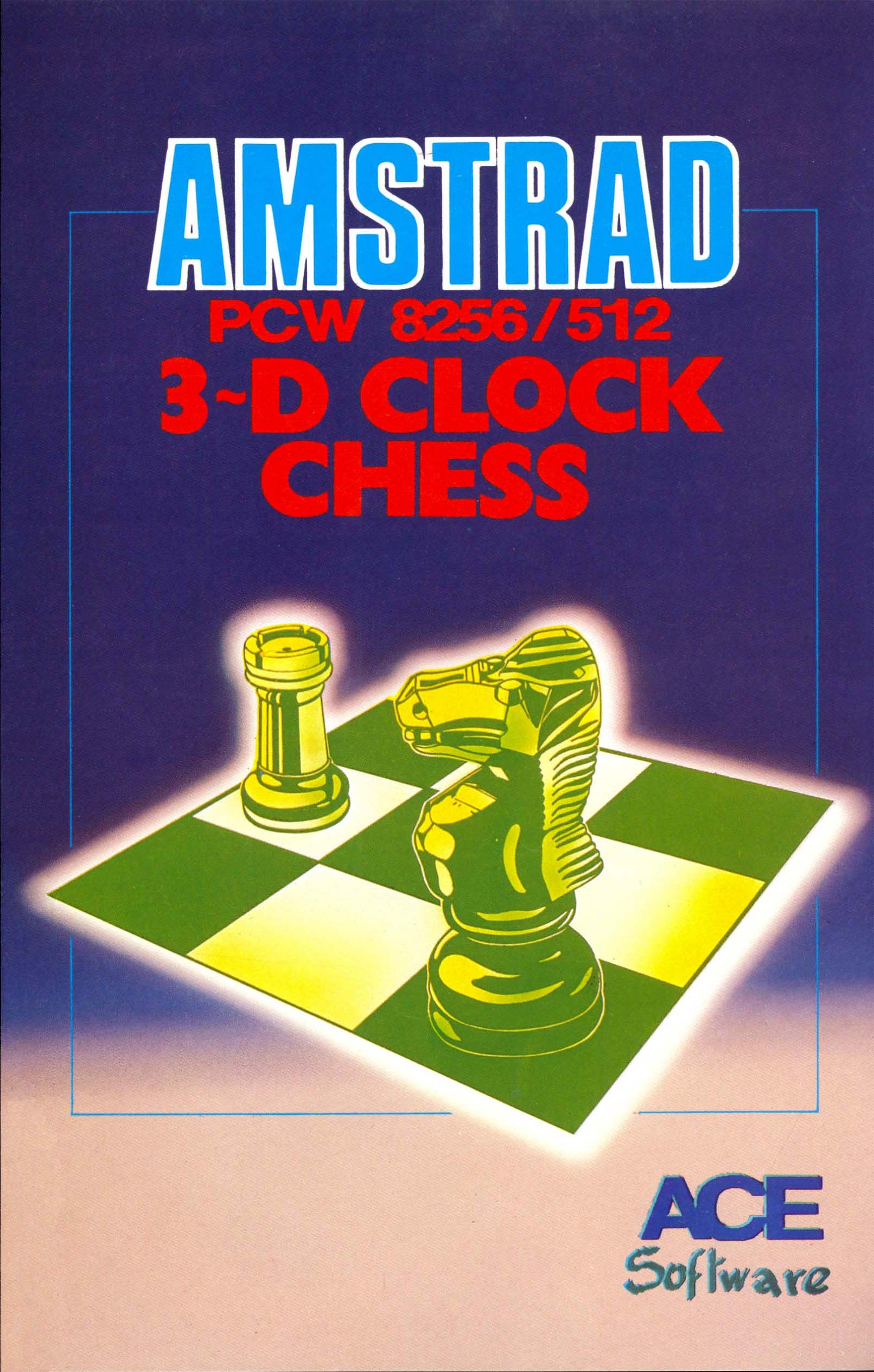
FICHA TÉCNICA

Compañía:CP Software
Distribuidora:ACE Software
Equipo de producción:Written by Chris Whittington BA, Cooperation: Jon Speelman and graphic creation and Realization: Gilly Ashforth
Año:1986
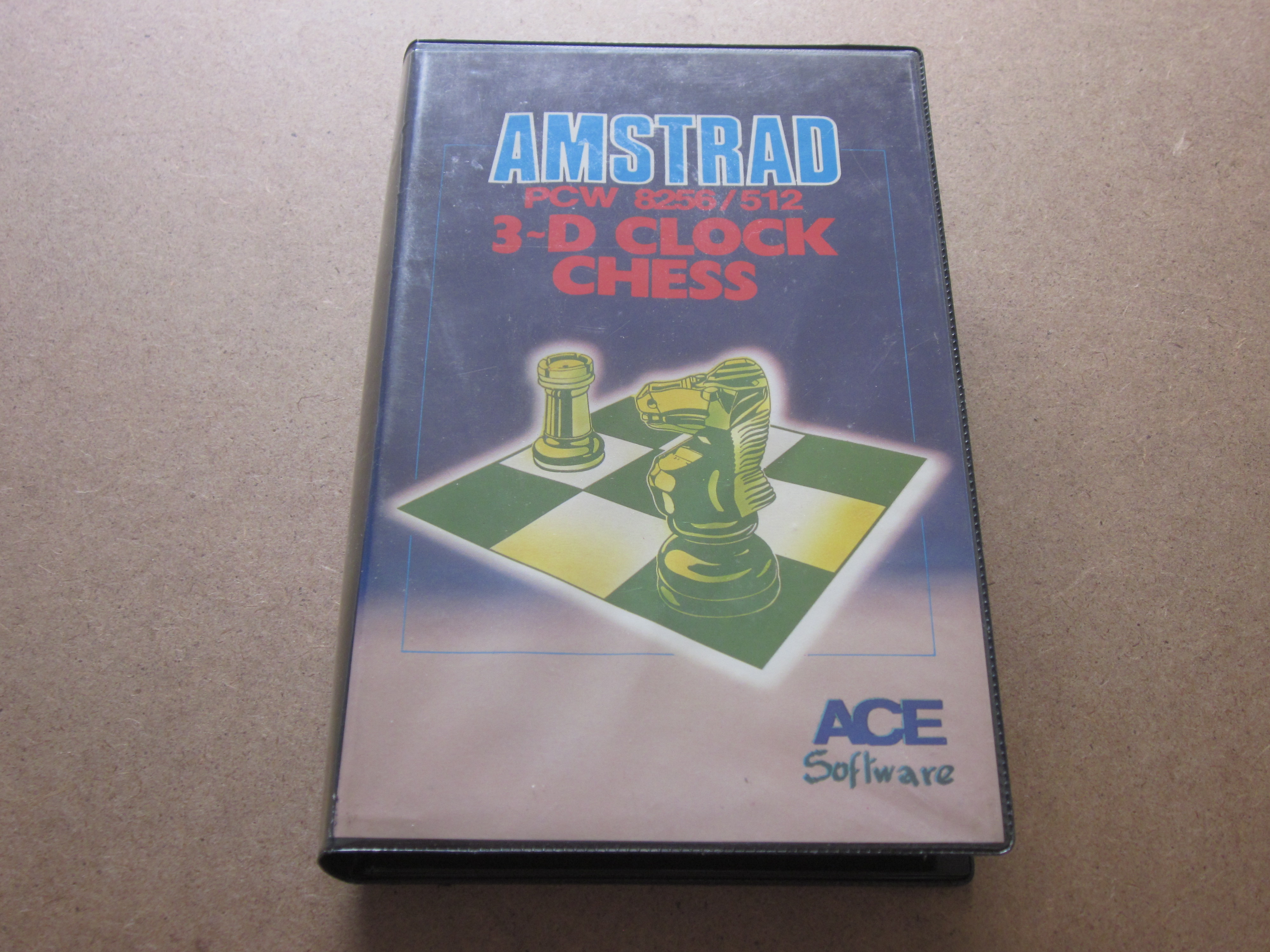
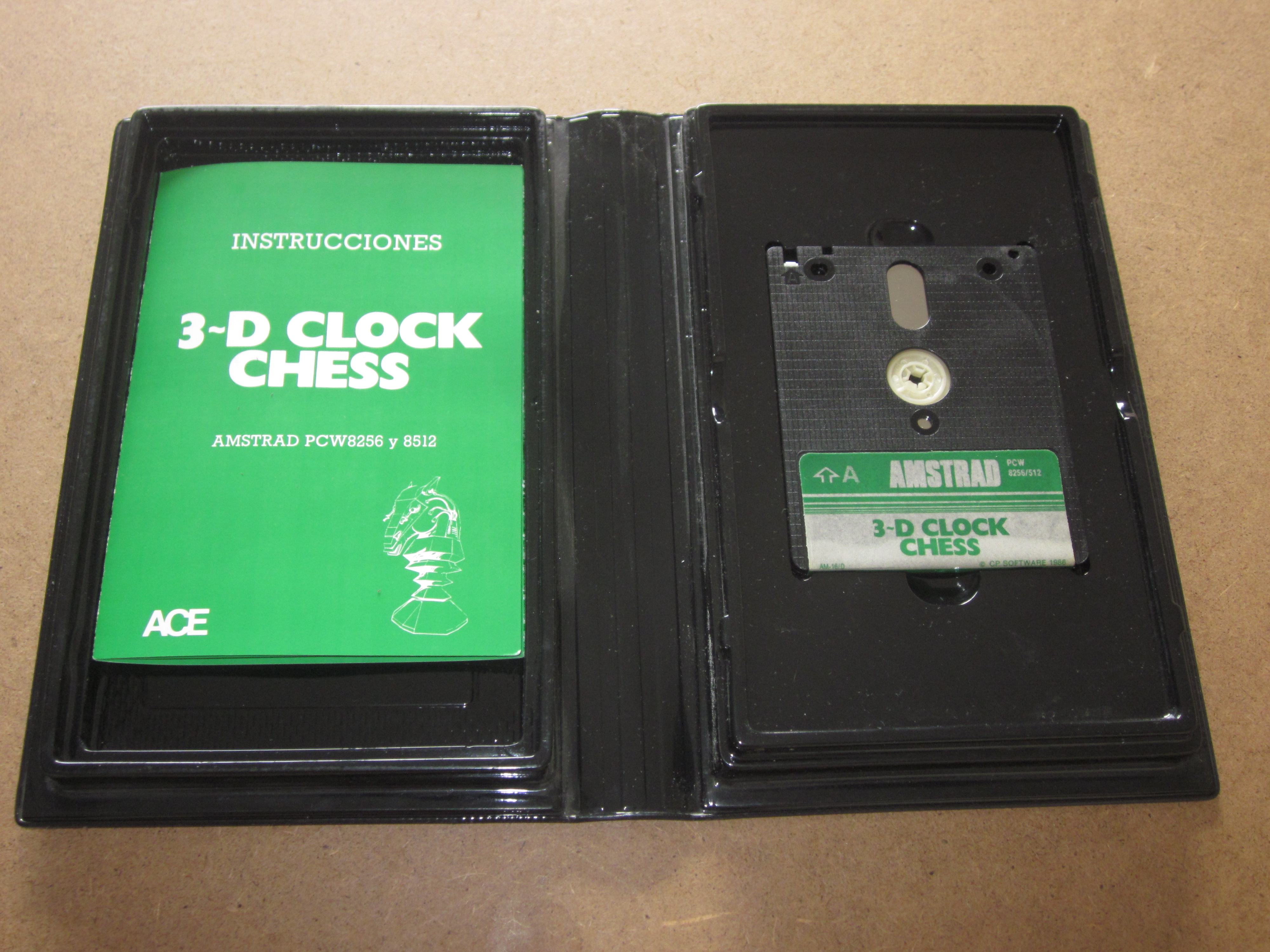
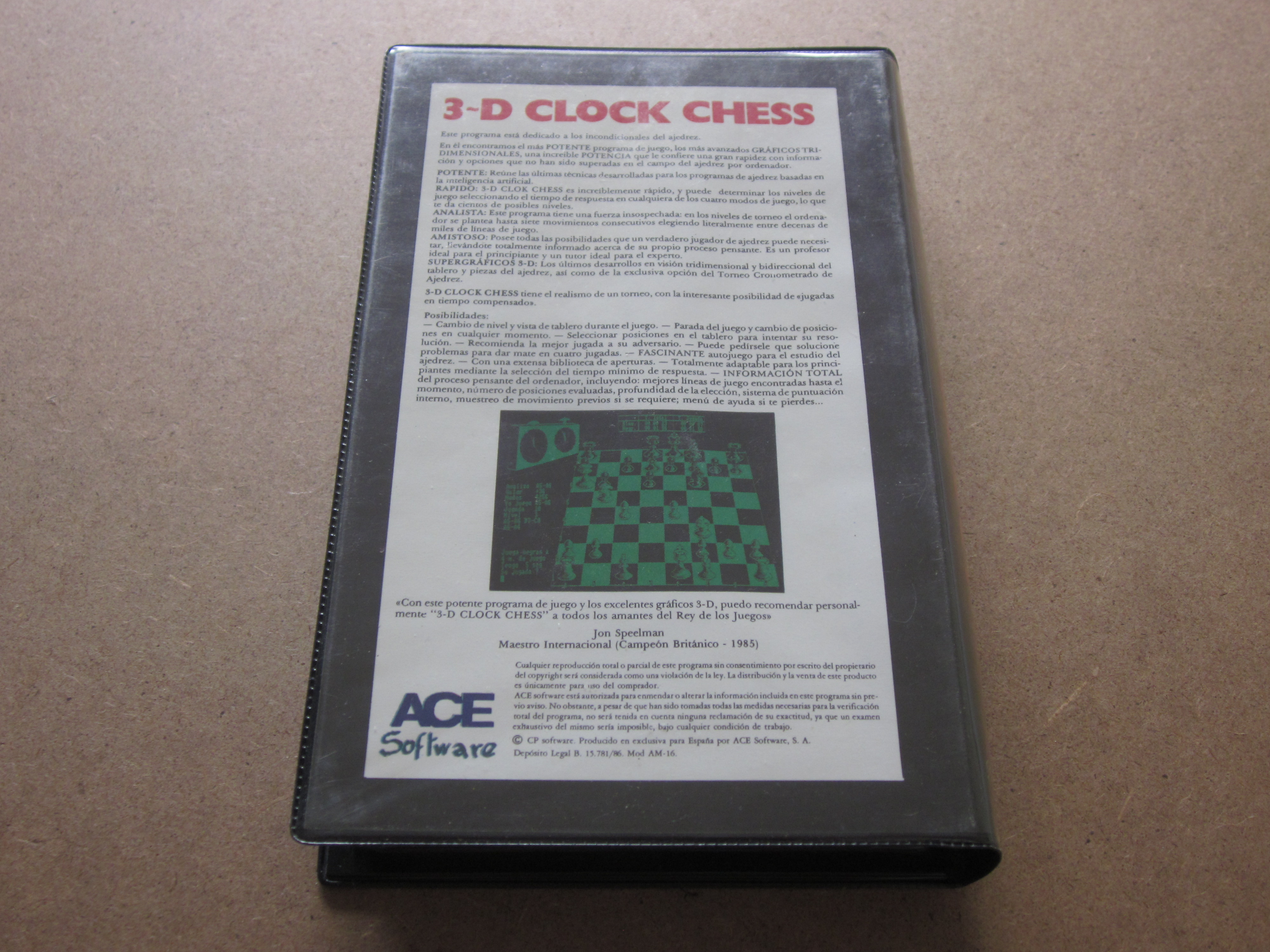
Embalaje:Estuche de plástico negro de Ancho: 14,00 cm x Alto: 22,00 cm x Grosor: 3,30 cm
Compatibilidad:PCW 8256 - PCW 8512 - PCW 9512
Periféricos:Teclado
Carga:CP/M+
Género:Tablero (Ajedrez 3D)
Idioma:Español
Precio:España: 3.950 Pesetas
Capturas
 |
 |
 |
 |
 |
 |
 |
 |
Description
A good chess program could not be missing for your PCW, powerful and simple at the same time. To load the game, you must first insert the CP/M operating system, then type "Chess" and Return.
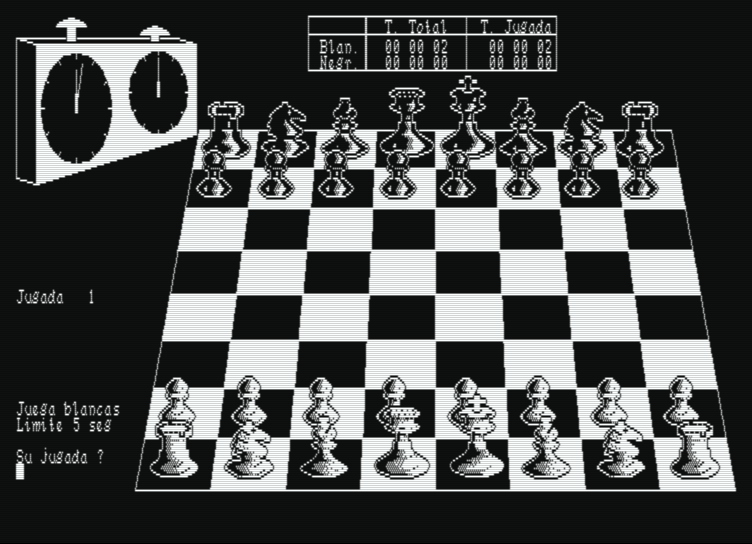
It is one of the most popular chess games for the Amstrad PCW. It features a clock that controls the time of the moves, a three-dimensional display of the board, the option to play against the computer or have it play on its own, and so on. It can be clearly distinguished from other chess programs, as we can create our own opening library.
This chess game provides the computer's opponent with a wide variety of options that we will analyze now. First of all, the game was programmed with the collaboration and advice of John Speelman, British Chess Champion 1985.
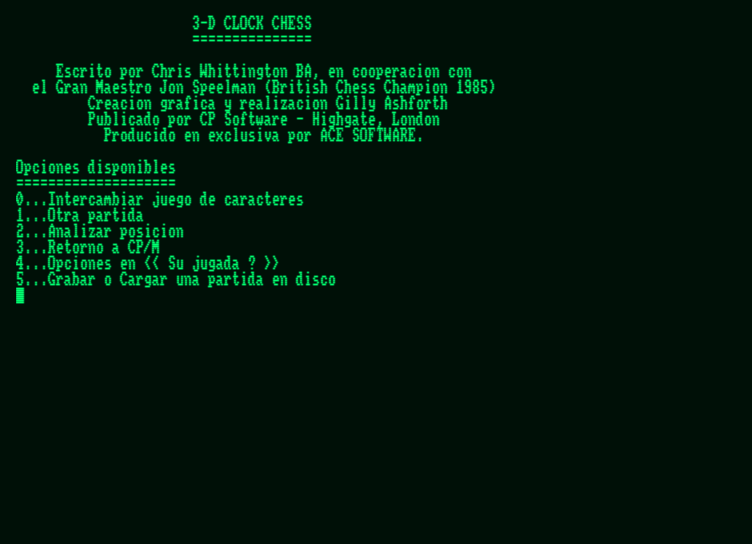
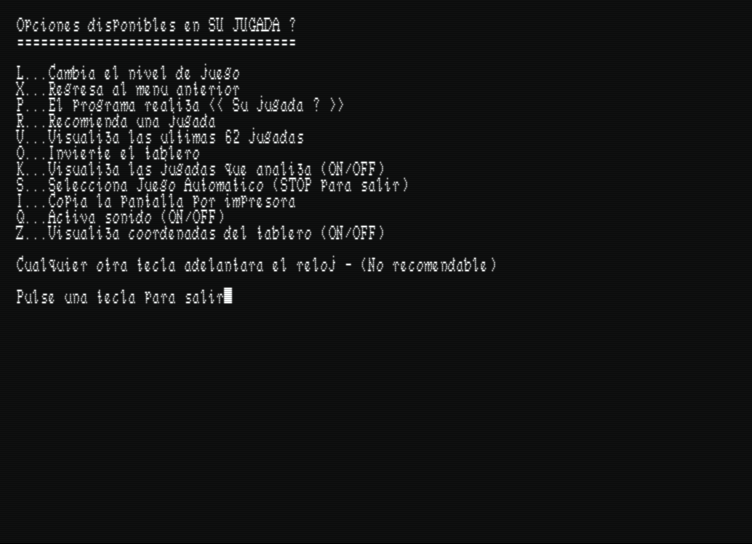
There are six options that appear at the beginning of the program: swap character set, start a game, analyze a position, return to CP/M, option list, and save or load a game on disk.
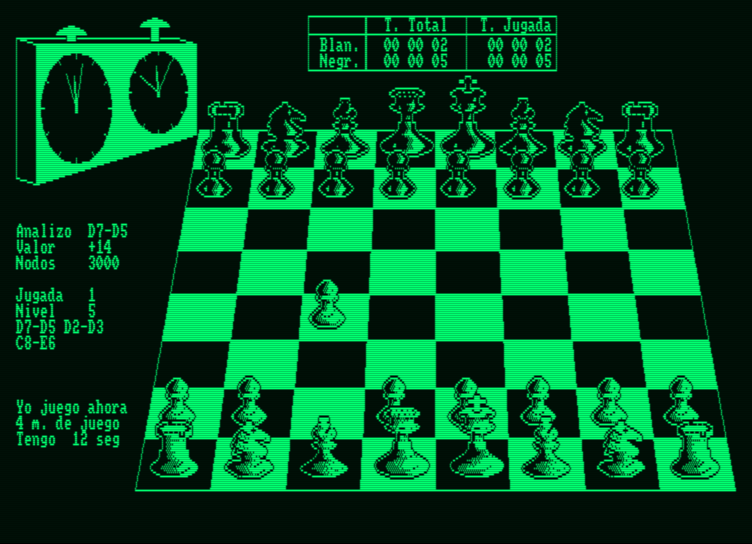
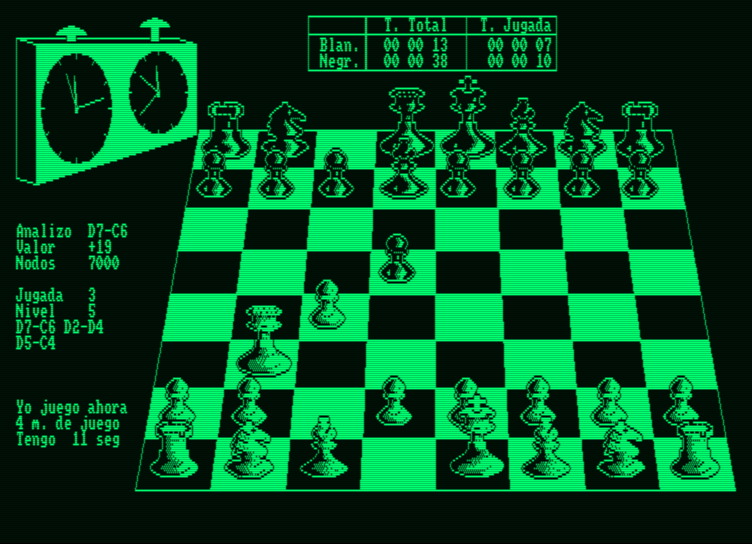
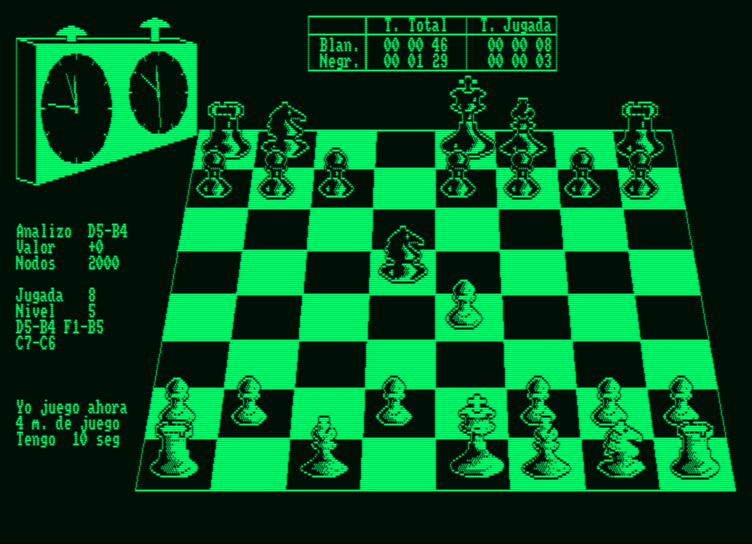
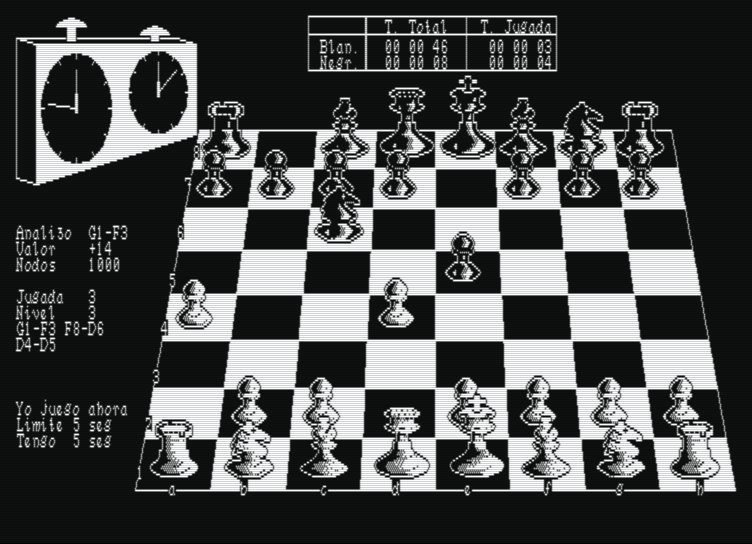
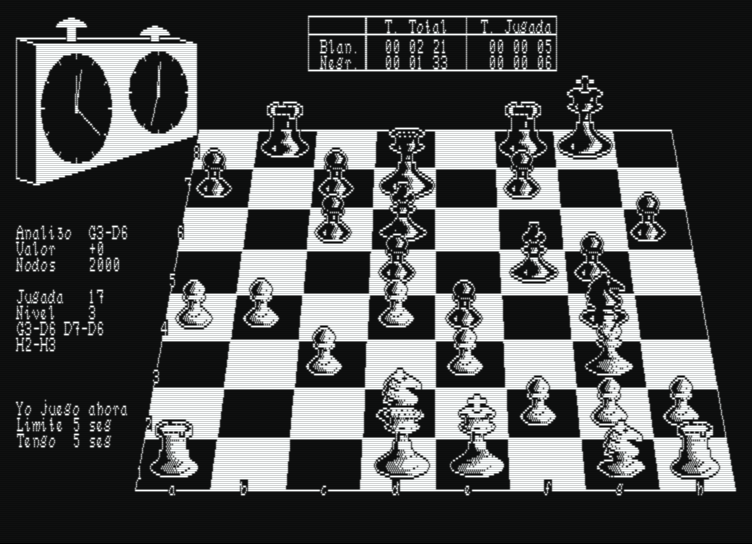
Regarding the on-screen information, 3-D Clock Chess features an extensive and objective series of messages. In the upper left part, we find the clock that will inform us of the total time consumed by the players in the game. We also have another digital clock located in the center that shows the elapsed time and the time for each move made by the player and the program. Below the first clock, the information we find is ANALYZE, which notifies us of the best move made so far. Below it, VALUE reflects what the program thinks about our game. A + sign means the computer is winning, while a - sign means quite the opposite, that we are winning. NODES communicates the number of moves analyzed so far by the computer. I PLAY indicates the move made by the program. MOVE informs us of the stage the game has reached. LEVEL represents the number of plies that the program has analyzed. Below this, the last moves made by us appear (on the right) and those made by the program (on the left). LIMIT is the time determined by us in the "Another game" option to fix the game level. I HAVE is the time within which the program will attempt to make its move.

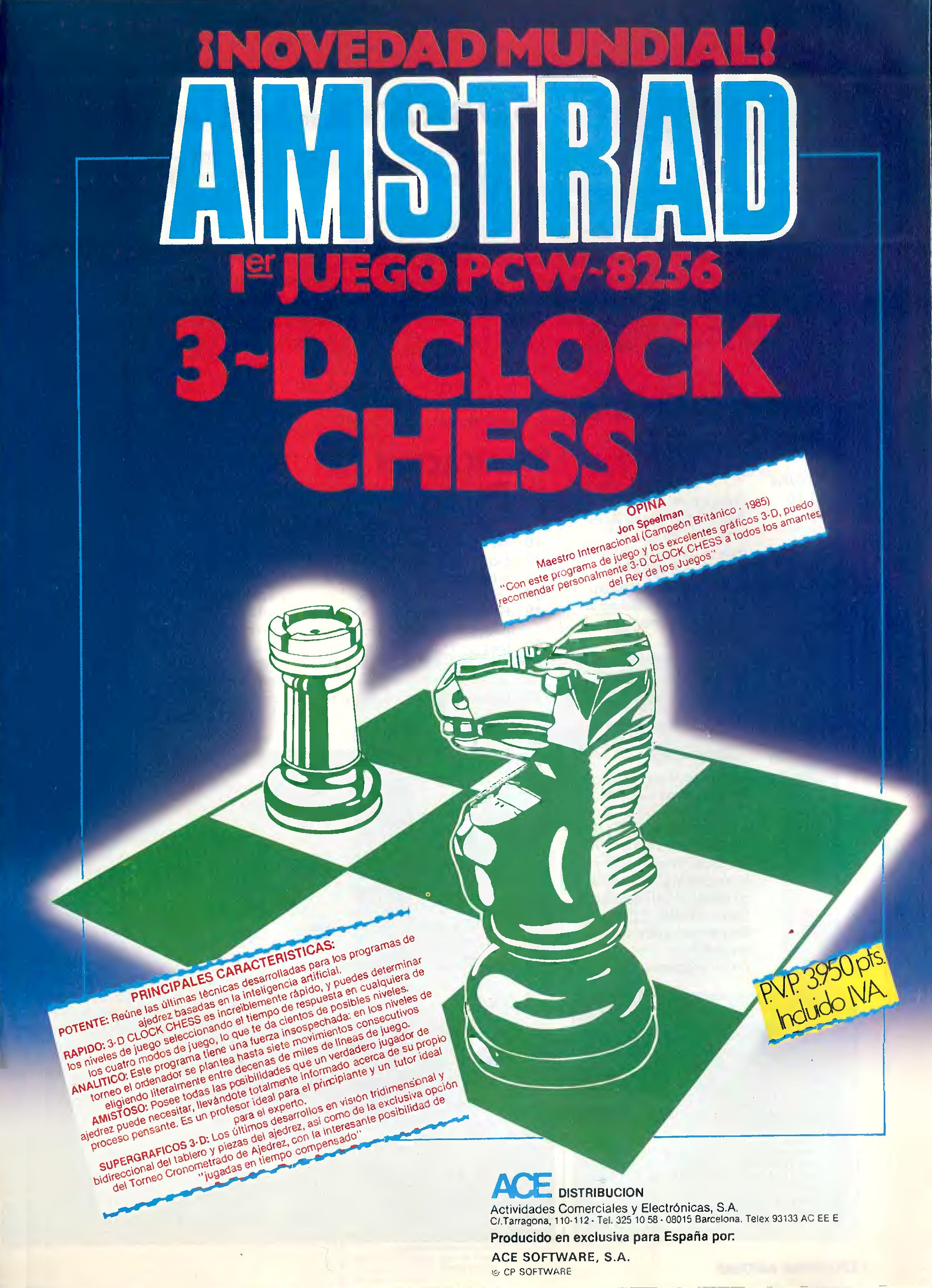
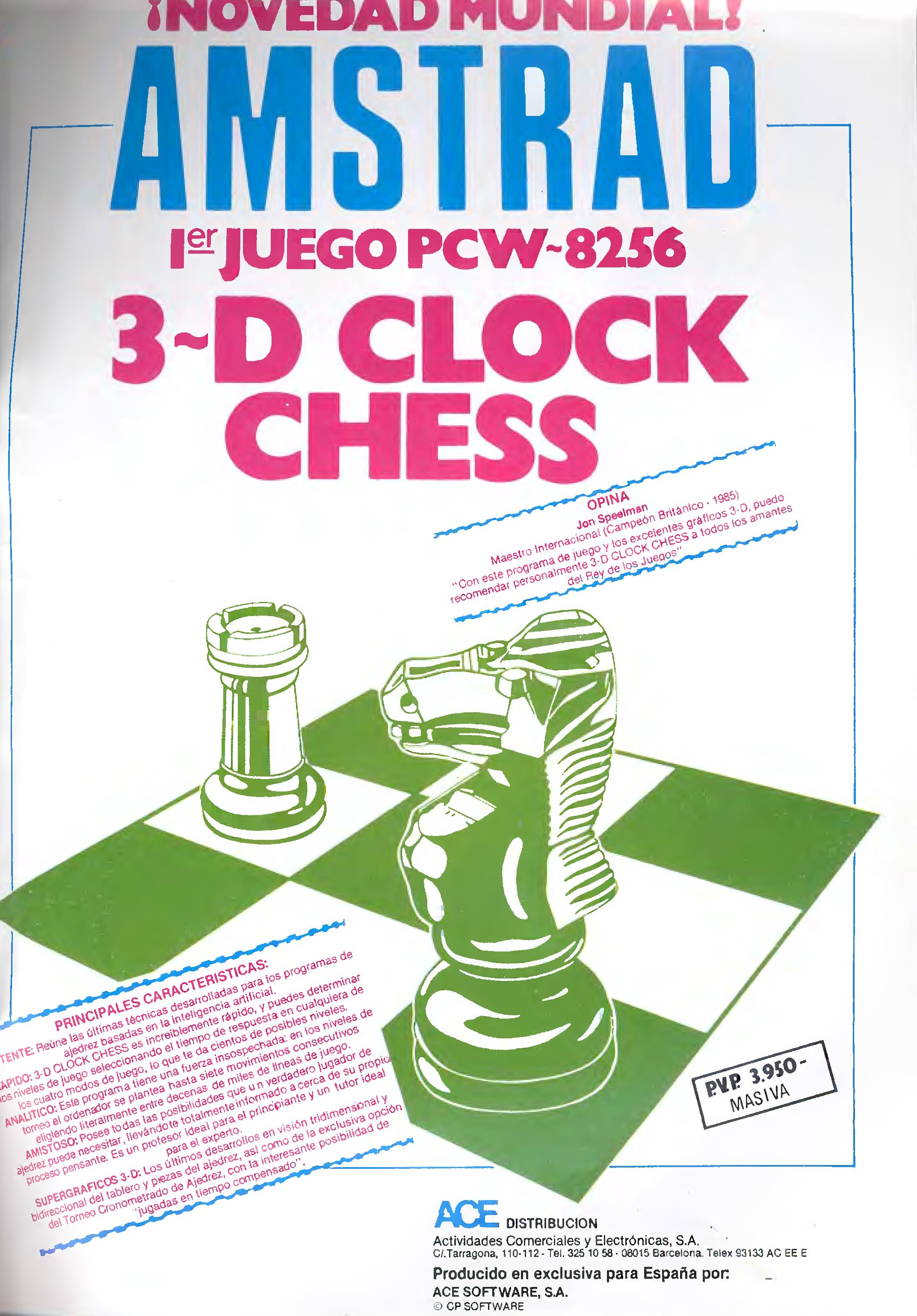
It is one of the most popular chess games for the Amstrad PCW. It features a clock that controls the time of the moves, a three-dimensional display of the board, the option to play against the computer or have it play on its own, and so on. It can be clearly distinguished from other chess programs, as we can create our own opening library.
This chess game provides the computer's opponent with a wide variety of options that we will analyze now. First of all, the game was programmed with the collaboration and advice of John Speelman, British Chess Champion 1985.
There are six options that appear at the beginning of the program: swap character set, start a game, analyze a position, return to CP/M, option list, and save or load a game on disk.
Regarding the on-screen information, 3-D Clock Chess features an extensive and objective series of messages. In the upper left part, we find the clock that will inform us of the total time consumed by the players in the game. We also have another digital clock located in the center that shows the elapsed time and the time for each move made by the player and the program. Below the first clock, the information we find is ANALYZE, which notifies us of the best move made so far. Below it, VALUE reflects what the program thinks about our game. A + sign means the computer is winning, while a - sign means quite the opposite, that we are winning. NODES communicates the number of moves analyzed so far by the computer. I PLAY indicates the move made by the program. MOVE informs us of the stage the game has reached. LEVEL represents the number of plies that the program has analyzed. Below this, the last moves made by us appear (on the right) and those made by the program (on the left). LIMIT is the time determined by us in the "Another game" option to fix the game level. I HAVE is the time within which the program will attempt to make its move.
Embalaje
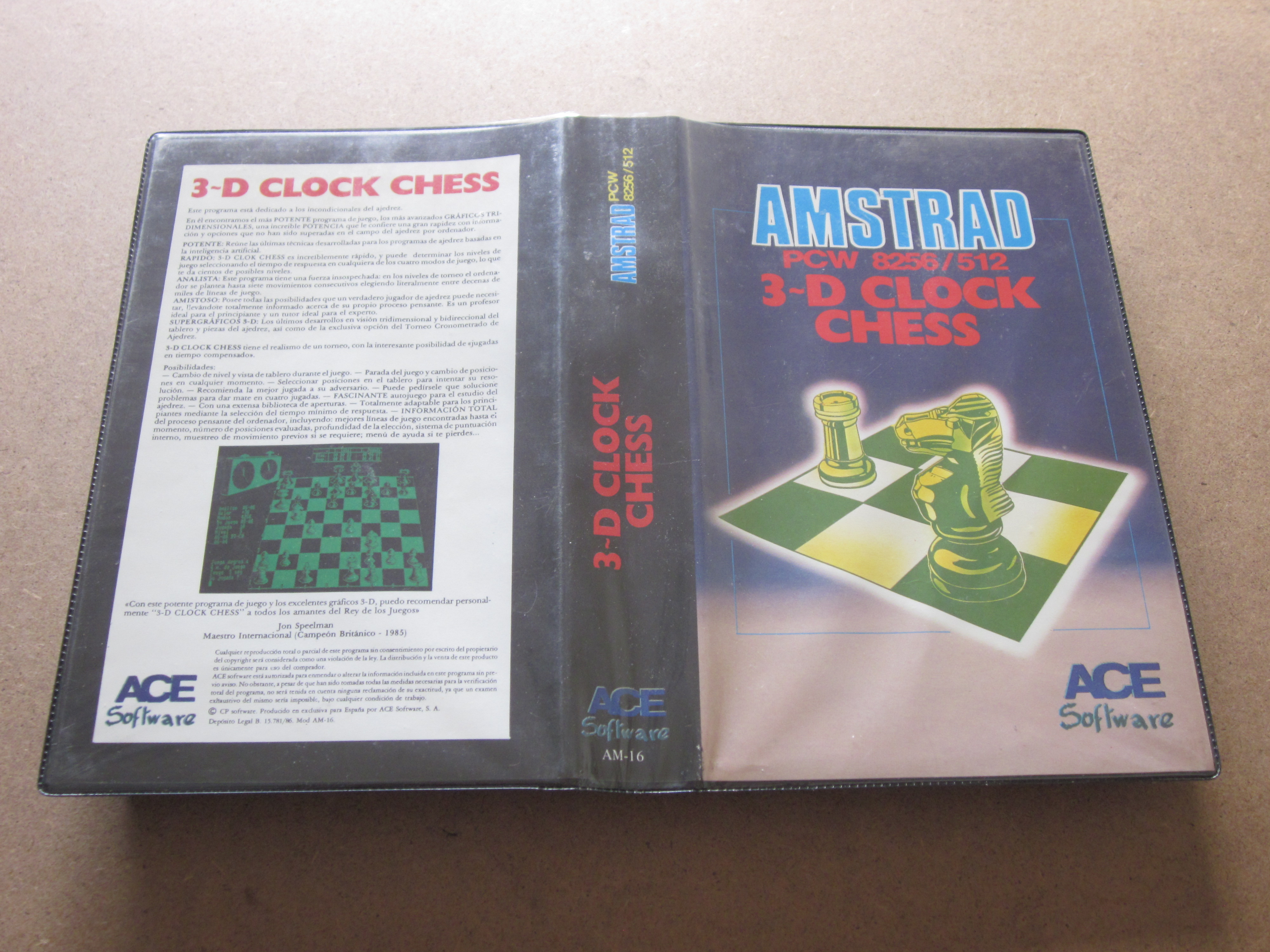
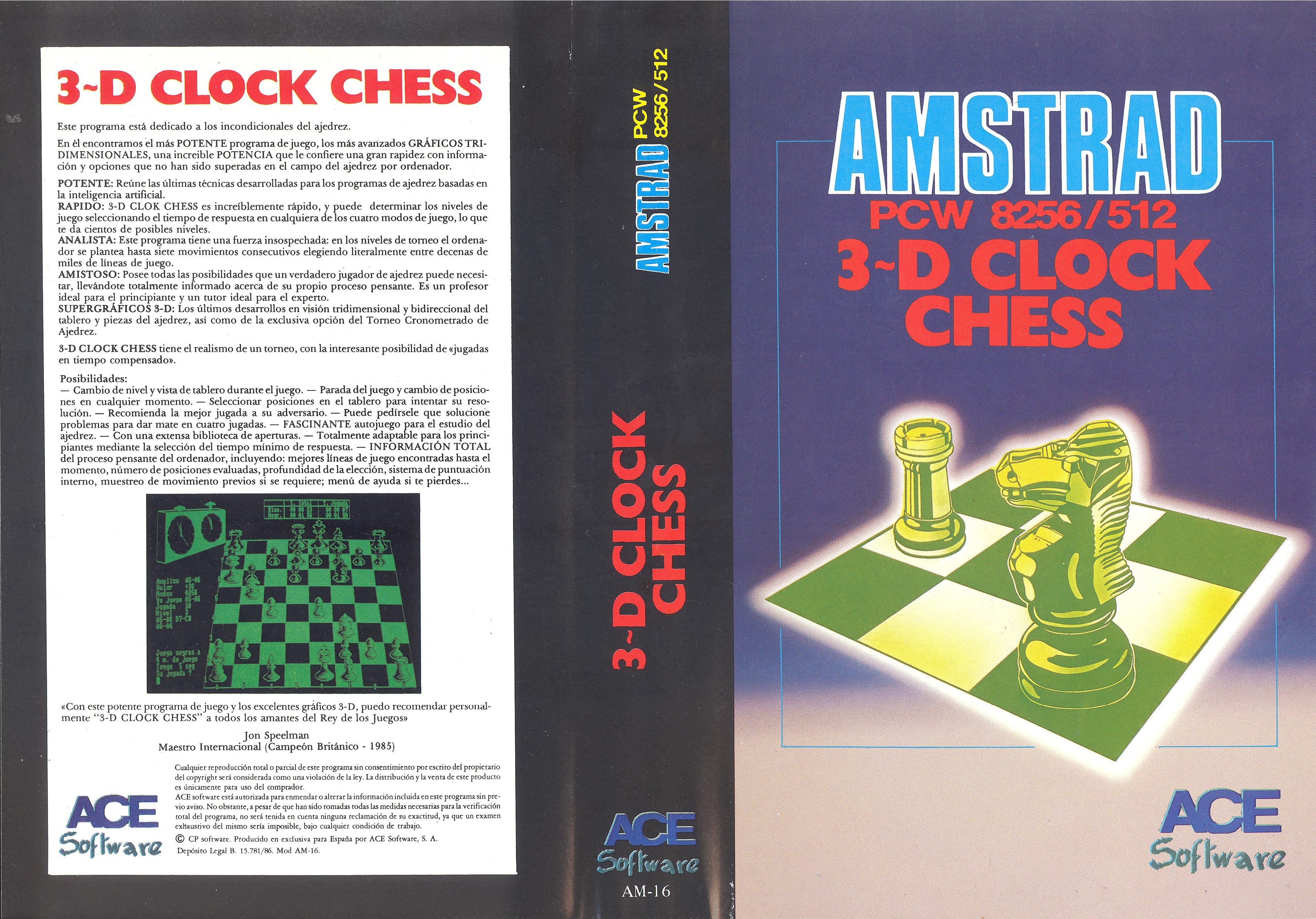
Caratula
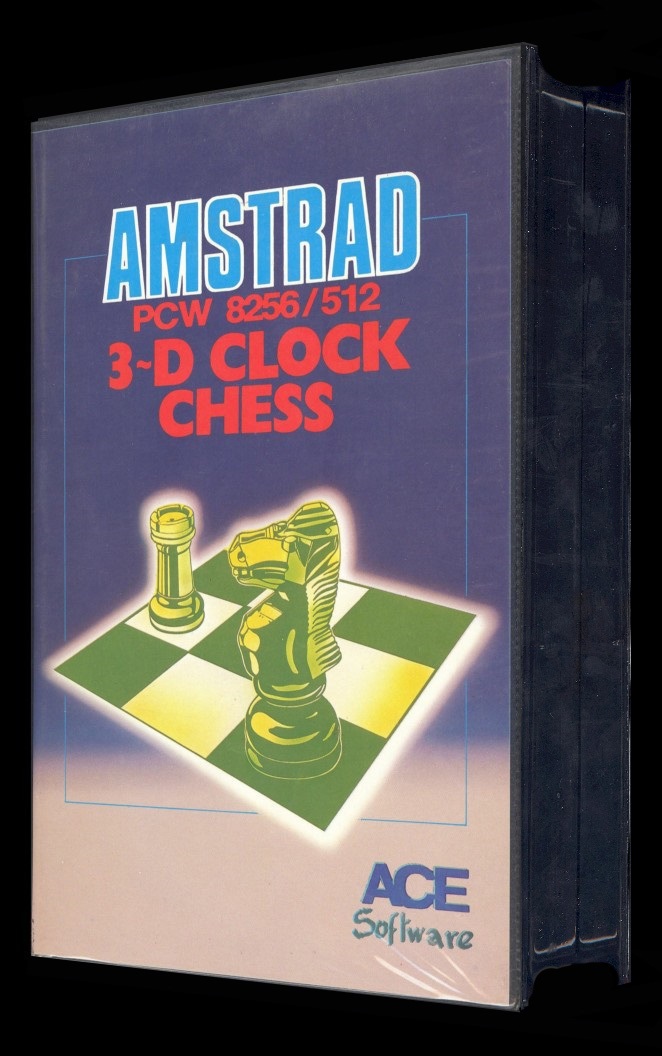
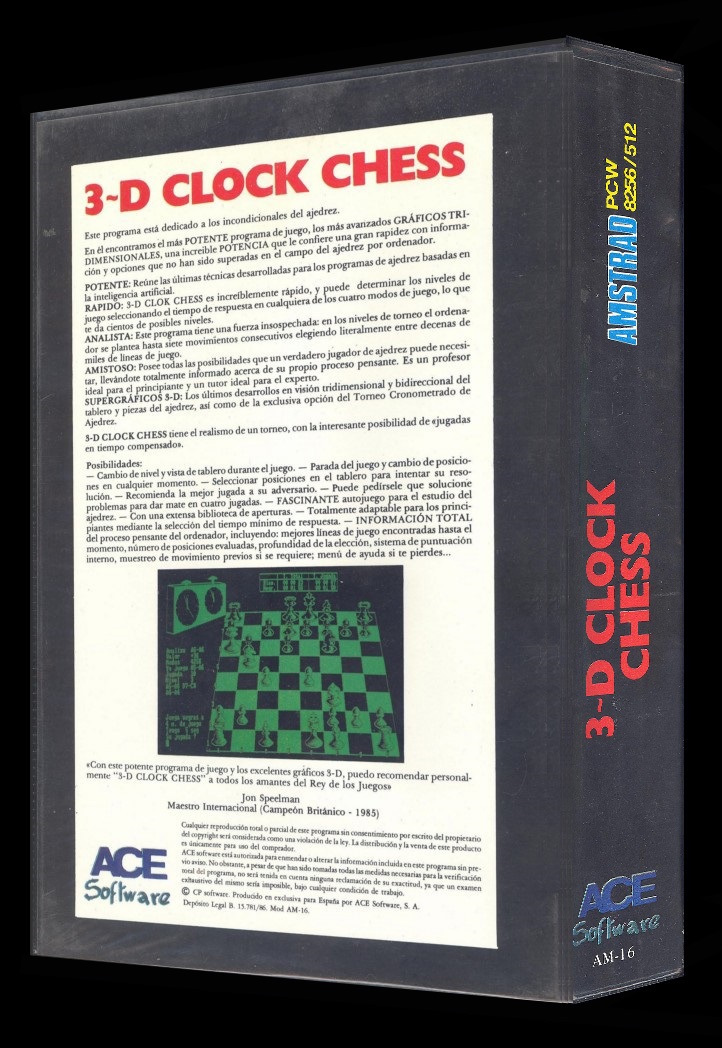
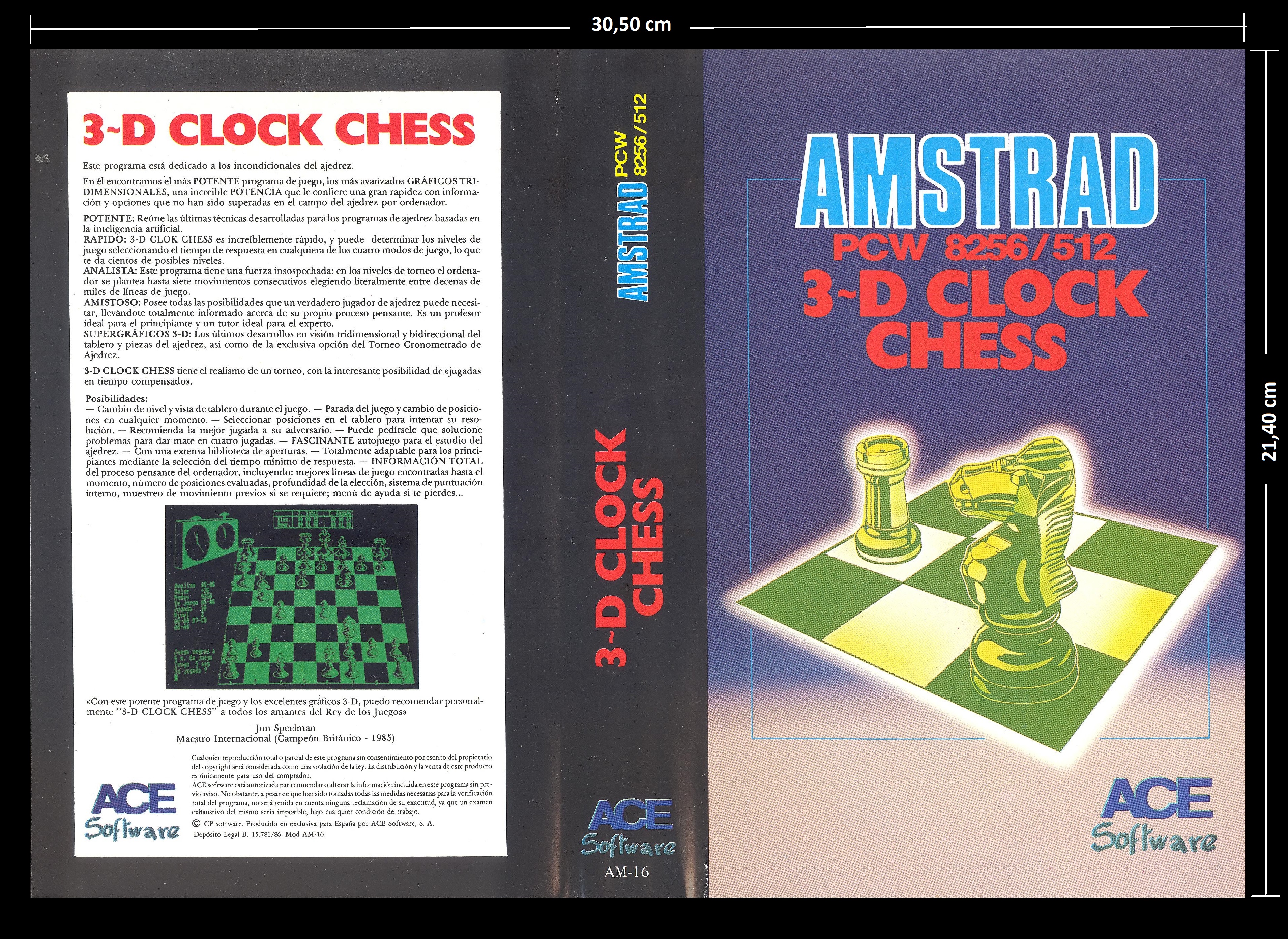
Carátula original: Medidas: Ancho: 30,50 cm x Alto: 21,40 cm.
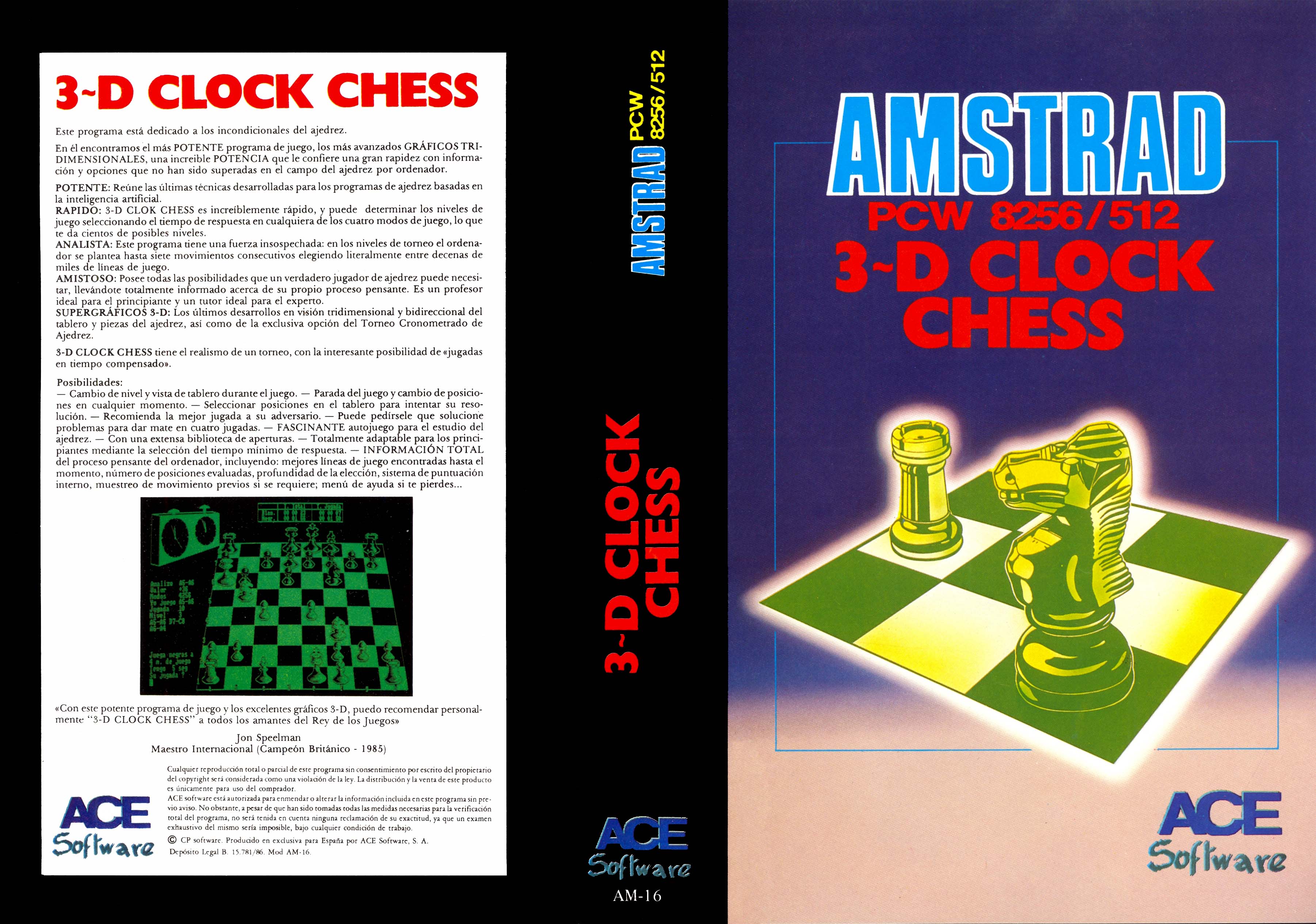
Carátula retocada
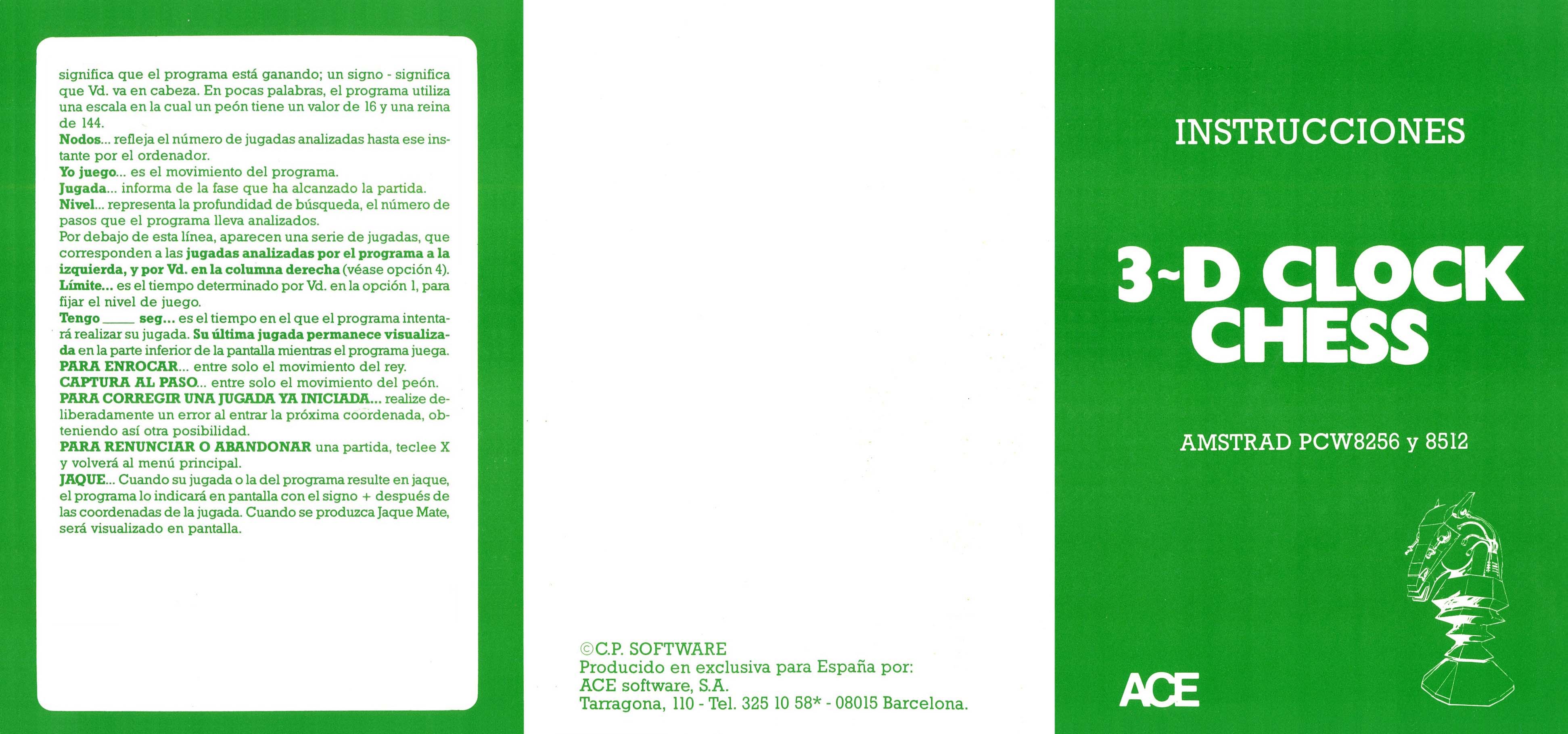
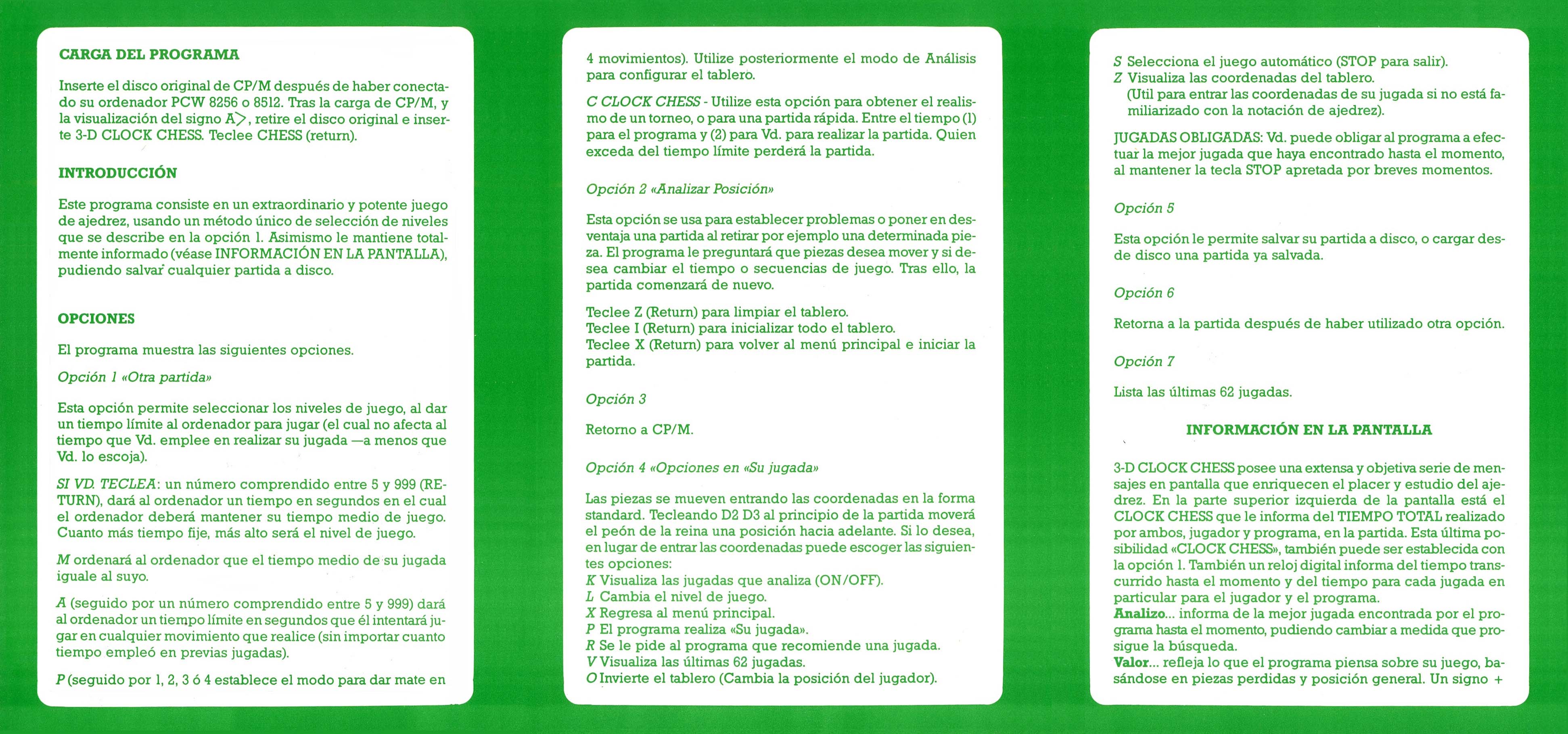
Manual
Se adjunta el manual de instrucciones, presentado en formato tríptico. Ha sido impreso sobre papel satinado de alta calidad, utilizando una paleta de colores blanco y verde a doble cara. Una vez abierto, el manual alcanza unas medidas de 15,40 cm de alto por 32,90 cm de ancho. Cada panel individual tiene unas dimensiones de 15,40 cm de alto por 10,96 cm de ancho.
Discos
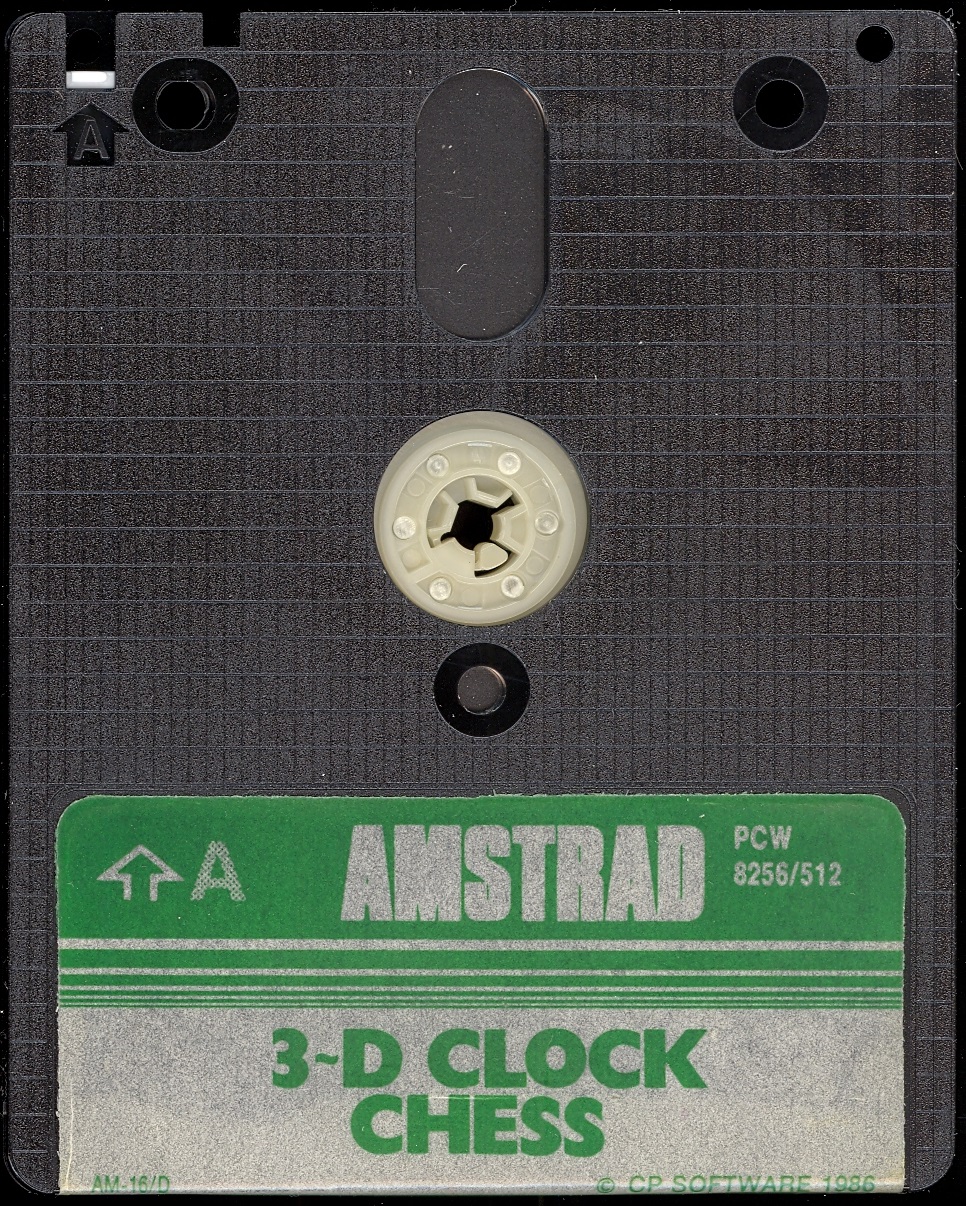
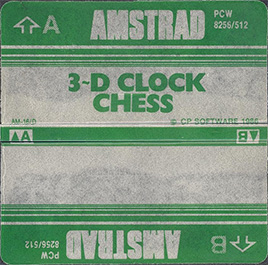
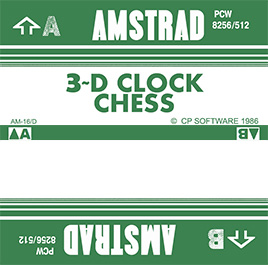
Etiquetas
Con el paso de los años, debido a su uso, las etiquetas se estropean y pierden color y calidad. Ahora intentamos adaptarlas lo más fiel posible, dentro de nuestras posibilidades, para que se puedan imprimir y sustituir y sirvan para aquellos que trabajéis con una copia del programa, preservando el disco original intacto. Medida en 3“ alto: 7,00 cm - ancho: 7,10 cm.
Extras
Consejos y trucos
Podrás sacar por impresora todo lo que deseemos automáticamente. Presiona simultáneamente las teclas “0”, “5”, “6”, ”.“ y “ENTER” del teclado numérico y al momento la pantalla de tu ordenador pasa a la impresora.
Publicidad de la época
Descargas Disponibles
Juego
Manuales
Vídeos
software/juegos/3d_clock_chess_sp.1779271053.txt.gz · Última modificación: por jesus